
Nvidia Releases RTX 50 Hotfix to Resolve Black Screen Issues

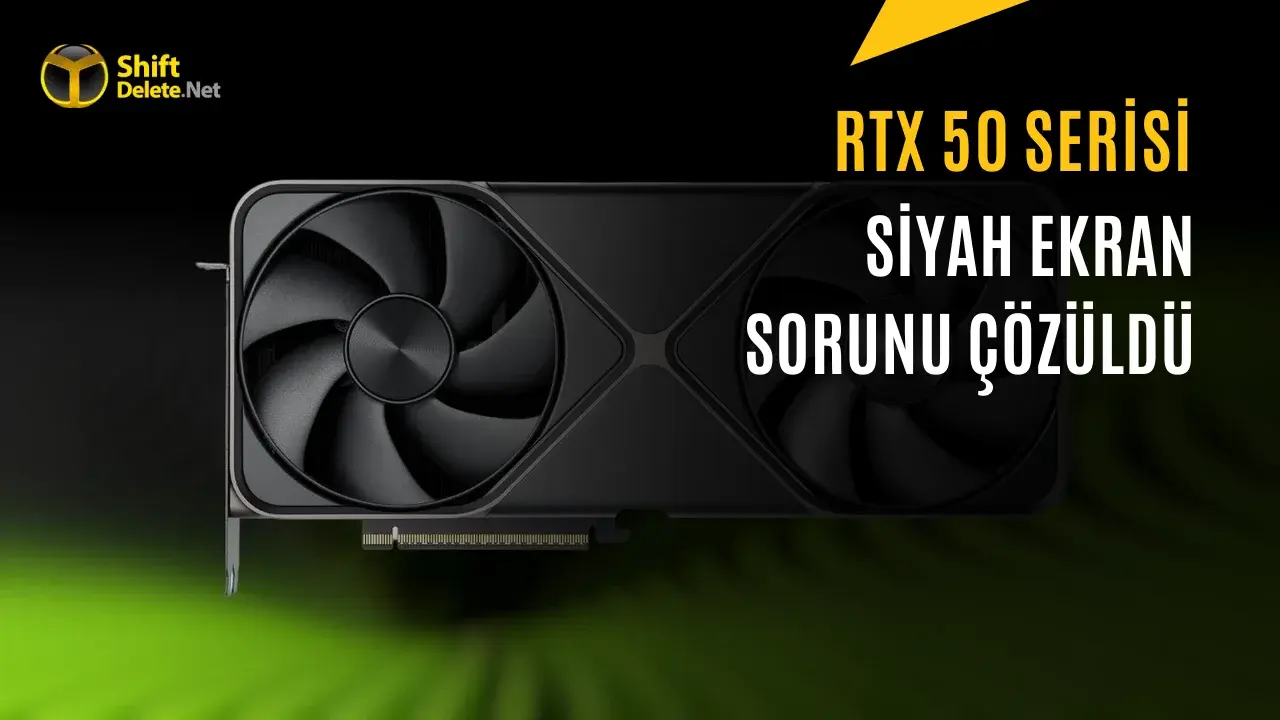
Nvidia has officially released the 621.12 Hotfix driver, specifically designed to address persistent video playback errors and black screen issues reported by users of the latest RTX 50 series graphics cards. This update follows widespread user complaints regarding display freezes and intermittent blackouts occurring while utilizing popular web browsers such as Chrome and Microsoft Edge, as well as media platforms like VLC. By deploying this hotfix, Nvidia aims to rectify the stability problems that emerged after the installation of the previous 621.01 Game Ready driver. The company has actively collected diagnostic logs from the community to ensure that this technical patch provides a permanent and reliable solution for affected hardware configurations.
- The 621.12 Hotfix driver specifically targets critical video playback freezes and screen blackouts on RTX 50 series GPUs.
- Nvidia included additional fixes for Unreal Engine 5.8 to prevent application crashes during specific lighting mode operations.
- The update resolves peripheral hardware issues involving StarTech Thunderbolt 3 adapters and display flickering on MSI N16 Flip laptops.
- The driver is currently available as an optional download for Windows 10 and 11 users while awaiting the next formal WHQL certification.
Technical Improvements are Being Implemented
Beyond the primary focus on video playback stability, the 621.12 Hotfix delivers a series of targeted improvements for various technical environments. One of the most significant changes involves Unreal Engine 5.8, where users previously experienced frequent crashes when the Ray Lighting Mode was configured to Hit Lighting. This update successfully stabilizes the engine, allowing developers and enthusiasts to continue their work without unexpected interruptions.
Furthermore, the driver addresses specific hardware interoperability issues. For those utilizing RTX Spark systems in conjunction with a StarTech Thunderbolt 3 to HDMI 2.0 adapter, the update effectively eliminates reported visual corruption. Additionally, users of the MSI N16 Flip laptop model will benefit from a fix that resolves intermittent screen flickering, which had previously hampered the user experience during standard operation.
Deployment Strategies are Being Clarified
Nvidia emphasizes that this hotfix serves as an optional update, as it undergoes a more streamlined verification process compared to the company’s standard WHQL-certified Game Ready drivers. Because these patches are released rapidly to address urgent user feedback, Nvidia positions them as beta-level releases. This approach allows the engineering team to provide immediate relief to the consumer base while continuing to monitor system data and performance metrics.
The company plans to integrate these specific fixes into the next major, fully certified driver update. By doing so, Nvidia ensures that all users, even those who choose not to install the hotfix, will eventually receive these stability improvements through the standard update cycle. This commitment reflects Nvidia’s ongoing efforts to maintain high performance and compatibility across its diverse ecosystem of hardware products.
Installation Procedures are Being Detailed
The 621.12 Hotfix is currently available for download for users running Windows 10 and Windows 11 on x64 architectures. For those operating specialized RTX Spark systems, a dedicated package for Windows 11 ARM64 has also been provided. Users experiencing the documented video playback errors or display corruption are encouraged to download the appropriate package from the official Nvidia support portal to restore full functionality to their systems.
Have you encountered any black screen issues or video playback freezing while using your RTX 50 series graphics card, and did this hotfix resolve the problem for your specific setup? Please share your experience and hardware configuration in the comments section below to help other users in the community.
Your comment has been submitted,
it will be published after approval.