
OpenAI Launches ‘Dots’ AI Agents to Boost Productivity 24/7

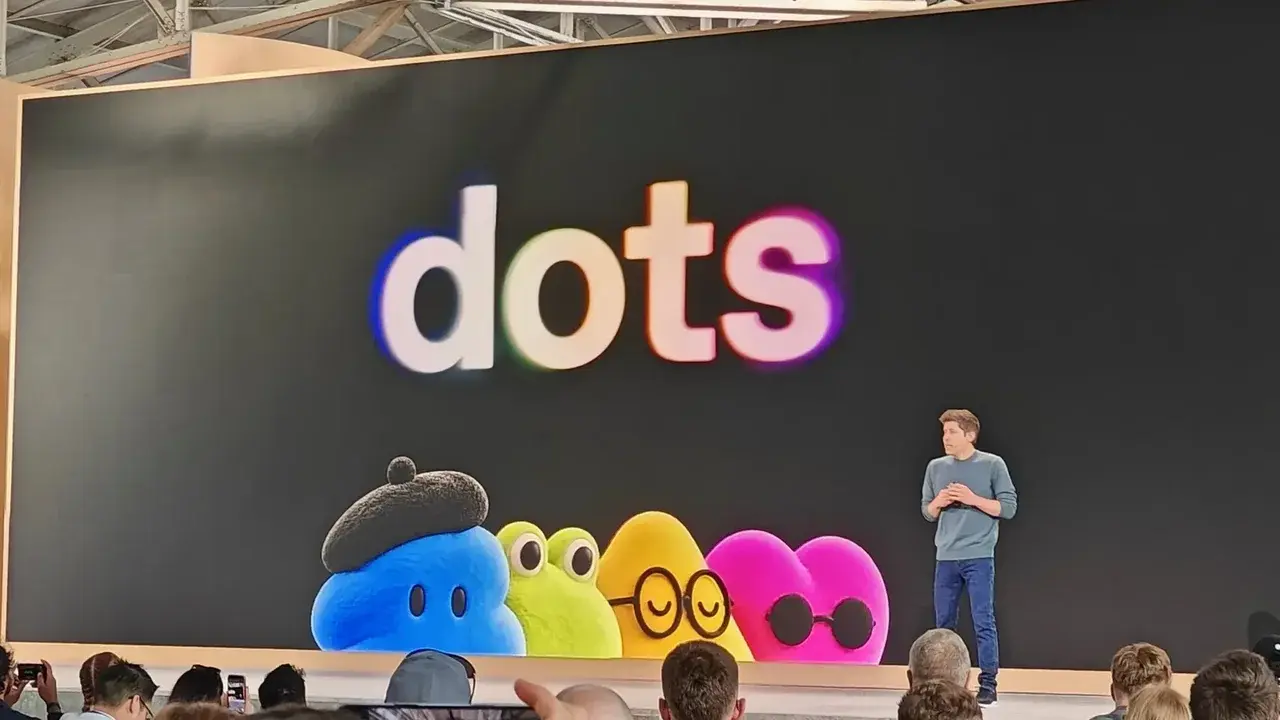
OpenAI has officially announced the launch of its new artificial intelligence agents, “Dots,” designed to enhance user productivity and manage daily tasks autonomously. These advanced agents, powered by GPT-6 Astra, function as skilled assistants capable of operating 24/7 on behalf of users. The rollout commenced today, gradually becoming available through ChatGPT for Pro and Business Premium users in eligible markets, with Enterprise users gaining beta access upon activation by workspace administrators. This initiative aims to free up users’ time and attention by learning their priorities and continuously working in the background.
- OpenAI’s “Dots” are AI agents powered by GPT-6 Astra, designed to automate daily tasks and increase productivity by operating 24/7.
- These agents connect to over 4,000 applications via an extensive plugin ecosystem, providing accessibility through various platforms like ChatGPT, Slack, and Teams.
- “Dots” learn user preferences and thinking styles, capable of taking on new projects while managing existing ones and offering secure, controlled corporate integration.
- The phased rollout of “Dots” began today for Pro and Business Premium ChatGPT users in eligible markets, with Enterprise beta access available through workspace administrators.
How OpenAI’s ‘Dots’ Function and Their Core Capabilities Are Defined
“Dots” are designed as continuously active agents that learn what is important to you, allowing you to allocate your time and attention to other endeavors. Operating from their own cloud computers, these systems constantly learn from your feedback, diligently working in the background to help you achieve your goals.
Through an extensive plugin ecosystem, “Dots” can connect to over 4,000 applications, accessing the tools you need wherever you require assistance. Whether you interact via ChatGPT, text message, Slack, or Teams, these agents remain readily accessible at all times.
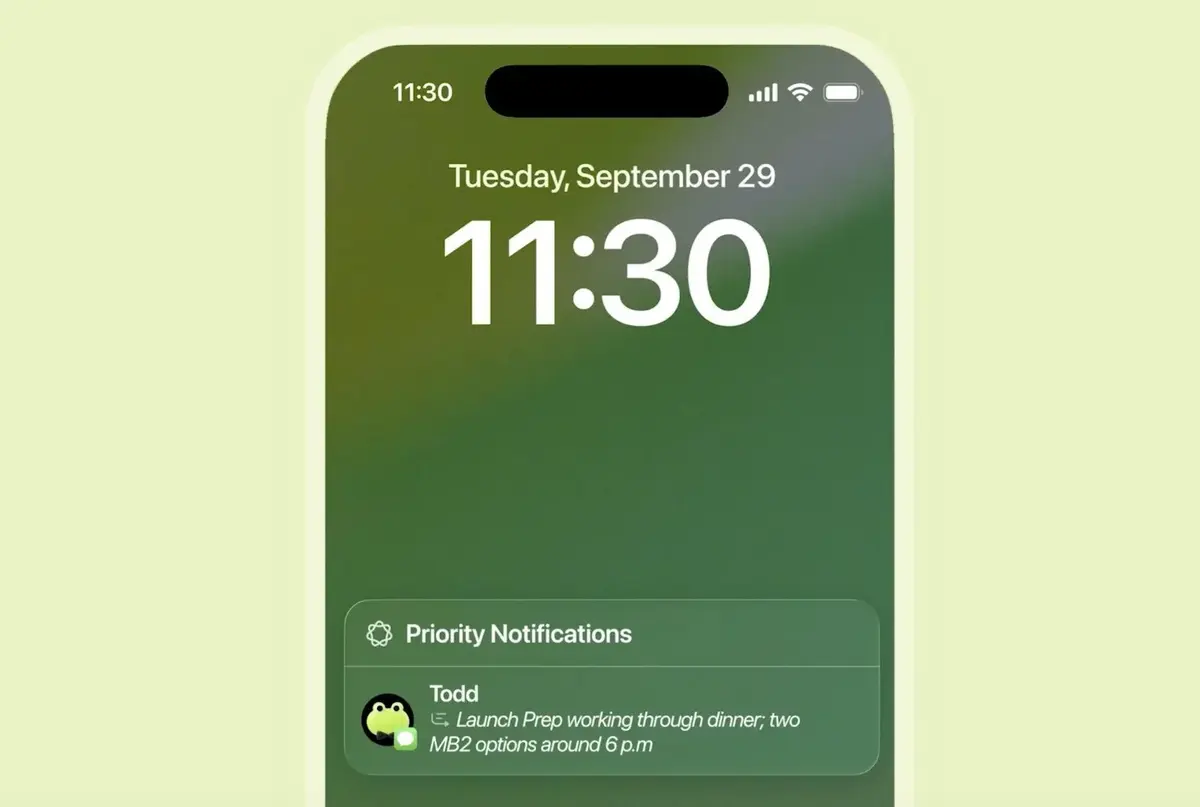
As you collaborate with your “Dot,” it learns your preferences and thought processes, enabling it to complete tasks precisely as you would, presenting them for your review. Should you need to clarify a topic, “Dots” also offer the capability for voice conversations.
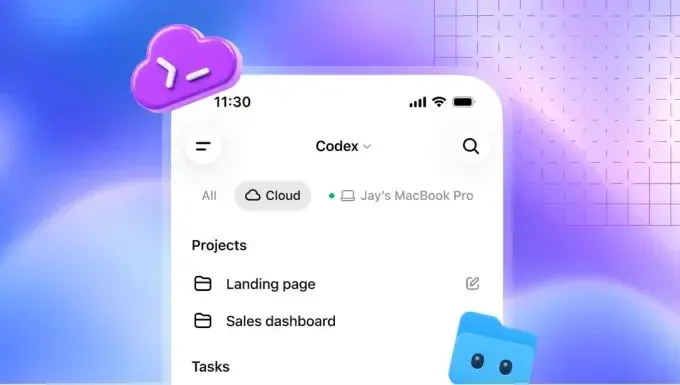
“Dots” begin their work with almost everything you would provide a new employee, including their own identities for access permissions. They can utilize their own browsers and are capable of writing and testing code when necessary.
Your “Dot” can undertake and advance a new project even while simultaneously working on other tasks. You can continue to assign new tasks and ideas without the need to track separate chats.
Specific Applications for Various Professionals Are Illustrated
For instance, if you are a developer, your “Dot” can monitor customer feedback, identify bug fixes, and present ready-to-review Pull Requests. For a content creator, it can draft social media posts from interview transcripts and prepare episode notes.
Should you work as a scientist, these agents can re-run analyses as new data becomes available and update figures within your articles. For sales leaders, “Dots” can compare customer requirements to update proposals and manage integration processes efficiently.
Robust Security, User Control, and Enterprise Solutions Are Provided
Beyond the protections offered by ChatGPT, “Dots” come equipped with enhanced security and privacy measures. Each “Dot” operates on its own cloud computer, ensuring that your content remains separate unless you specifically choose to connect it.
Built-in security protocols defend against malicious instructions and monitor for potentially harmful behaviors. If your “Dot” detects a security concern, it can pause or entirely cease its operations.
You maintain control over which applications your “Dot” can access and manage its permissions through ChatGPT’s application controls. Custom Rules allow you to permit specific actions, require approval for others, or block certain activities altogether.
For corporate environments, specialized Enterprise “Dots” are designed to assume specific responsibilities within a company. Your organization can configure each “Dot” with its own identity and access to the systems necessary to complete its assigned tasks.
OpenAI is actively collaborating with Microsoft to integrate specialized “Dots” with Microsoft’s Agent 365, leveraging its corporate governance and security controls. This partnership will enable IT teams to oversee “Dot” activities using familiar control mechanisms.
What are your thoughts on integrating AI agents like OpenAI’s “Dots” into your daily workflow? Share your perspectives on how these new capabilities might impact productivity and the future of work in the comments below.
Your comment has been submitted,
it will be published after approval.