
Samsung Gallery Ends OneDrive Integration Starting October 1st

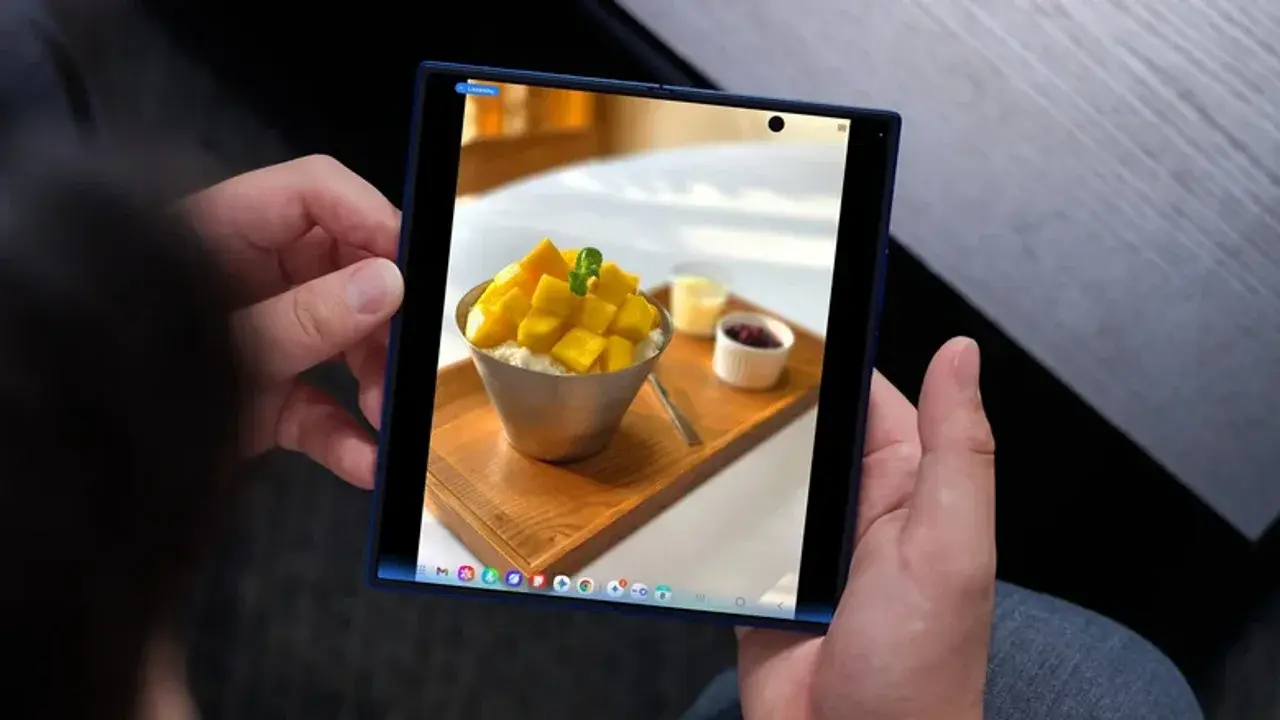
Samsung has officially announced that the long-standing integration between Samsung Gallery and Microsoft OneDrive is set to conclude on October 1, 2024. This change marks a significant shift for Galaxy users who have relied on the native synchronization feature to back up their photos and videos directly to the Microsoft cloud ecosystem. By discontinuing this partnership, Samsung is effectively removing the seamless cloud backup option that many users preferred over Google Photos. As the deadline approaches, Samsung has begun notifying its user base, urging them to prepare for the transition by exploring alternative storage methods to ensure their digital memories remain secure and accessible.
- Samsung and Microsoft have decided to terminate their cloud synchronization partnership by the end of September.
- The native link between Samsung Gallery and OneDrive will cease to function starting on October 1, 2024.
- Users can still manually back up their media using the standalone Microsoft OneDrive mobile application.
- Upcoming Samsung Galaxy device models are expected to launch without the native Gallery-to-OneDrive integration feature.
The Partnership Between Samsung and Microsoft Concludes
For years, the collaboration between these two tech giants provided a streamlined experience for Galaxy device owners. Users could effortlessly sync their camera rolls, ensuring that images were available across various platforms and devices, including Samsung TVs. However, as of early October, this direct bridge between the Gallery application and OneDrive will be deactivated. 
Once the integration ends, users will no longer see their cloud-hosted photos directly within the Samsung Gallery interface.
While this change might seem disruptive, it is important to note that your data remains safe. The files already stored in your OneDrive account will not be deleted; they will simply no longer be synced or displayed within the native Samsung application. You will retain full access to these assets by logging into the OneDrive app or visiting the web portal, where you can download or manage your media at your convenience.
Users Must Explore Alternative Backup Solutions
The phasing out of this feature means that users who value automated cloud backups must now take proactive steps. If you wish to continue using Microsoft’s storage service, you can still do so by installing the dedicated OneDrive app from the Google Play Store. By enabling the camera upload feature within that specific application, your media will continue to be sent to the cloud, even though it will no longer be integrated into the Samsung Gallery user interface.
Alternative cloud providers such as Google Photos, Dropbox, and Amazon Photos remain viable options for those seeking a similar automated experience.
For more privacy-conscious individuals, the market offers decentralized and self-hosted solutions. Platforms like Nextcloud or Immich allow users to maintain complete control over their hardware and data storage infrastructure. While these options require more technical setup and maintenance compared to standard cloud services, they provide a level of independence that many power users find essential in today’s digital landscape.
As Samsung moves forward with this strategy, it is becoming clear that future hardware releases, such as the upcoming Z Fold and Flip iterations, will likely omit this native integration entirely. Whether you choose to stick with Microsoft’s standalone application or migrate your entire library to a different cloud provider, the time to act is before the October deadline to avoid any potential loss of synchronization efficiency.
We would love to hear your thoughts on this major change; are you planning to stick with OneDrive via the standalone app, or will you be moving your photo library to a different cloud storage provider?
Your comment has been submitted,
it will be published after approval.