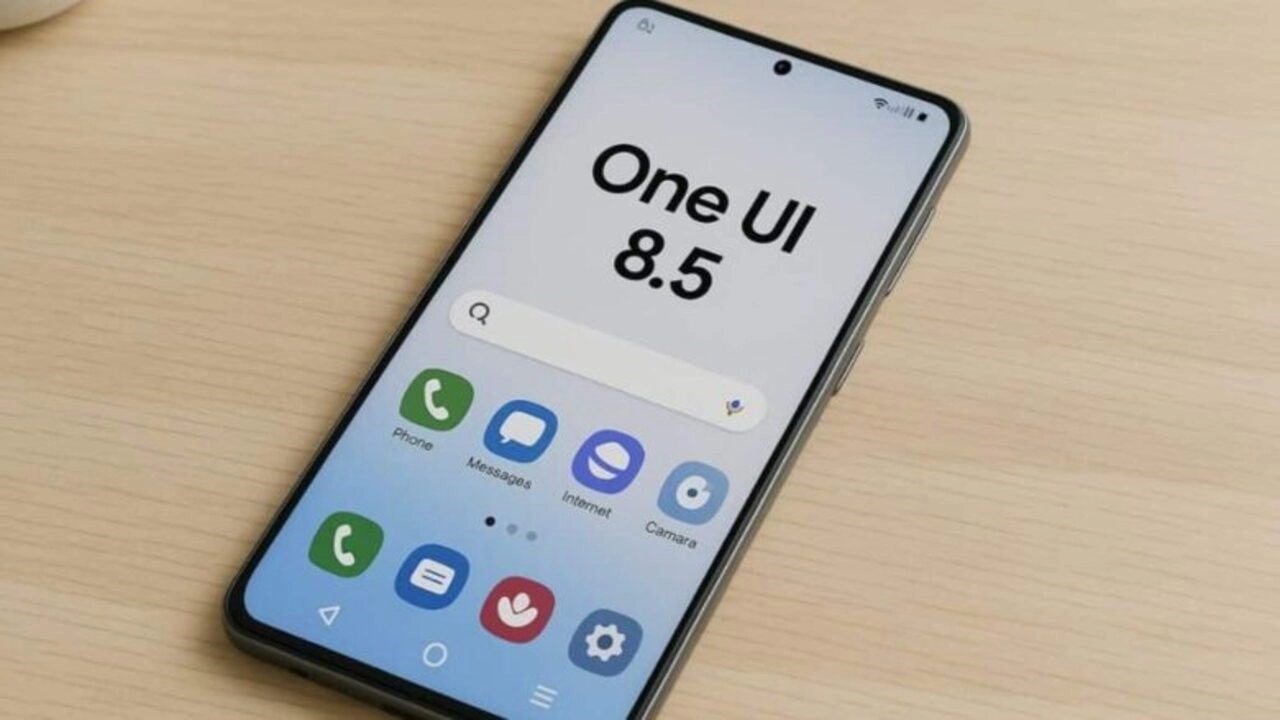
Samsung is finally introducing a long-awaited privacy feature for Galaxy users with the One UI 8.5 update. This new feature is called Private Album, which integrates directly into the Gallery app and hides photos and videos behind a device’s security lock.
Private Album is coming
Until now, the only way to hide sensitive media was to move it to a Secure Folder. While reliable, this method required locking files in a separate, isolated area, making it cumbersome for users. Doing anything with content in a Secure Folder required first removing them and then moving them back in again.

This changes with One UI 8.5. Samsung has introduced the Private Album feature in the Gallery app, providing a much simpler way to keep personal media out of sight.
The way this new system works is quite simple: After opening any image or video, simply tap the More option, represented by the three dots (⋮), and then select “Move to private album.” Users can also send multiple items to this private album in a single action.
Access to the private album is provided by tapping the Menu button on the Gallery app’s home screen. The album is unlocked using the user’s fingerprint or other screen unlock method, and screenshots are disabled within the album for added privacy. Initially, the Private Album offers very basic functionality.
Users can only share, remove, or delete files from the album. Media is organized by date, with no other sorting options.
Samsung is expected to improve this feature over time, but for now, the key is that the Gallery app finally offers a built-in, effortless way to keep photos and videos private. You’ll be able to access this useful feature once your Galaxy phone or tablet is updated to One UI 8.5.