
Vercel’s agent-desktop Lets AI Agents Use Your Whole Computer

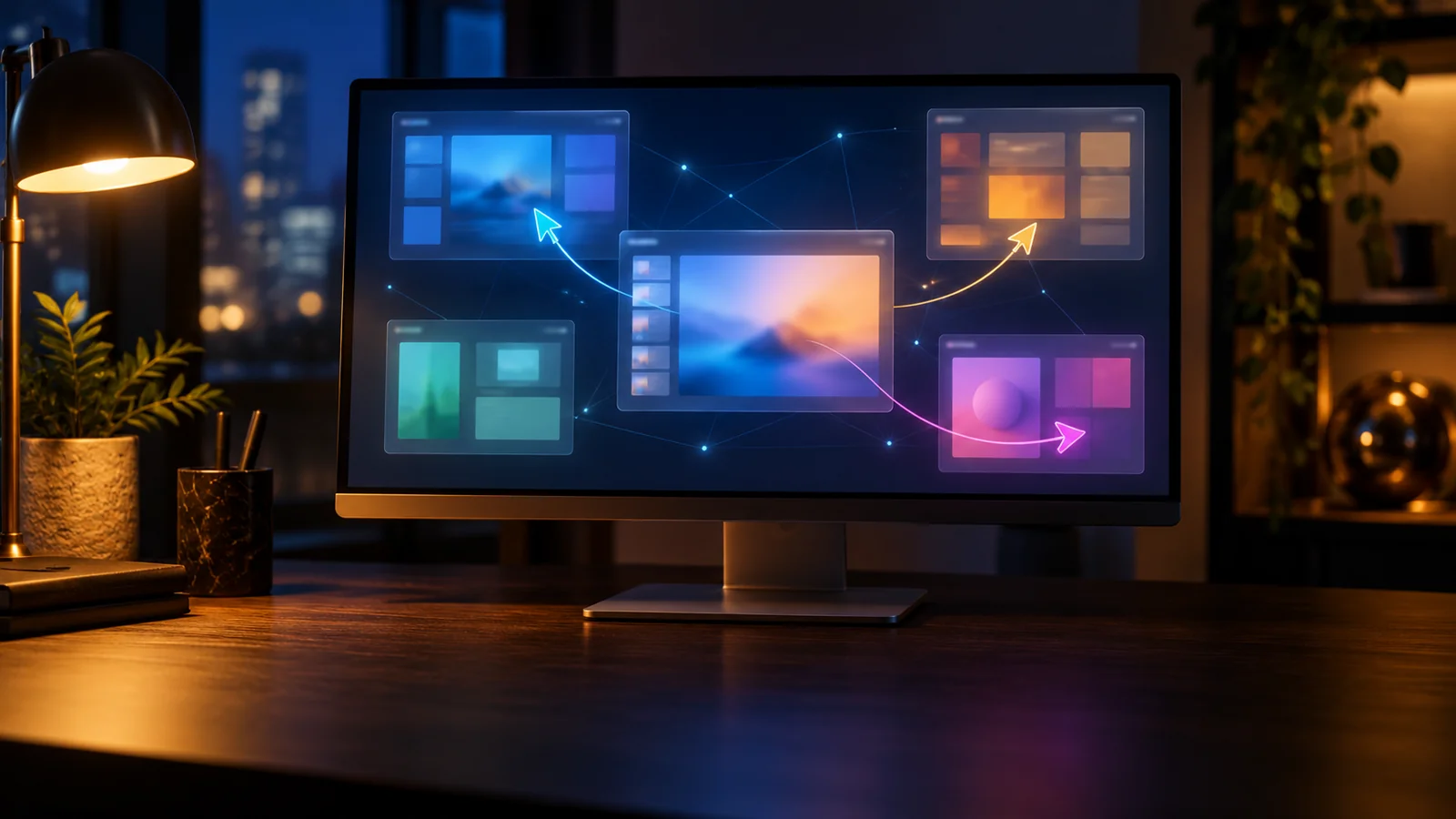
Vercel Labs has released agent-desktop, a free, open-source tool that gives AI coding agents “computer use” on macOS, Windows and Linux. Announced on October 31, 2026 by Vercel Labs’ Chris Tate, it lets agents operate native apps in the background while you keep working, with each agent getting its own on-screen cursor.
Tate, who also created Vercel’s agent-browser, called it “agent-browser, for your whole computer”:
Introducing agent-desktop
agent-browser, for your whole computer
→ Computer Use for any coding agent
→ macOS, Windows and Linux
→ Runs in bg while you keep working
→ Agents use your computer in parallel, each with its own cursor— Chris Tate (@ctatedev) October 31, 2026
How agent-desktop Works
Most computer use systems take screenshots and ask a vision model to guess where buttons are. agent-desktop instead reads the operating system’s accessibility tree, the structure screen readers use, through the AX API on macOS, UI Automation on Windows and AT-SPI on Linux.
A snapshot returns an app’s interface as JSON with a reference for every element. The agent clicks or types through that reference, then takes a new snapshot to confirm the change. According to the project’s GitHub repository, every error also tells the agent whether a retry is safe.
The tool is not an agent itself. It ships no language model; it is a Rust command line tool plus a C library, so it works with Claude Code, Codex or any agent that can run shell commands.
Background Mode and One Cursor per Agent
Actions run headless by default: the real mouse pointer does not move and the focused window does not change. Real mouse and keyboard input can be switched on with a “headed” flag when an app needs it.
In multi-agent sessions, each subagent gets its own colored overlay cursor on macOS, Windows and Linux (X11). The official documentation says the cursors can move at the same time, while actions that need the single physical pointer take turns.
Requirements and Availability
agent-desktop is free under the Apache 2.0 license and installs with “npm install -g agent-desktop” on x64 and ARM64 machines. It needs macOS 13 or later with Accessibility permission, Windows 10 version 1809 or later, or Ubuntu 24.04 or later with AT-SPI running.
Version 1.0, which added Linux support, arrived on October 28, followed by version 1.0.2 on October 30. Started in February by developer Lahfir, the project now lives under Vercel Labs and has passed 5,000 GitHub stars.
Limits and Privacy
agent-desktop cannot see apps that do not expose an accessibility tree, and it does not automate web pages; Vercel points users to agent-browser for that. The developers also warn that snapshots, clipboard reads and screenshots can contain private data and should stay out of public logs.
What It Means for You
AI labs are racing to build agents that use computers like people do. OpenAI recently pitched GPT-6.1 Terra as a model that can take control of your PC, and Anthropic keeps expanding Claude’s own computer use features.
Those features are tied to each company’s models. agent-desktop offers a model-neutral route into native apps for developers already using tools like the new DeepSeek coding agent. Independent tests have yet to show how it compares with screenshot-based rivals.
Your comment has been submitted,
it will be published after approval.