
What are the most popular CMD commands? How to use them?


CMD commands, which many users are aware of but have limited knowledge about, actually have an important place for Windows computers. In fact, they are one of the fundamental features of the operating system.
CMD, which first appeared in 1987, is an application based on MS-DOS. However, CMD, which emerged with the Windows NT operating system, continues to be used despite 35 years passing. You can find detailed answers to questions such as what CMD is, what CMD commands do, and how to use them in your article.
What is CMD?
Also known as the command-line application, these codes are a command writing console found on devices using the Windows operating system. Additionally, by writing various codes into this console, you can access a wealth of information such as the settings of the hardware on your computer or receive error codes.
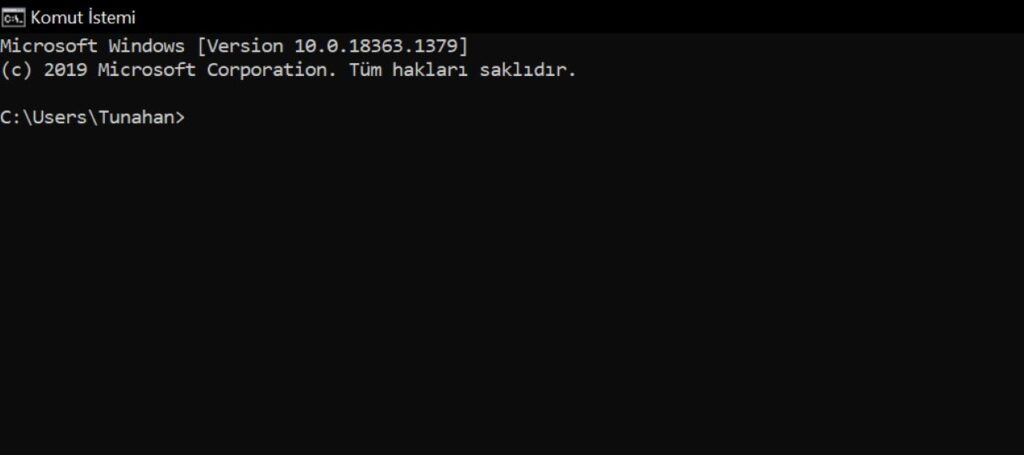
Entering the CMD application is actually quite simple. By pressing “Windows+R” and typing “CMD” into the resulting screen, you can easily open the application. After opening the CMD application, you can perform numerous operations by typing the desired command.
How to fix HDMI audio not working issue?
What are CMD commands? How to use them?
Now we know what the CMD application is. Next, we have various codes and shortcuts that we will write in this console. These shortcuts and codes are called CMD commands. With these commands, you have the ability to access the settings of the hardware on your computer, various data, and programs within seconds.
All you need to do is know which code corresponds to the content you want to open. Therefore, by typing the commands we will provide below into the command writing console (CMD), you can easily access the desired content.
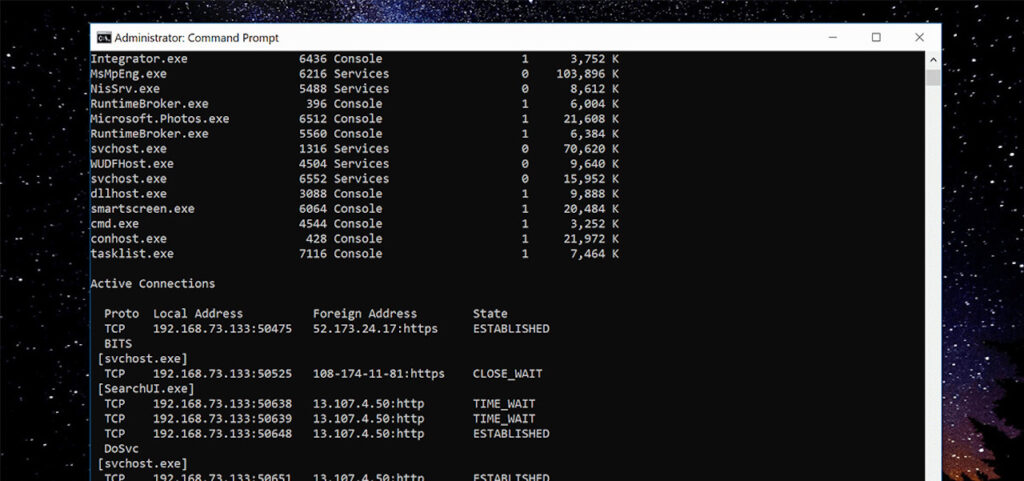
The most popular CMD commands
With many CMD commands available in Windows, you can perform your tasks quickly. However, it is essential to have a basic understanding in order to use them. Here are some of the compiled codes from the most popular CMD commands:
taskmgr.exe Task: Task Manager
cleanmgr.exe Task: Disk Cleanup
devmgmt.msc Task: Device Manager
appwiz.cpl Task: Add or Remove Programs
mspaint.exe Task: Paint program
compmgmt.msc Task: Computer Management
timedate.cpl Task: Date and Time settings
notepad.exe Task: Notepad
clipbrd.exe Task: Clipboard Viewer
ciadv.msc Task: Indexing Service
charmap.exe Task: Character Map
calc.exe Task: Calculator
diskmgmt.msc Task: Disk Management
dfrg.msc Task: Disk Defragmenter
accwiz.exe Task: Accessibility Wizard
desk.cpl Task: Display properties
eventvwr.exe Task: Event Viewer
freecell.exe Task: Solitaire game
fsmgmt.msc Task: Shared Folders menu
hdwwiz.cpl Task: Add Hardware Wizard
inetcpl.cpl Task: Internet Properties
intl.cpl Task: Regional and Language Options
magnify.exe Task: Magnifier
main.cpl Task: Mouse properties
mmsys.cpl Task: Sound settings
ntbackup.exe Task: Backup Wizard
nusrmgr.cpl Task: User Accounts
osk.exe Task: On-Screen Keyboard
spider.exe Task: Spider Solitaire game
msconfig.exe Task: System Configuration
verifier.exe Task: Driver Verifier
drwtsn32.exe Task: Dr. Watson tool
dxdiag.exe Task: DirectX version
mplay32.exe Task: Media Player (simple version)
odbcad32.exe Task: Database administration
packager.exe Task: Object Packager
perfmon.exe Task: Performance Monitor
progman.exe Task: Program Manager
By using various CMD commands like this, you can quickly access your desired programs, settings, and content within the Windows operating system. CMD commands, which are particularly useful for people working in the software and computer field, continue to be one of the greatest conveniences of the Windows operating system.
Your comment has been submitted,
it will be published after approval.