
WhatsApp Multi-Account Support Finally Launches for All iOS Users

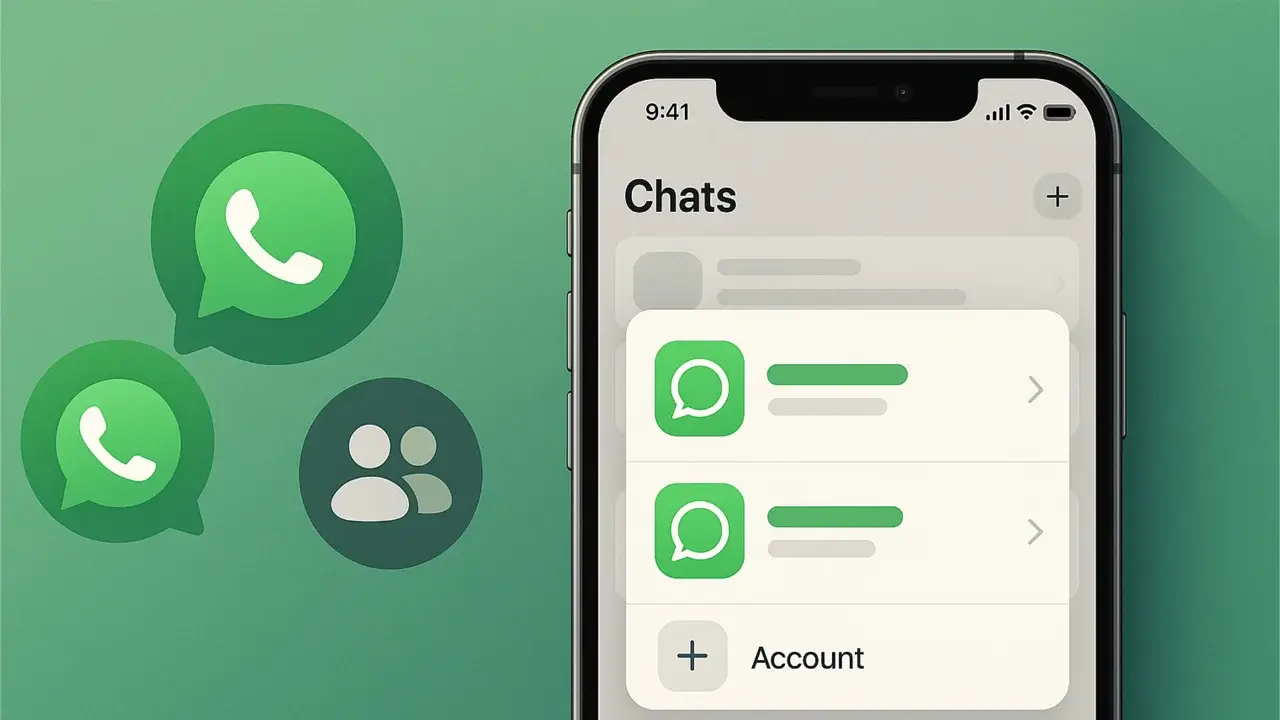
WhatsApp has officially rolled out its highly anticipated multi-account support for iOS users worldwide, marking a significant milestone for iPhone owners. With the release of version 26.22.76, users can now manage two separate WhatsApp accounts simultaneously on a single device. Initially announced in March 2026 and subjected to rigorous testing, this feature is designed to help users effectively separate their professional and personal communications. By accessing the application settings, individuals can seamlessly add a second account, ensuring that chat histories, notification preferences, and privacy settings remain completely independent and secure.
- WhatsApp now supports the use of two distinct accounts on a single iOS device.
- Each account maintains independent chat logs, notification settings, and privacy configurations.
- Users can manage both accounts simultaneously after updating to version 26.22.76 via the App Store.
- The integration eliminates the need for auxiliary devices or separate business applications.
The requirement to carry a second phone or rely exclusively on WhatsApp Business has been permanently removed.
How Users Can Configure the Secondary Account
Setting up an additional profile is a streamlined process within the application. Once a user navigates to the WhatsApp settings menu, they can select the “Add Account” option and input their secondary phone number. Alternatively, the platform supports a QR code scanning method, which allows users to link an existing account to their current device as a secondary profile. 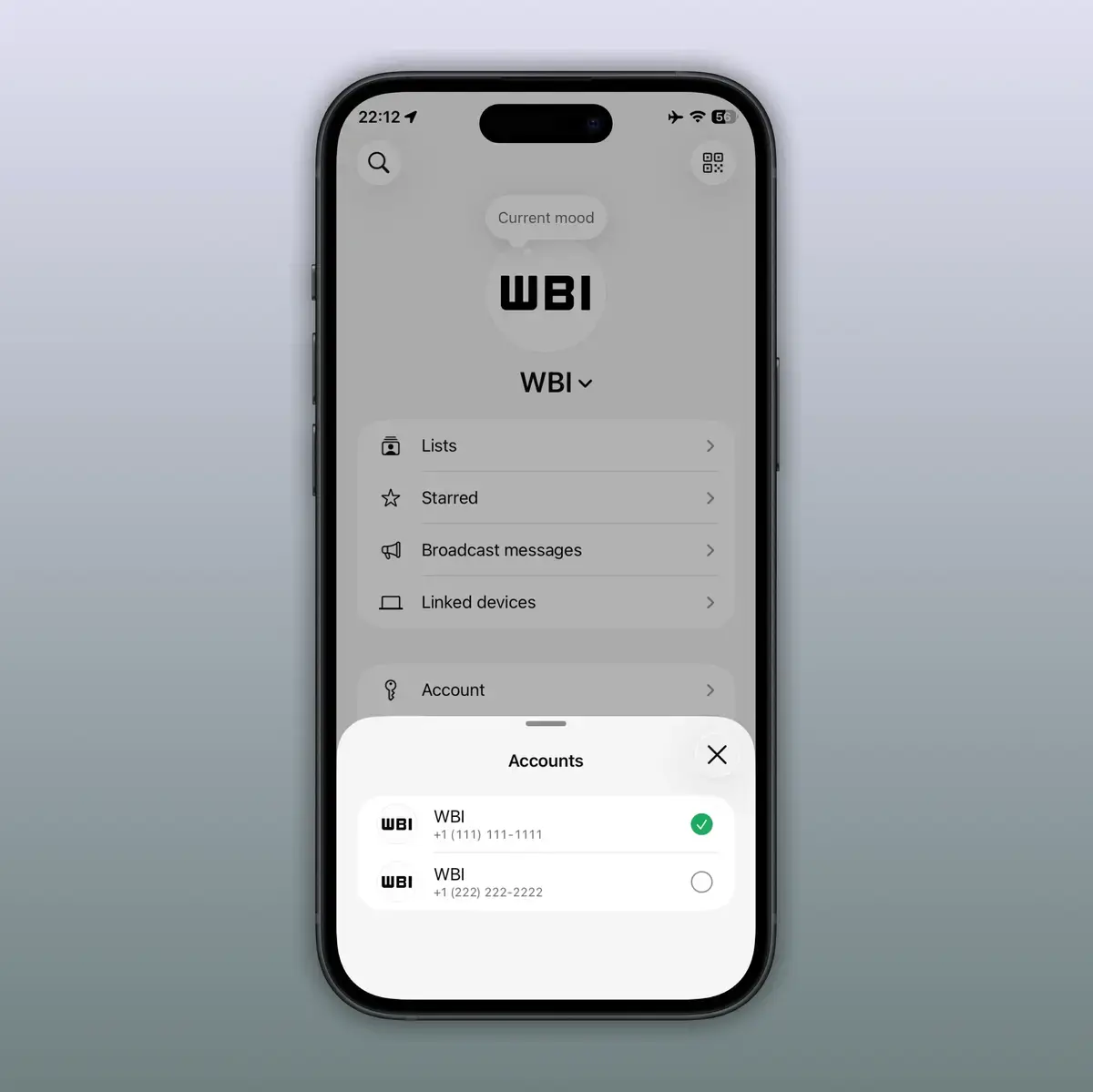
Switching Between Accounts Becomes More Efficient
The interface ensures that toggling between accounts remains highly fluid for the user. By either long-pressing the “You” tab or utilizing the dedicated switch button within the accounts section, users can alternate their active profile in mere seconds. Currently, the application provides native support for a maximum of two accounts per device.
Notifications and Privacy Remain Strictly Protected
WhatsApp ensures that both accounts operate with total isolation. Even when a specific account is inactive, the system continues to push notifications for incoming calls or messages, ensuring that no critical communication is overlooked. Furthermore, users retain full control over individual notification sounds and privacy configurations for each specific account. This granular level of customization allows for a tailored messaging experience that adapts to the user’s specific needs.
The system automatically prompts users to back up their data during the account removal process to prevent information loss.
Secure Access is Enhanced Through Passkey Technology
Returning to a previously used account is now faster due to the platform’s improved authentication protocols. By leveraging saved phone numbers and integrating Passkey support, the application has eliminated the tedious requirement of waiting for six-digit verification codes. This technological shift ensures that users can regain access to their accounts quickly without compromising overall security standards.
Steps Are Taken When Features Do Not Appear
In instances where the feature remains unavailable following the update, users are advised to utilize the official WhatsApp deeplink to trigger the “Add Account” menu manually. This remains the most reliable method to verify if the functionality has been successfully enabled on a specific device. Maintaining an updated version of the application via the App Store is essential for accessing the latest features and security patches.
Have you started using two separate WhatsApp accounts on your iPhone yet? We would love to hear how this new multi-account functionality has helped you manage your professional and personal life, so please share your thoughts and experiences in the comments section below.
Your comment has been submitted,
it will be published after approval.