Microsoft has finally released the long-awaited Windows 11 25H2 update, which has been in testing for a long time. While the tech world expected a large feature set, this release stands out more as a step forward in improving system stability and strengthening the existing architecture.
New Features and Installation Process with Windows 11 25H2
According to Microsoft’s official announcement, Windows 11 25H2 has begun rolling out to all devices eligible for the update. Users who have activated the “Get updates as soon as they become available” option have priority access to this new version. The most striking aspect of this update is its installation speed.
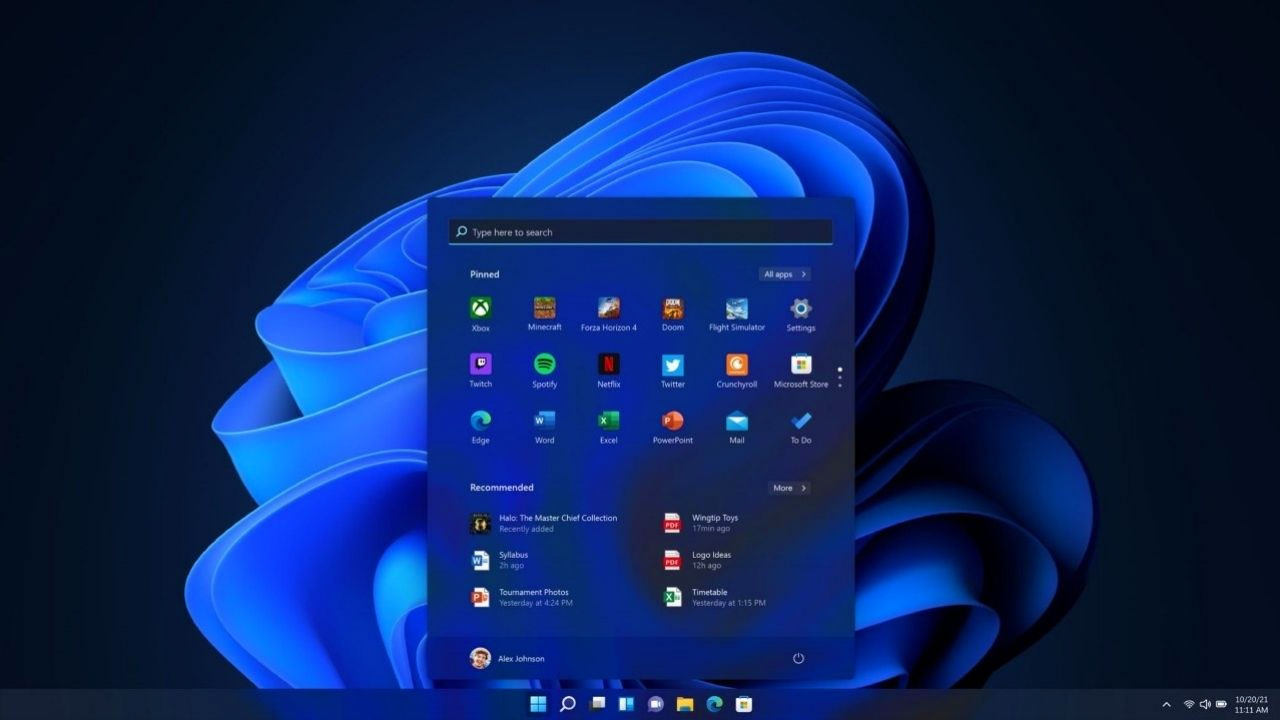
The new version is based on the currently available 24H2 version. Microsoft states that both versions share the same underlying code. This technical detail provides a significant advantage for the end user; the update can be installed very quickly and effortlessly, eliminating the need to wait for large files to download. Additionally, the company will continue to regularly introduce new features to both the 24H2 and 25H2 versions, using the same codebase.
The release includes not only revolutionary innovations but also facelifts and infrastructure enhancements that enhance the user experience. Some of the notable improvements include:
- Widget Customization: Widgets can now be more personalized on the lock screen and used across multiple dashboards.
- File Explorer Integration: File Explorer now highlights Microsoft 365 content more prominently.
- Android Compatibility: Integration with Android devices has been enhanced, and new sharing options have been added.
- Windows Hello: The authentication experience has been modernized, providing a more intuitive and cleaner interface.
- Settings Menu: The Windows Settings homepage has been revamped with user-friendly cards and AI model management.
Checking if your device has received this update is quite simple. Simply navigate to Settings > Windows Update on your computer and click the “Check for updates” button. If your device is eligible, you’ll see the “Download and install” option on the screen.
So, what are your thoughts on Windows 11 25H2? Share your thoughts with us in the comments!