
Windows 11 Allows Users to Remove AI Models

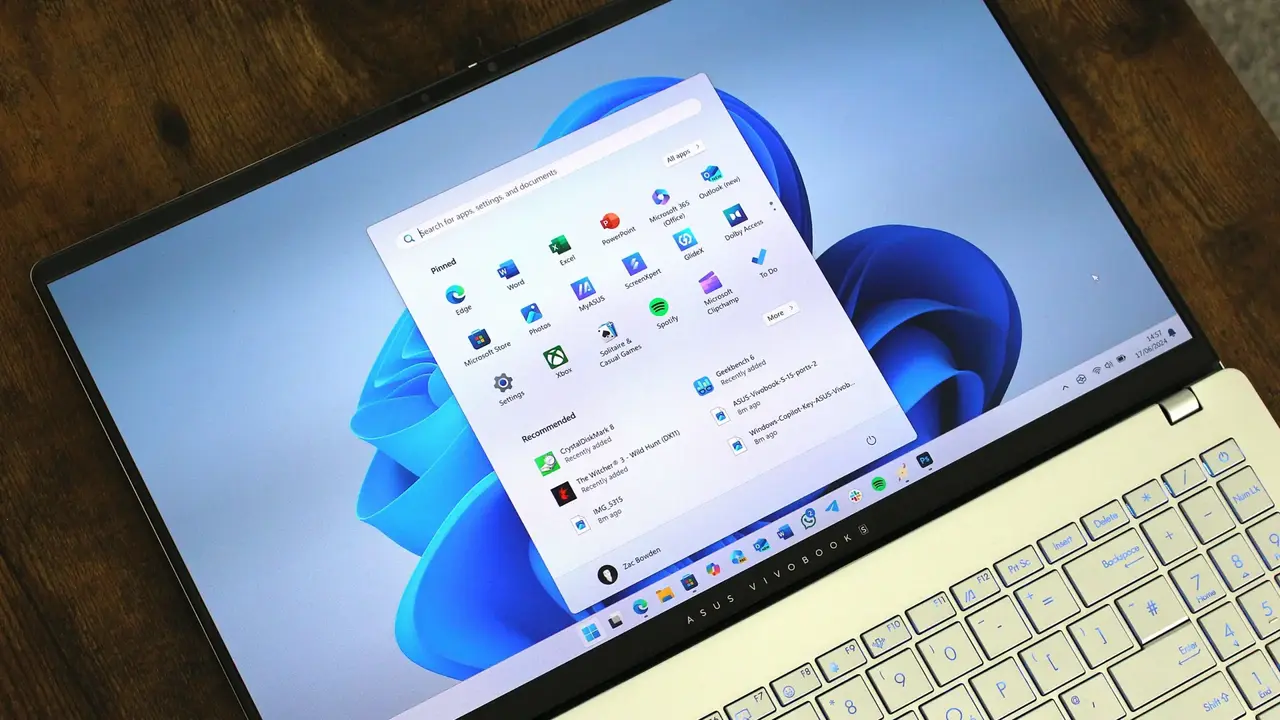
Microsoft is set to empower Windows 11 users by introducing a feature that allows the complete removal of integrated artificial intelligence models, starting with a major update scheduled for August. This significant shift in strategy follows reports from the 26300.8553 test build, which reveals that users will gain the ability to uninstall specific AI components directly from their system settings. By providing this level of granular control, Microsoft aims to enhance the user experience, particularly for those utilizing Copilot+ PC devices who wish to reclaim storage space previously occupied by background AI processes.
- Microsoft enables the manual uninstallation of integrated AI components to help users optimize storage space.
- The upcoming update allows the removal of specific models such as the 2.59 GB Phi Silica component.
- Users can manage these features directly through the System and AI Components path in the settings menu.
This development marks a decisive move by Microsoft to address long-standing user feedback regarding system bloatware and limited control over pre-installed features.
Storage Efficiency is Being Prioritized
The latest test version of Windows 11 highlights a new infrastructure designed to grant users greater autonomy over their system files. Many modern Copilot+ PCs ship with various local AI models intended to power background operations, but these components often consume significant disk space. For instance, the Phi Silica model alone takes up approximately 2.59 GB of storage. 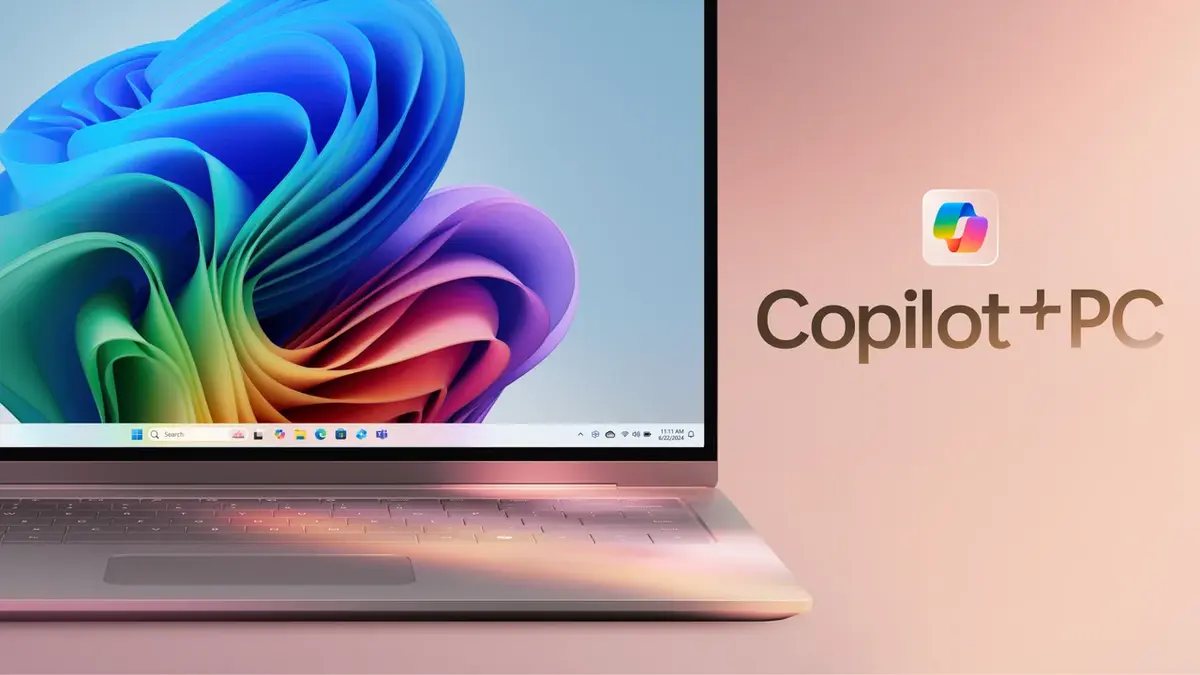 With the upcoming update, Microsoft intends to provide a streamlined interface where such files are no longer mandatory, allowing users to prioritize their storage needs based on their personal usage patterns.
Settings Menu is Being Updated
Microsoft is currently integrating a dedicated section within the operating system to facilitate this change. By navigating to Settings, then System, and finally AI Components, users will find a simplified management dashboard. From this interface, they can identify and remove specific AI-driven features that they deem unnecessary for their daily computing tasks. This change is particularly relevant for owners of laptops with restricted internal storage, as it provides a practical way to maintain a leaner and more efficient operating environment.
The inclusion of manual removal options reflects a broader shift toward a more transparent and user-focused software ecosystem.
User Feedback is Being Incorporated
For several months, the tech community has expressed concerns regarding the heavy integration of artificial intelligence within the Windows operating system. Critics have often pointed out that forced AI features can negatively impact system performance and clutter the user experience. By acknowledging these critiques, Microsoft is taking a proactive step to ensure that the operating system remains versatile for all types of users. This move not only improves system performance but also demonstrates the company’s willingness to adapt to user preferences in a highly competitive software market. As August approaches, users are preparing to take full advantage of these new management options to customize their Windows experience precisely as they see fit.
We would love to hear your perspective on this update; do you believe that the ability to remove these integrated AI models will significantly improve the overall speed and performance of your Windows 11 system?
Your comment has been submitted,
it will be published after approval.