
Windows 11 Users Must Update Secure Boot Certificates by 2026

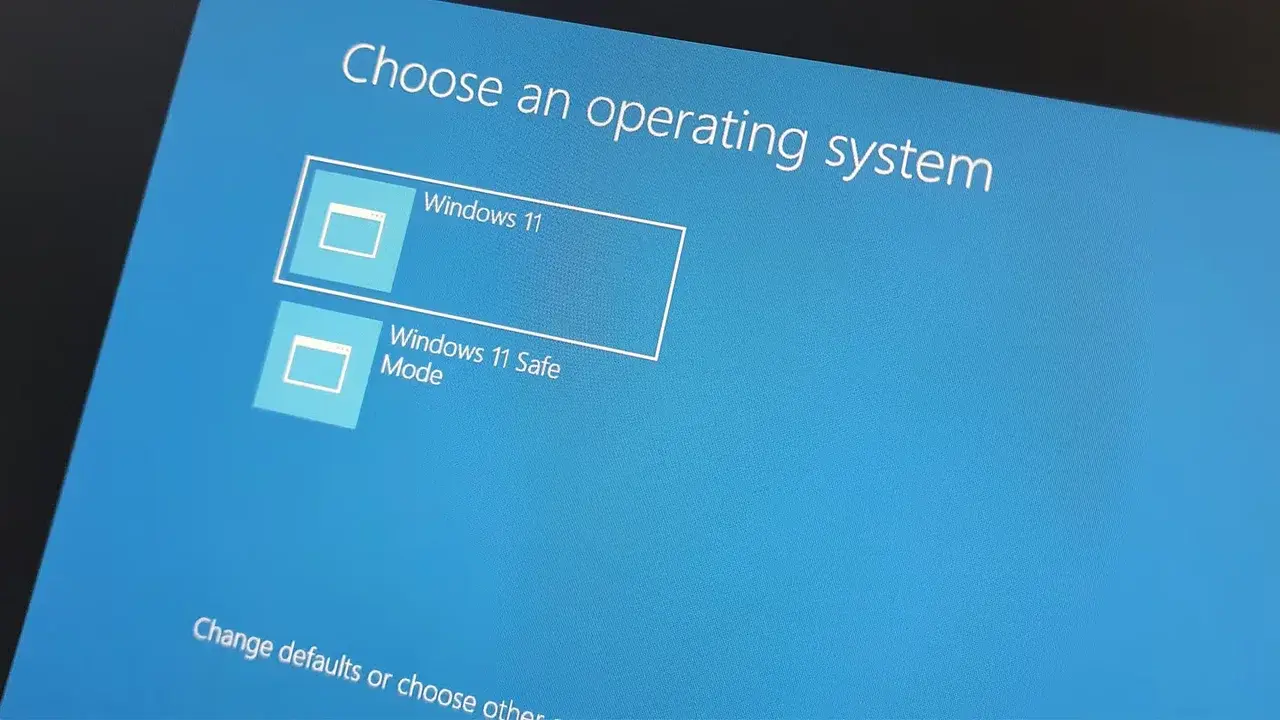
Microsoft has officially initiated a critical security update process for Windows 11 and Windows 10 devices, as several legacy Secure Boot certificates are set to expire starting in June 2026. This mandatory transition involves replacing older 2011-era digital certificates with updated 2023 versions to ensure ongoing system integrity. While most consumer devices receive these updates automatically via Windows Update, enterprise environments, servers, and virtual machines may require manual intervention. Secure Boot serves as a foundational security layer that verifies the authenticity of bootloaders and drivers, and failing to update these certificates could leave systems vulnerable to unauthorized software execution during the startup process.
- Microsoft is phasing out 2011-era Secure Boot certificates before their official expiration in 2026.
- The update process requires users to maintain active Windows Update settings to receive necessary firmware and software patches.
- Legacy systems and enterprise-managed devices may encounter compatibility issues if manual firmware updates are not performed.
- Maintaining updated certificates protects the boot chain against modern security threats and unauthorized access attempts.
Certificates Require Urgent Security Renewals
The core infrastructure of the Windows ecosystem relies on digital certificates to validate system components before the operating system fully loads. The Microsoft Corporation KEK CA 2011 and Microsoft UEFI CA 2011 certificates are scheduled to expire in June 2026, while the Microsoft Windows Production PCA 2011 certificate follows in October 2026. These certificates play vital roles in signing firmware updates and verifying the authenticity of third-party EFI applications.
Failure to implement these updates leaves devices susceptible to sophisticated low-level boot attacks.
New Security Standards Enhance System Protection
Although devices will not immediately cease to function once the certificates expire in 2026, they will lose critical protection against emerging security vulnerabilities. Microsoft has already begun distributing 2023-dated certificates through its standard update channels. Most hardware manufactured from 2024 onward includes these updated credentials by default, but legacy users must verify their firmware status to ensure full compliance with current security protocols.
Users Must Verify Their Security Status
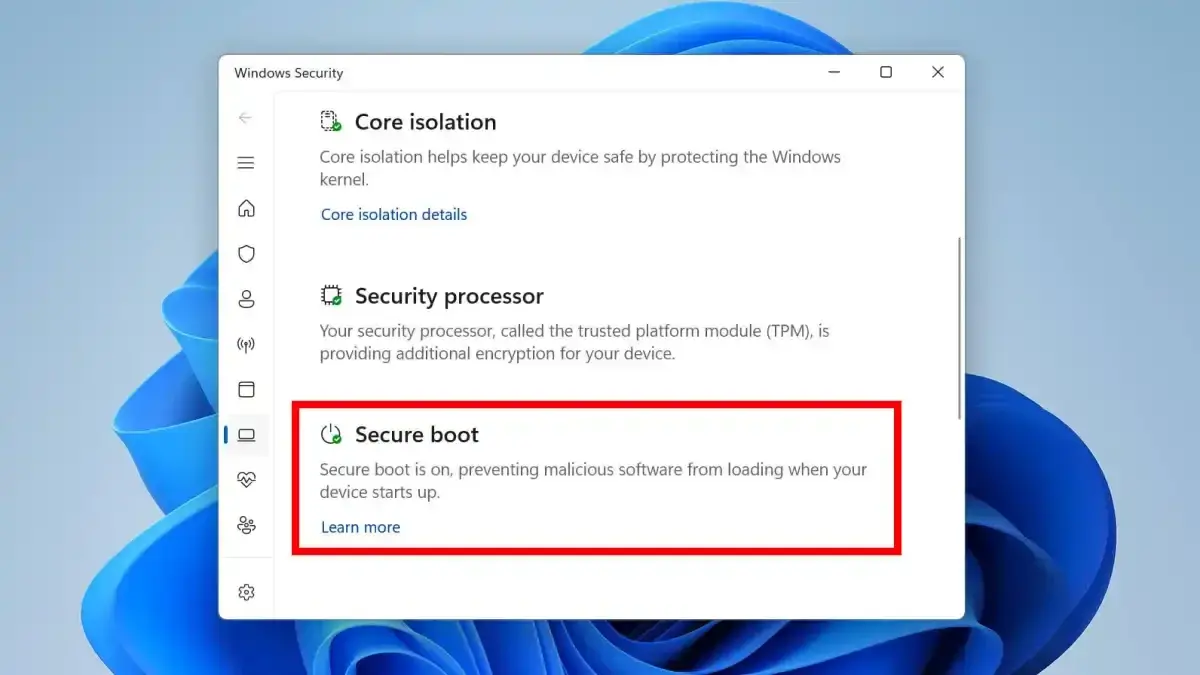
To ensure system safety, home users should confirm that Windows Update is active and not paused. Users can check their Secure Boot status by navigating to the Device Security section within the Windows Security application. Alternatively, running the “msinfo32” command in the Windows run dialog allows users to confirm that the Secure Boot State is enabled. Microsoft strongly advises against disabling Secure Boot, as this action can lead to the accidental removal of updated certificate chains.
Enterprise administrators should perform comprehensive inventory audits to prevent potential boot failures during deployment.
Enterprises Should Manage Deployment Risks
For IT professionals, the transition requires a more structured approach, including pilot testing and firmware coordination with hardware vendors. In rare instances, update procedures might trigger BitLocker recovery screens; therefore, maintaining access to recovery keys is an essential prerequisite before deploying these updates across large networks. By proactively managing these firmware transitions, organizations can mitigate the risk of downtime while strengthening their overall security posture against pre-boot threats.
Have you checked your system’s Secure Boot status in the Windows Security settings, or are you preparing your enterprise network for these upcoming certificate changes? Share your experiences and questions in the comments below.
Your comment has been submitted,
it will be published after approval.