
Windows XP Gains Support for NVIDIA GTX 10 Series

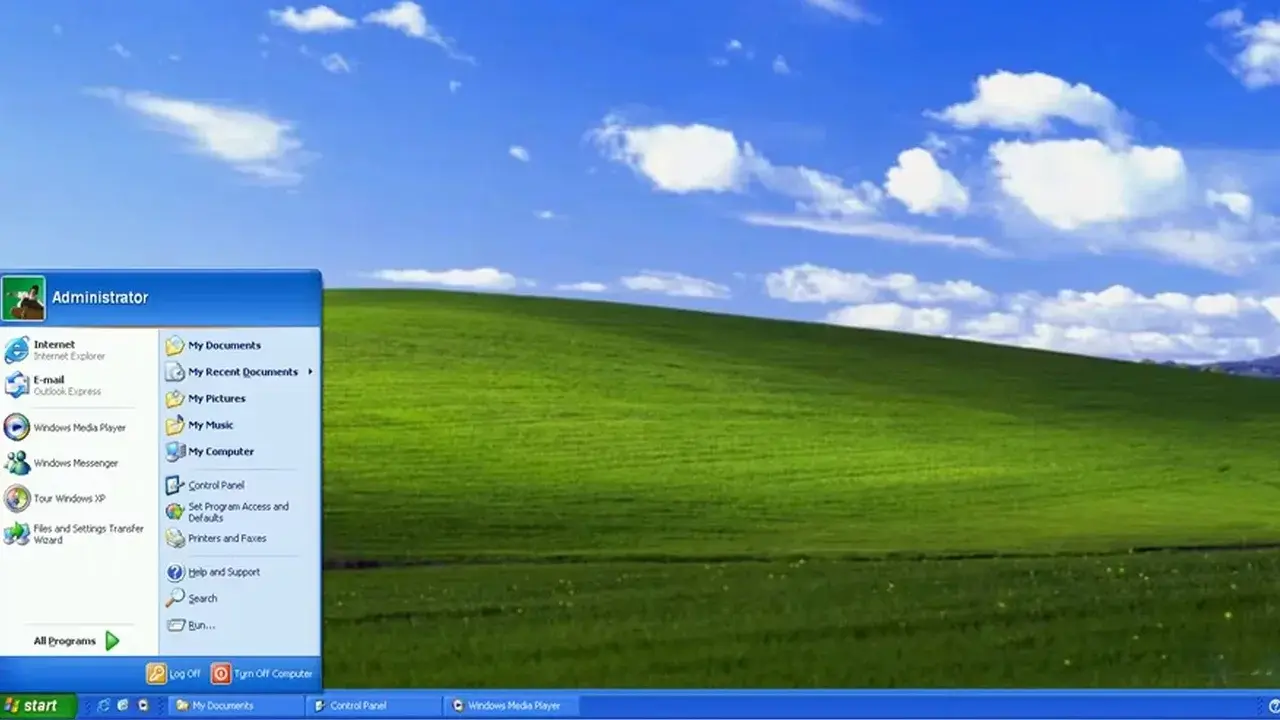
In a surprising development for retro computing enthusiasts, the legacy Windows XP operating system has officially regained compatibility with modern hardware through the release of a community-developed driver. The specialized Forceware 382.69 driver package allows users to run NVIDIA’s Pascal-based graphics cards, including the popular GTX 10 series and TITAN Xp models, on the aging platform. This breakthrough, achieved by modifying the 368.81 driver originally released in 2016, bridges a significant gap between 2000s-era software and modern GPU performance, enabling hardware that was previously unsupported to function under the classic Windows environment.
- The custom Forceware 382.69 driver enables support for Pascal-architecture GPUs on Windows XP systems.
- The modification process updates hardware identification protocols to ensure compatibility with GTX 10 and TITAN Xp models.
- Advanced display features like DisplayPort HBR2 and HDMI 2.0 functionality are integrated into the new driver package.
- Initial performance tests demonstrate successful 3D acceleration using high-end components like the Ryzen Threadripper 7970X.
Pascal Architecture Meets Classic Systems
The core of this project involves updating hardware identification strings and executing deep-level code modifications within the driver architecture. This process allows the Windows XP kernel to recognize and communicate with various iterations of the GTX 1060, 1070, 1070 Ti, 1080, and 1080 Ti. Beyond the consumer-grade cards, the compatibility list extends to high-end professional hardware, including the TITAN X Pascal and TITAN Xp. While the modification primarily targets Pascal GPUs, some Maxwell-based GeForce and Quadro models also benefit from the updated driver support, broadening the scope for retro builders.
Technical Features and Limitations are Defined
The Forceware 382.69 package does more than simple hardware recognition; it unlocks modern display capabilities such as SCDC support, custom resolution management, and image scaling options. Users can utilize DisplayPort HBR2 connections, and the driver includes basic support for HBR3. However, users should remain aware that these modern features are not fully optimized for the legacy OS. High-bandwidth functionalities like HDR, DSC, and MST remain largely unsupported or disabled due to the inherent constraints of the Windows XP architecture.
Real World Testing Shows Potential
Practical testing has yielded impressive, albeit experimental, results. A system pairing a Ryzen Threadripper 7970X with a GTX 1080 Ti successfully achieved 3D acceleration, outputting a 144 Hz signal at a 3840×1080 resolution. While the driver currently supports both 32-bit and 64-bit versions of Windows XP, it remains an unofficial, community-driven project. Users may encounter stability issues with OpenGL, OpenCL, or PhysX, although NVENC encoding has proven to be notably stable during initial trials. The developers have made all source tools and patches publicly available for those willing to experiment with their own configurations.
It is important to note that while the graphics card issue has been addressed, building a modern system around a decades-old OS presents significant challenges. Drivers for chipsets, network controllers, audio hardware, and modern NVMe storage remain major hurdles that enthusiasts must solve independently. As this is not an official NVIDIA release, users proceed at their own risk when modifying their system drivers.
Given the complexity and the ongoing limitations of running modern hardware on such an old platform, we are curious to hear your thoughts. Do you believe that retrofitting Windows XP with modern GPUs is a practical endeavor for legacy software compatibility, or is it merely an interesting technical exercise? Share your experiences and opinions in the comments section below.
Your comment has been submitted,
it will be published after approval.