
You can now test Windows Copilot Preview

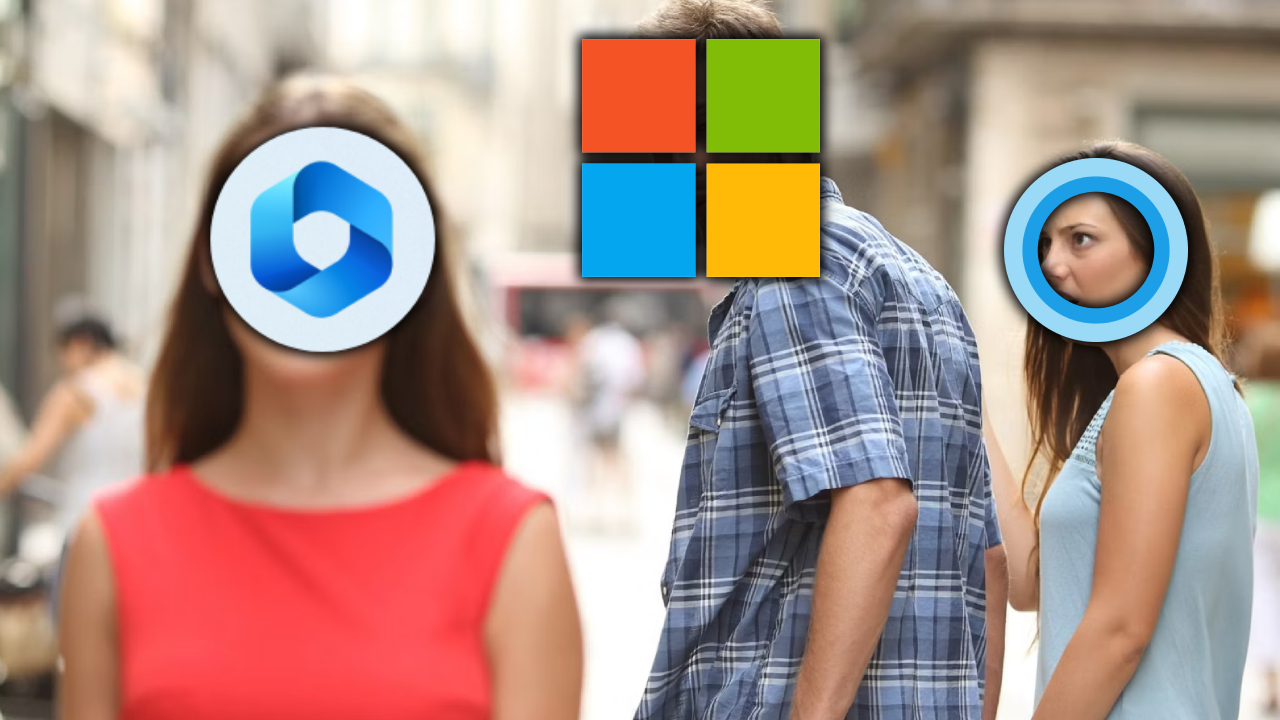
One of the companies that quickly adapted to the world of artificial intelligence is Microsoft, and they have now made their AI assistant accessible for Windows 11. Windows Copilot, which will provide much more advanced support compared to Cortana, will be powered by ChatGPT.
How to use Copilot for Windows 11?
Microsoft describes its new tool as the “Windows version of Siri and Google Assistant.” The initial tests for Copilot started with the release of Windows 11 Insider Build 23493 update, which was made available to Insider users. Along with Copilot, new options were also introduced to the Settings application.
For those who are not familiar, Windows Copilot brings artificial intelligence support within the operating system. It can answer questions and modify system settings without the need to navigate through menus or options.
4234324
Microsoft showcased a range of impressive features during its recent Build event. For example, in Windows 11, if you copy files, it can optionally present them as transcriptions. However, some capabilities of Copilot were limited in the test version.
According to the examples provided by the company, it is possible to enable the “do not disturb” feature, switch to dark mode, take a screenshot, summarize a website in Microsoft Edge, and more. Additional features will be introduced through future updates.
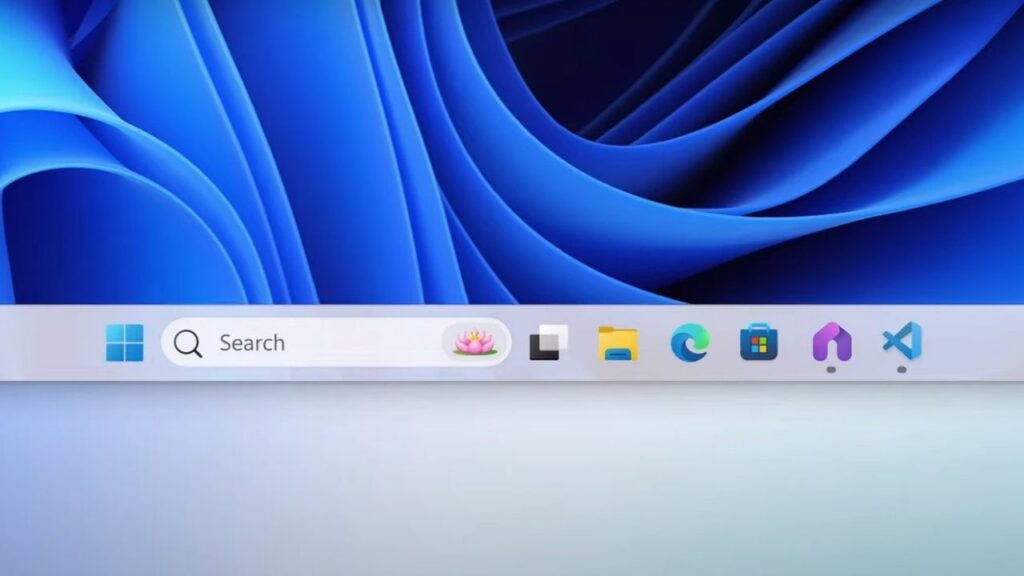
After installing Windows 11 Insider Build 23493, you can access Copilot with a single click. Following the update, a small button will appear next to the search box. Similar to the Cortana button in Windows 10, this button will allow you to quickly access Copilot.
Your comment has been submitted,
it will be published after approval.