
Follow These Steps to Update Your AirPods!

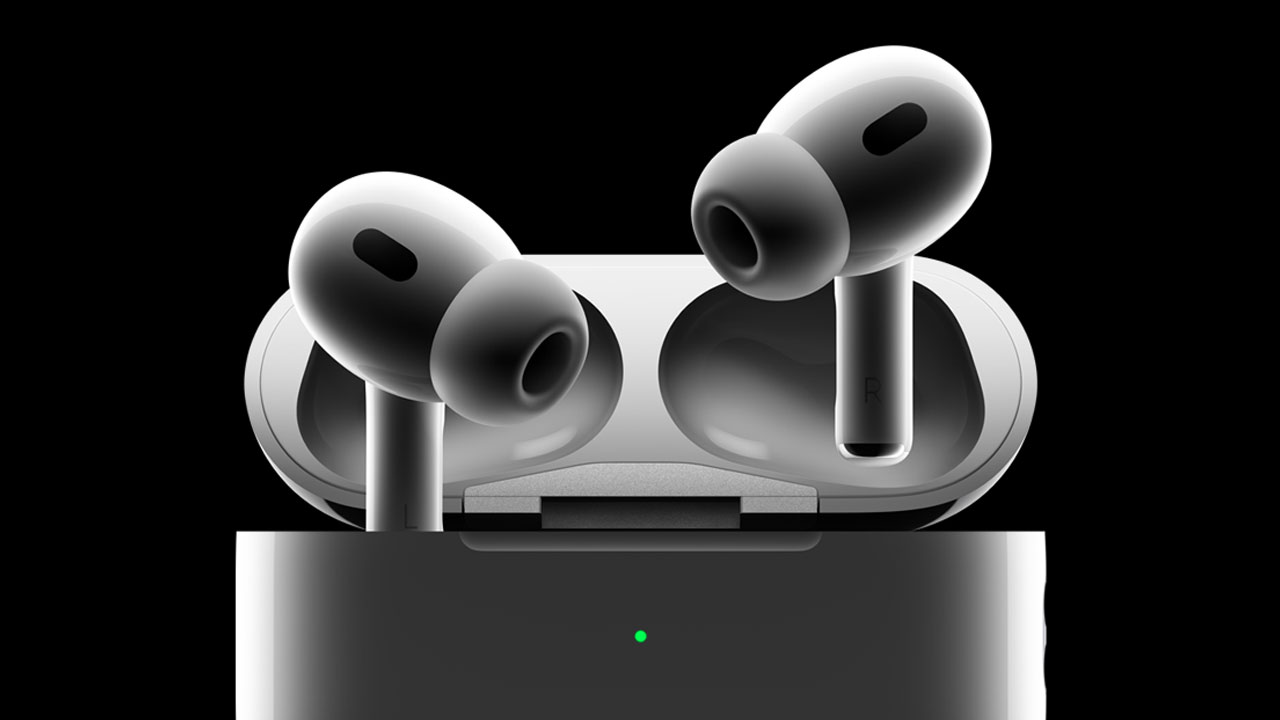
Apple continues to offer automatic updates for its devices, providing a unique user experience through its ecosystem. However, for the first time, Apple has announced a step-by-step manual update process for AirPods, AirPods Pro, and AirPods Max models. Here are the update details.
Step-by-Step Update Instructions for AirPods Released
Apple has published an informative post explaining how to manually update AirPods, AirPods Pro, and AirPods Max. There is a six-step guide for AirPods and Pro models, and a five-step guide for the Max model. For now, these instructions are available on the English page, as they are not yet available in Turkish.

AirPods Update Steps:
- Ensure your AirPods are within Bluetooth range of a Wi-Fi-connected iPhone, iPad, or Mac.
- Place your AirPods in their charging case and close the lid.
- Plug the charging cable into the case, and the other end into a USB charger or port.
- Keep the lid closed and wait at least 30 minutes for the firmware update.
- Open the charging case to reconnect the AirPods to your iPhone, iPad, or Mac.
- Check the software version again.
https://en.shiftdelete.net/galaxy-s25-ultra-offers-different-video-with-one-ui-7/
AirPods Max Update Steps:
- Ensure your AirPods Max is within Bluetooth range of a Wi-Fi-connected iPhone, iPad, or Mac.
- Plug the charging cable into the right bottom earcup, then connect the other end to a USB charger or port.
- Wait at least 30 minutes for the firmware update.
- Reconnect your AirPods Max to your iPhone, iPad, or Mac.
- Check the software version again.
Latest AirPods Versions:
- AirPods Pro 2 & MagSafe Charging Case (USB-C): 7B21
- AirPods Pro 2 & MagSafe Charging Case (Lightning): 7B21
- AirPods Pro 1: 6F21
- AirPods 4: 7B20
- Active Noise Cancellation-enabled AirPods 4: 7B20
- AirPods 3: 6F21
- AirPods 2: 6F21
- AirPods 1: 6.8.8
- AirPods Max (USB-C): 7A291
- AirPods Max (Lightning): 6F21
What do you think about this update process? Feel free to share your thoughts in the comments.
Your comment has been submitted,
it will be published after approval.