
Apple Wallet in iOS 26 packs in new features for payments and passes

Apple Wallet is getting more than just a polish in iOS 26. The update adds smarter payment controls, richer pass management, and subtle tweaks that make everyday use faster. It’s a mix of convenience upgrades and behind-the-scenes changes that keep Apple’s digital wallet one step ahead of rivals.
Apple Wallet gets real-time card controls
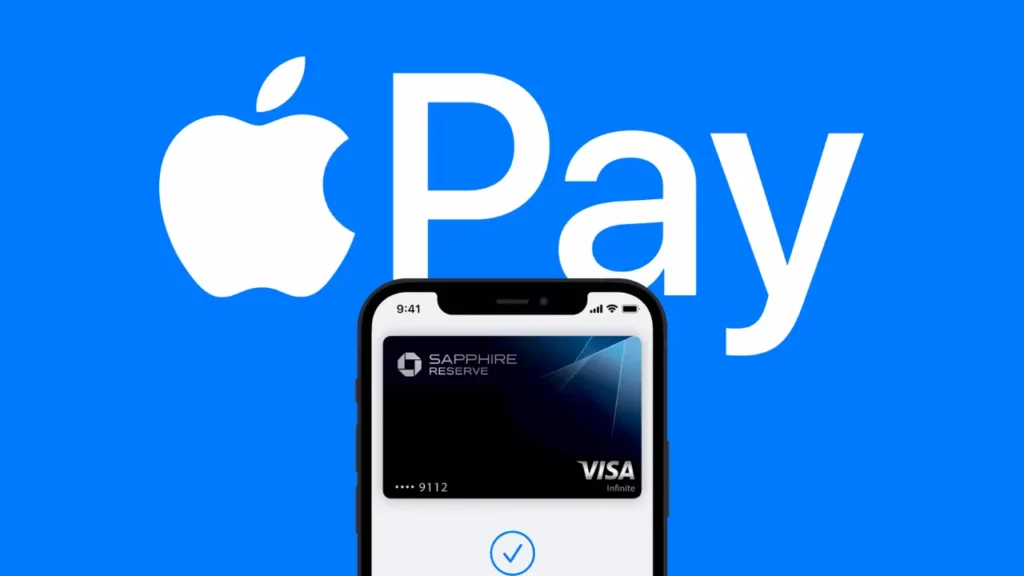
With iOS 26, you can now toggle your payment cards on or off instantly. Whether you’ve misplaced your credit card or just want to pause it for security, the change takes effect right away no bank app required. The feature also lets you set transaction limits, giving you tighter control over spending.
Global Mobile Payment Systems: Transforming Digital Transactions Worldwide
Apple Wallet upgrades pass handling
Event tickets, boarding passes, and membership cards now come with richer details and better organization. Passes can be grouped automatically by event type, and relevant information like gate numbers or QR codes stays visible without opening the full pass view. Frequent travelers will especially feel the improvement.
New integrations bring it closer to banking apps
Banks and issuers can now plug more directly into Apple Wallet, enabling live balance updates and faster alerts for purchases. This bridges the gap between Wallet and full banking apps, making it easier to track spending without juggling multiple tools.
Small touches improve everyday use
Animations are smoother, expired passes hide themselves faster, and loyalty cards now refresh in the background so they’re ready before you tap. These aren’t headline grabbers, but they shave seconds off tasks you repeat hundreds of times a year.
- Instant on/off toggles for payment cards
- Set transaction limits directly in Apple Wallet
- Improved grouping and display of passes
- Live balance updates from banks
- Background refresh for loyalty cards
Apple Wallet changes show Apple’s quiet strategy
This isn’t about flashy new payment methods it’s about keeping users locked in. Each small feature makes it harder to leave Apple Wallet behind, even if you carry cards from different banks. With iOS 26, the app isn’t just holding your cards it’s holding your habits.
Every tap counts, and Apple knows it.
Your comment has been submitted,
it will be published after approval.