
Google Docs Integrates Gemini for AI Image Generation

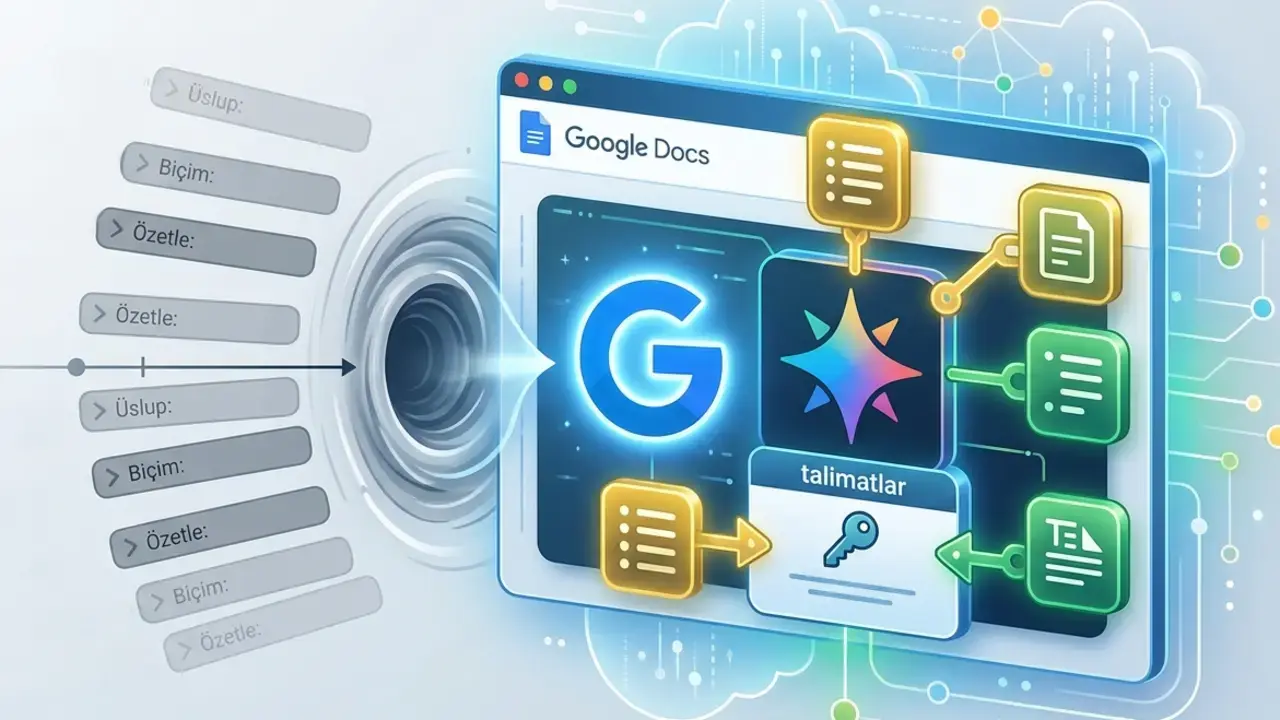
Google has officially introduced a major update to Google Docs, incorporating its Gemini artificial intelligence model directly into the document editing workflow. This integration allows users to generate professional-quality images, custom diagrams, and informative infographics without ever leaving their active document. By leveraging the existing context within a text file, Gemini interprets user requirements to produce visual assets tailored to specific paragraphs or sections. This new feature aims to streamline content creation for professionals and students alike, significantly reducing the reliance on third-party design applications and external image libraries.
- Gemini enables direct creation of images and infographics within the Google Docs interface.
- Users can modify image styles and aspect ratios using natural language prompts.
- The rollout covers specific Google Workspace, educational, and AI-premium subscription tiers.
- Google expects a full global deployment to complete within a 15-day timeframe.
The implementation of Gemini into Google Docs represents a shift toward more integrated, AI-driven productivity tools. Instead of manually searching for stock photos or creating diagrams from scratch, users can now simply describe the desired visual output to the AI. The system analyzes the surrounding text to ensure the generated imagery is contextually relevant, providing a seamless experience that keeps the user focused on their writing rather than design technicalities.
Users Can Edit Visuals Using Natural Language
Beyond simple creation, the update provides robust editing capabilities that function through conversational commands. Users can adjust the aspect ratio of an existing image, change the artistic style, or refine specific visual elements by providing simple written instructions. This level of control empowers users who lack formal graphic design training to maintain a consistent aesthetic throughout their documents.
The integration effectively eliminates the need for complex design software for standard document illustrations.

Batch Processing Simplifies Complex Document Formatting
For longer reports or detailed proposals, Gemini offers batch processing functionality. This allows users to apply specific formatting or visual updates to multiple images simultaneously. For instance, a user can command the AI to generate a consistent set of infographics across every major chapter of a long-form document, ensuring a uniform professional look. These operations are managed conveniently through the sidebar or the inline toolbar, keeping the user interface clean and efficient.
Deployment Follows a Gradual Release Schedule
Currently, the feature is limited to the web-based version of Google Docs and is being released in phases. Access is restricted to users subscribed to eligible Workspace, education, and specific Google AI plans. Google has indicated that the distribution process is ongoing and may take up to 15 days to reach all eligible accounts worldwide. The company emphasizes that this initiative is part of a broader strategy to enhance the intelligence and capabilities of its collaborative editing suite.
Advanced context management allows the AI to determine the most effective visual representation for any given text segment.
We are curious to hear how you plan to use these AI-powered visual tools in your daily work; please share your thoughts or intended use cases in the comments section below.
Your comment has been submitted,
it will be published after approval.