
Samsung Begins Rolling Out Android 17 and One UI 9

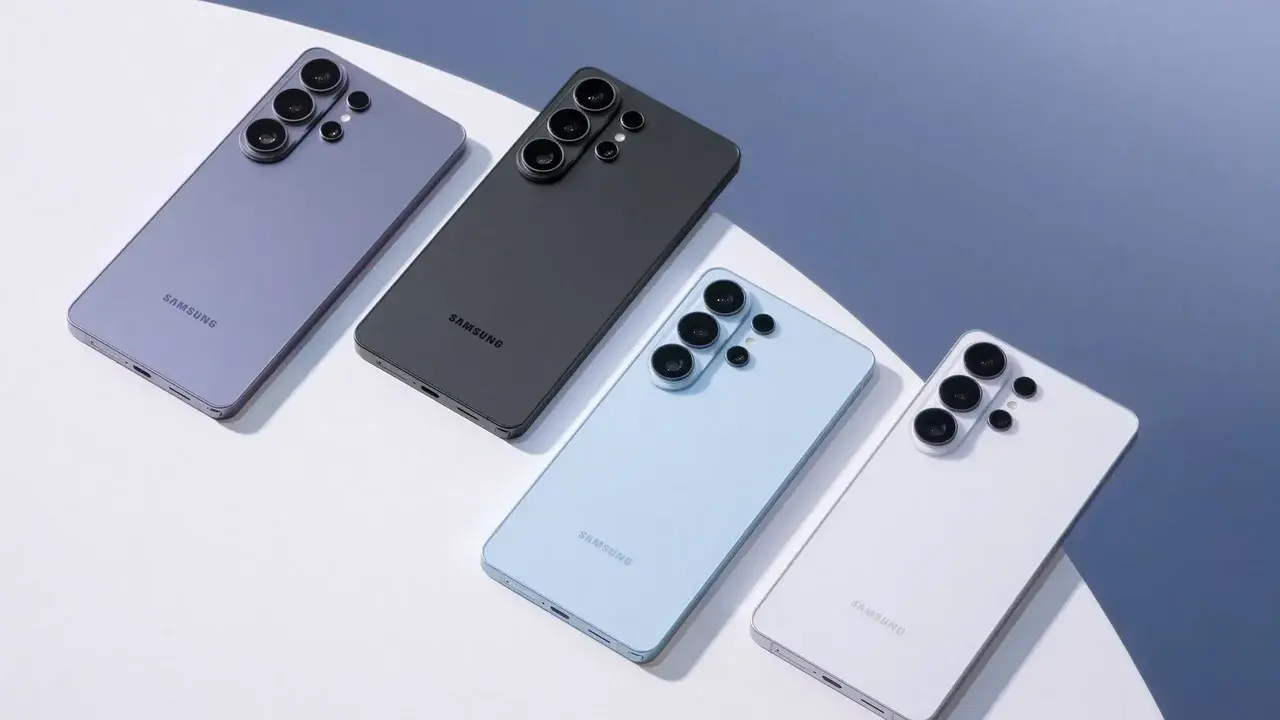
Samsung has officially initiated the global rollout of its latest software iteration, the Android 17-based One UI 9 update, for supported Galaxy smartphones and tablets. This significant software deployment focuses primarily on enhancing the overall user experience through refined aesthetic adjustments and advanced artificial intelligence integrations rather than radical structural changes. As the update reaches users worldwide, Samsung aims to improve system fluidity and daily device performance. The new interface provides Galaxy users with deeper customization options, ensuring that the software remains competitive and highly functional across the company’s diverse mobile ecosystem.
- The Android 17 update integrates enhanced artificial intelligence features to optimize device performance and user interaction.
- Samsung has expanded system-wide customization options for both the notification panel and interface navigation.
- The current rollout covers flagship devices such as the Galaxy S26 series, S25 series, and foldable models.
- Privacy protections are strengthened through new visual indicators and real-time data access monitoring.
New Interface Features Enhance User Interaction
One UI 9 introduces several practical enhancements designed to streamline daily operations. A prominent addition is the inclusion of warranty and Samsung Care information directly within the Settings menu, allowing users to track their support status easily. Furthermore, the “Now Nudge” functionality has been upgraded to provide intelligent recommendations within notifications and floating buttons, making multitasking more intuitive. 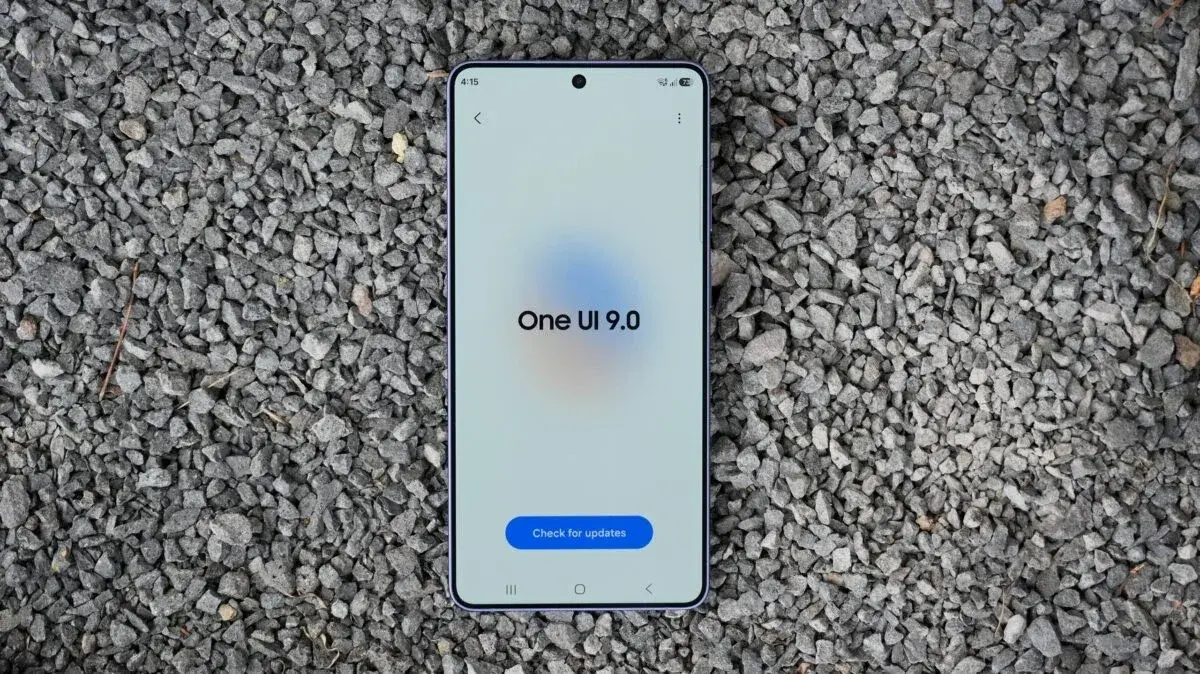 For content creators, the “My FanCam” feature offers automated tracking of subjects in videos, simplifying the editing process by allowing users to follow specific individuals automatically.
Visual customization has also seen significant upgrades, with users now gaining more control over the dimensions of brightness and volume sliders in the quick access panel. On the security front, Samsung has implemented a blue indicator at the top of the display to provide immediate transparency regarding app location access. Additionally, AI-powered privacy alerts notify users if an application attempts to access personal data unnecessarily, bolstering the platform’s overall security posture.
Samsung Health and Accessibility Tools Receive Upgrades
The Samsung Health application has undergone a comprehensive interface redesign to make health metrics more accessible and actionable. Users can now categorize and prioritize data such as sleep cycles, nutritional intake, and physical activity levels on the home screen. 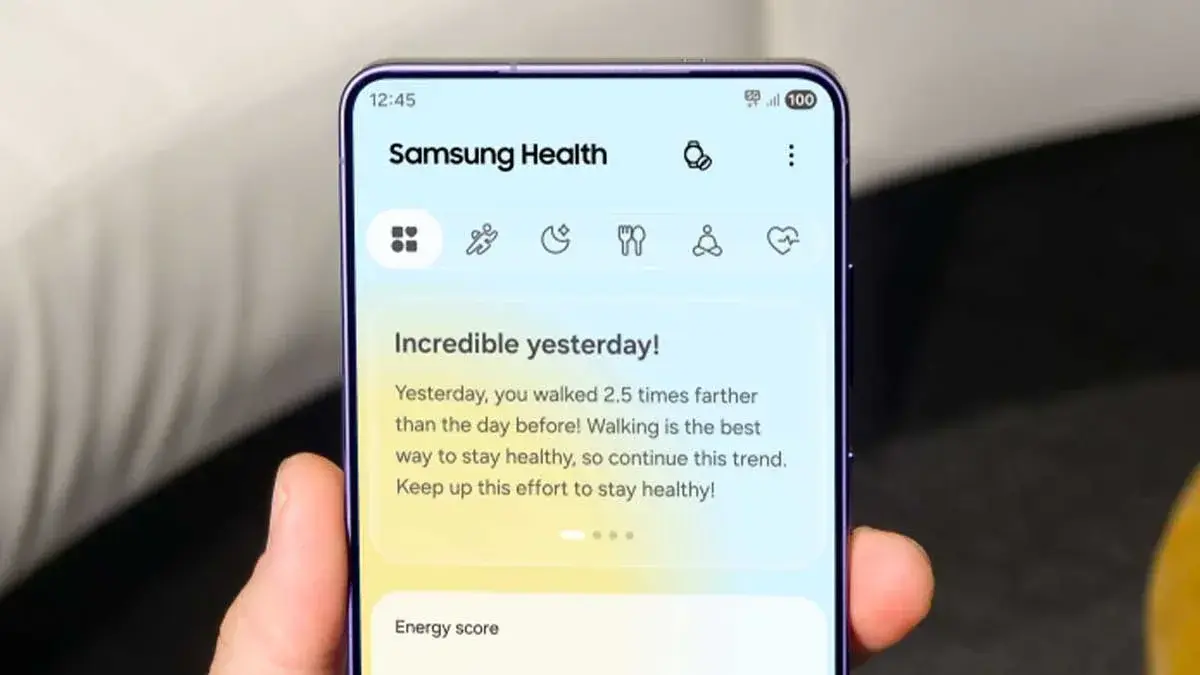 Advanced trend analysis and integration with Galaxy Watch or Ring devices allow for a more granular examination of daily health patterns. Features like cardio load analysis and heart health tracking provide users with objective data to manage their fitness intensity effectively.
Accessibility remains a core focus, with Bixby now allowing voice activation without the need for a specific wake word; users simply need to bring the phone closer to their mouth to initiate a command. 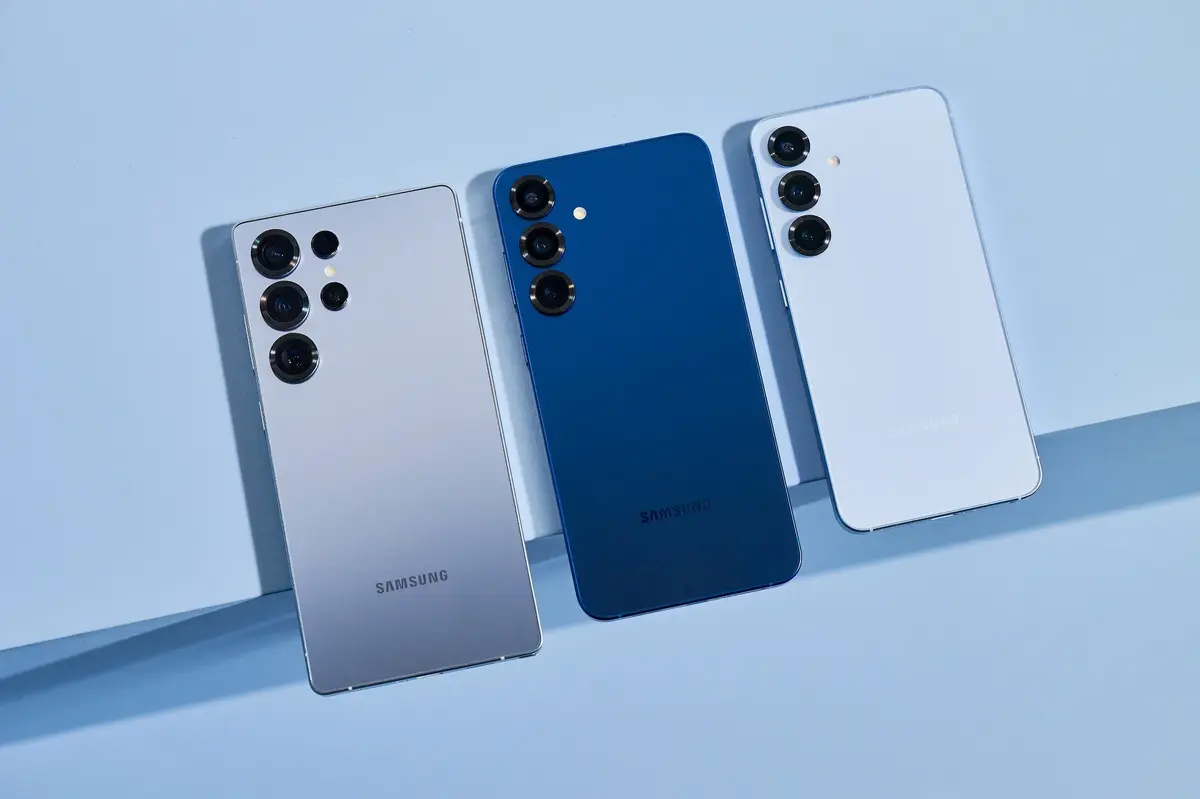 New text-focusing tools allow for magnification of on-screen content, while TalkBack updates are now delivered directly via the Google Play Store to ensure immediate access to the latest improvements.
Deployment Timeline Targets Flagship Devices
While a formal release schedule has not been finalized, the Android 17 update is currently reaching global markets in a phased approach. 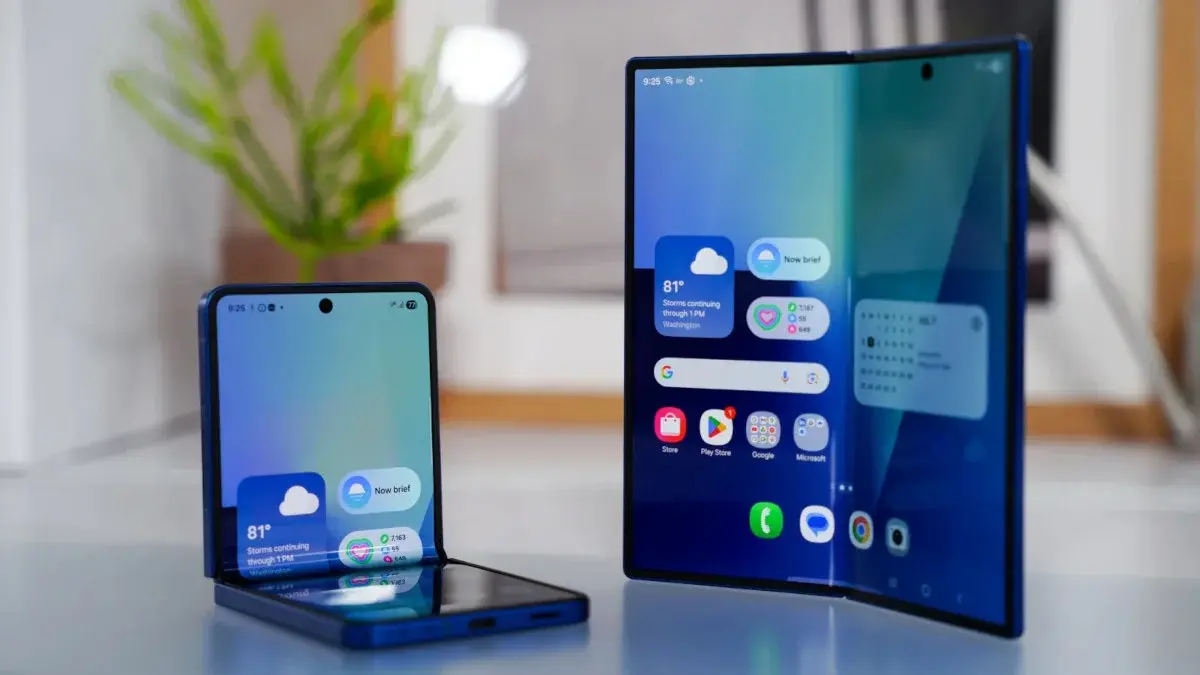 The initial wave of distribution prioritizes premium models, including the Galaxy S26, S26+, and S26 Ultra. Recent flagship lines, such as the Galaxy S25 and S24 series, alongside the Z Fold 7, Z Flip 7, and their predecessors, are also confirmed to receive the software. Regarding the mid-range segment, the Galaxy A57 is currently the only confirmed recipient, though the list of compatible devices is expected to grow as the deployment continues.
We are curious to hear about your experience with the latest software transition. Has your Galaxy device received the Android 17 notification, and which One UI 9 feature do you find most useful for your daily workflow? Please share your thoughts in the comments section below.
Your comment has been submitted,
it will be published after approval.