
Apple Releases macOS 27.2 Golden Gate With New Features

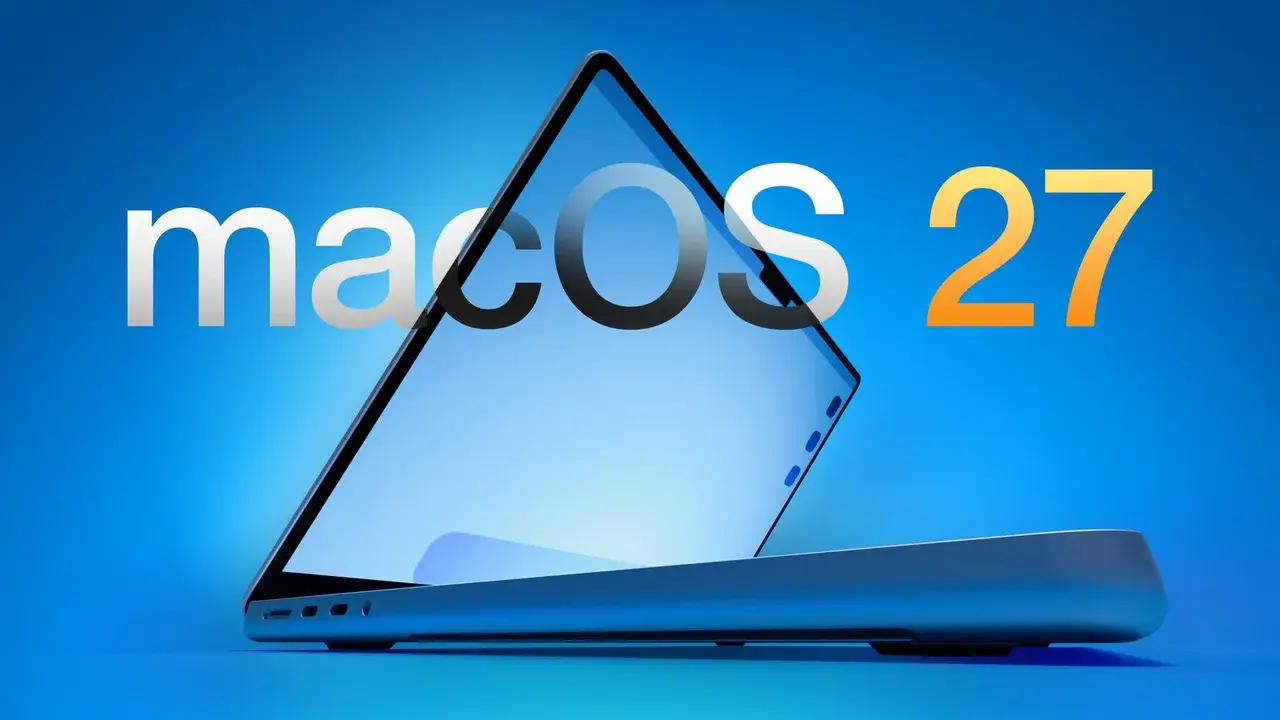
Apple has officially released the macOS 27.2 Golden Gate update, bringing a suite of visual enhancements, expanded AI capabilities, and critical infrastructure improvements to its desktop operating system. Available now for all compatible devices, this update introduces subtle design shifts across the interface, most notably a move toward modern blue accents in Apple Music. Beyond the visual polish, the update signals a significant shift in Apple’s long-term hardware strategy by embedding internal code that prepares the system for future touch-screen MacBook Pro models, marking a transformative step for the Mac ecosystem as a whole.
- Apple introduced a refreshed interface design that replaces traditional red accents with modern blue tones across key system applications.
- The update expands Siri’s linguistic capabilities by adding support for five new languages including French, Japanese, Korean, Portuguese, and Spanish.
- System code integrated into macOS 27.2 establishes the foundational framework required to support future touch-screen MacBook Pro hardware.
- New stepped keyboard shortcuts for volume and screen brightness provide users with more precise control over their system environment.
The Interface Design is Being Refined
The latest macOS 27.2 update brings a series of aesthetic adjustments aimed at modernizing the user experience. Apple Music is the primary beneficiary of this redesign, shedding its familiar red palette in favor of a cleaner, more contemporary blue aesthetic. This change is part of a broader rebranding effort aimed at simplifying visual elements across the platform.
In addition to the color palette updates, Apple has introduced a refined video introduction sequence for music production tools. The overall interface now appears more minimalist, reducing visual clutter to focus on content. 
Functional improvements accompany these visual changes, particularly regarding keyboard shortcuts. Users can now observe that volume and brightness adjustments follow a stepped progression rather than a fluid, continuous line. This change allows for greater precision, as users can now easily select specific increments when modifying their system settings, ensuring a more tactile control experience.
Siri AI Capabilities are Being Expanded
The artificial intelligence backbone of the operating system, Siri AI, has received a notable upgrade in this release. The assistant now supports five additional languages, including French, Japanese, Korean, Portuguese, and Spanish. This expansion significantly strengthens the integration of AI for multi-lingual users who rely on local language support for their daily tasks.
While these updates improve current workflows, there is also anticipation for further language support, with Turkish expected to be integrated in future releases. This move highlights Apple’s commitment to globalizing its AI features and making the system more accessible to a diverse user base.
Foundation for Touch-Screen MacBooks is Being Prepared
Perhaps the most significant aspect of the macOS 27.2 Golden Gate update lies in its hidden infrastructure. Deep within the system code, developers have identified new modules that facilitate touch-based interactions. These code blocks specifically target native applications like Safari and Photos, suggesting that the operating system is being readied for a new generation of hardware.
While these features are not yet exposed in the primary user interface, their presence confirms that Apple is actively developing the software architecture required for touch-capable MacBook Pro models. This strategic preparation ensures that when the hardware arrives, the software will already be fully optimized for a touch-first interaction model.
The System Update Process is Being Outlined
Users can install macOS 27.2 by navigating to the System Settings menu, selecting General, and choosing the Software Update option. The update includes essential security patches and performance stability fixes, making it a recommended installation for all users currently running macOS 27. Ensuring that your system is up to date remains the best way to maintain security and take advantage of these new interface and AI enhancements.
What do you think about the shift toward touch-screen technology in the Mac ecosystem? Share your thoughts and expectations for the future of macOS in the comments section below.
Your comment has been submitted,
it will be published after approval.