
Google Photos Rolls Out Customizable Collections Tab Design


Google has officially introduced a comprehensive design overhaul for the Collections tab within the Google Photos Android application, aiming to enhance user navigation and interface efficiency. Starting with version 7.97, the update replaces the previous, rigid 2×2 grid layout with a highly personalized experience, allowing users to reorganize and prioritize their content according to specific preferences. This server-side rollout, which follows the introduction of a floating navigation bar in July, empowers users to maintain a more organized gallery by providing granular control over how albums, categories, and media collections are displayed on their mobile devices.
- The update replaces the previous fixed grid interface with a fully customizable layout for better content management.
- Users can pin specific categories to the top of the screen or hide sections that are rarely accessed.
- The reorganization feature is accessible through a dedicated button at the bottom of the Collections tab.
- Google is distributing these interface changes via a server-side update for all version 7.97 users.
The core of this interface update revolves around the new ability to curate the Collections page. Previously, users were forced to navigate through a standardized, static grid of folders. Now, the interface is divided into functional sections that adapt to individual usage patterns. The “Pinned” section serves as the primary area for frequently accessed items, such as Favorites, Screenshots, and the Trash folder.  Users now have the authority to pin their most important folders to the top of this list, reorder them to fit their workflow, or remove them entirely from view if they are not needed.
Customizable Sections Improve User Experience
Beyond the Pinned category, the new layout provides specialized carousels for broader content types. Users will find dedicated spaces for items such as device-specific media, albums, people and pets, documents, and even wardrobe-related images. 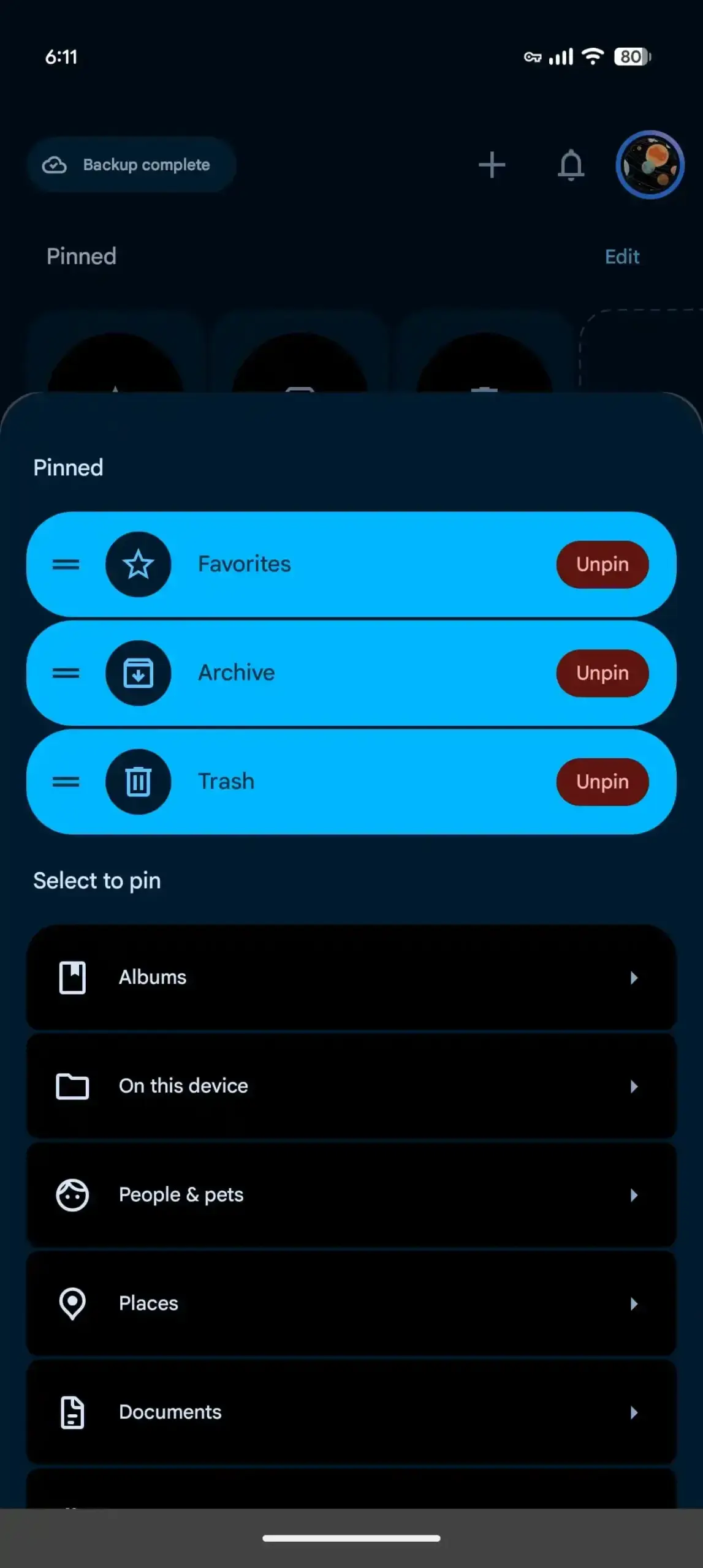 This tiered structure ensures that high-priority items do not get lost among thousands of photos. The “View All” option located in the top right corner of each section allows for a quick transition to a full grid or list view, depending on the user’s preference for browsing.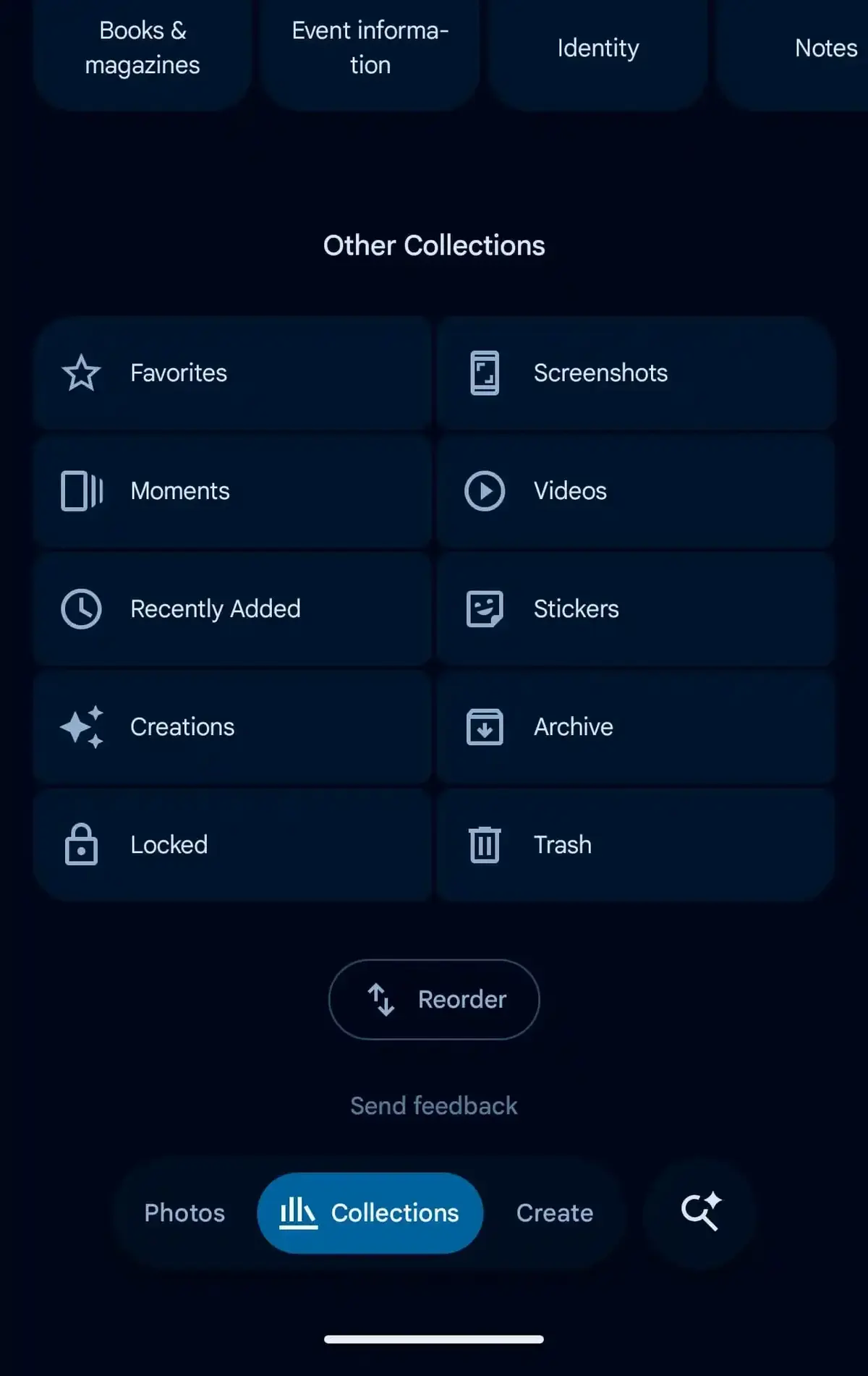
New Sorting Tools Enhance Navigation
The bottom of the interface introduces a “Reorder” button, which acts as the central hub for all customization actions. By clicking this button, users can drag and drop categories to change their sequence, ensuring that the most relevant collections remain within reach. 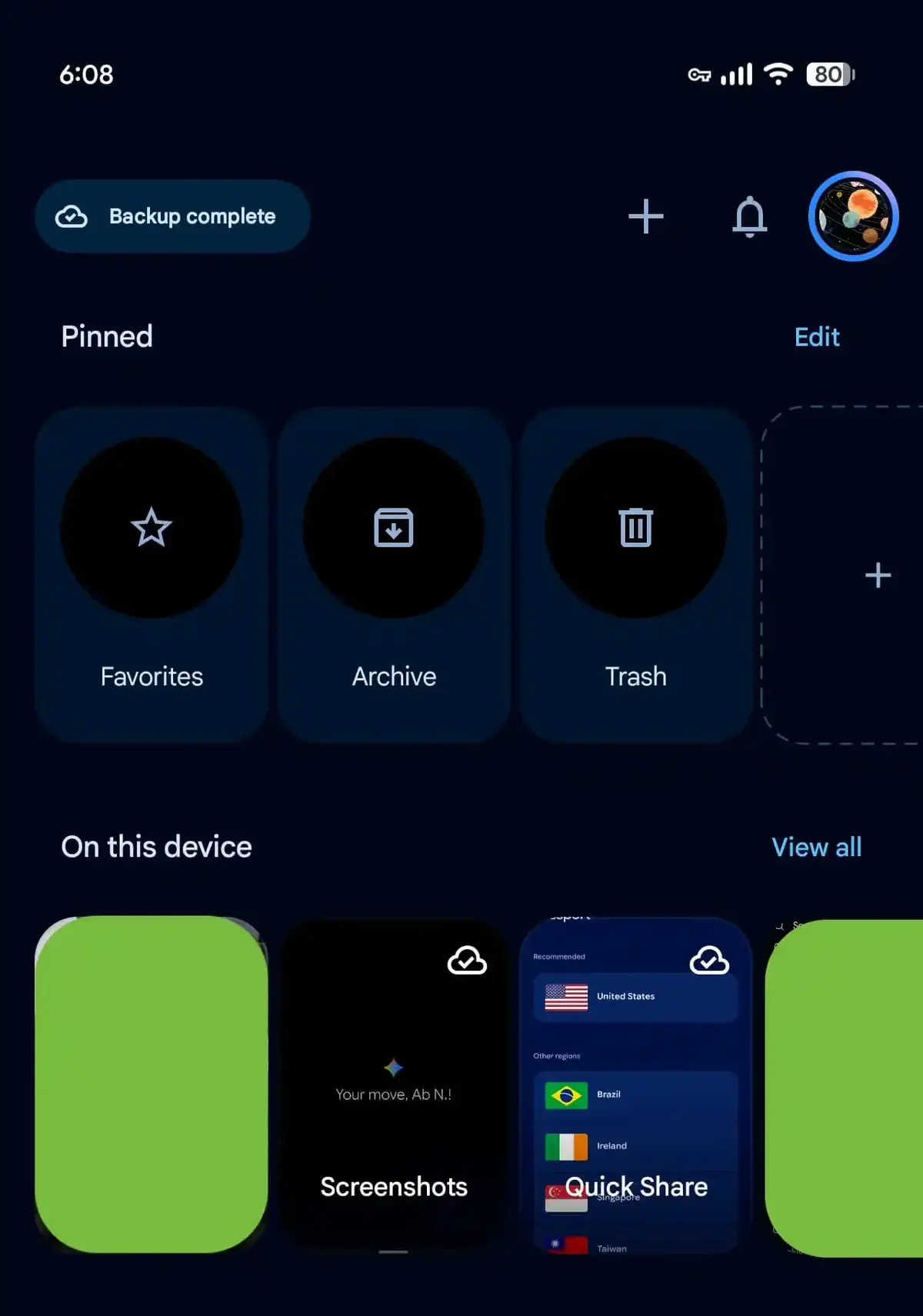 Below this, the “Other Collections” section hosts a broader range of folders, including Memories, Videos, Locked folders, and Created items.
 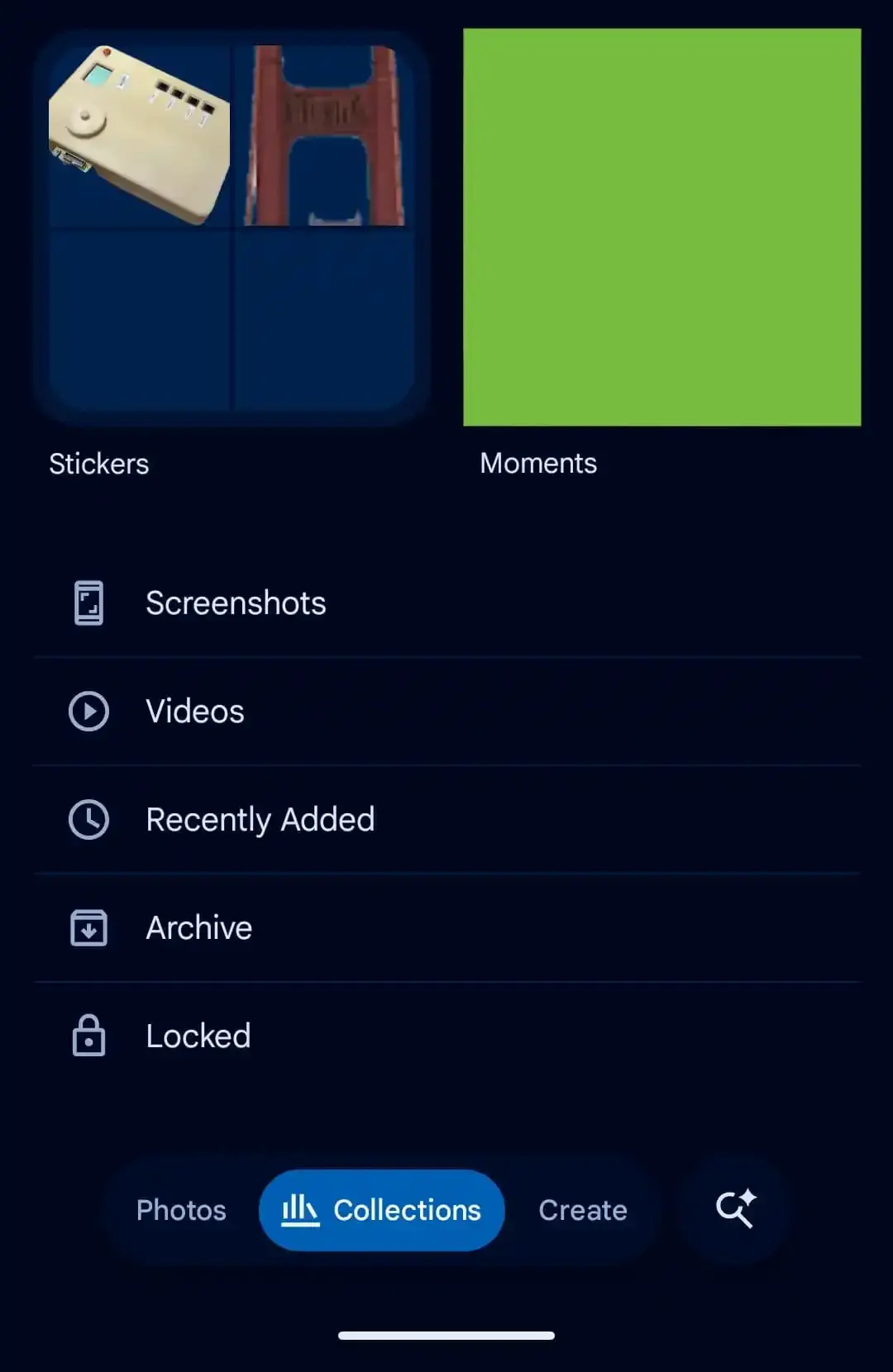 This clear separation between frequently used folders and secondary content helps reduce visual clutter, leading to a much cleaner and more professional user interface.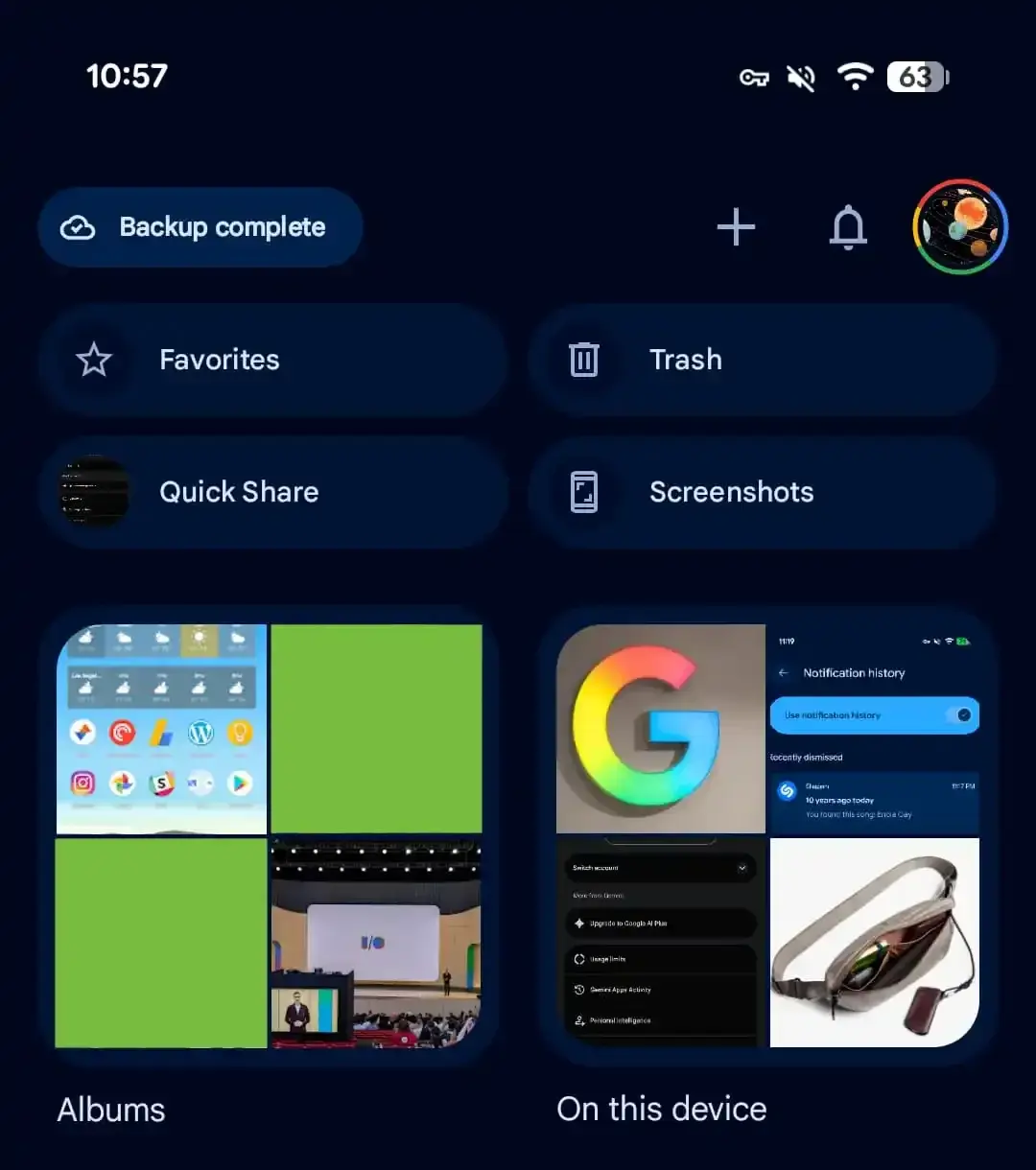
This update represents a significant shift in how Google approaches digital asset management. By moving away from a “one-size-fits-all” design, the tech giant acknowledges that every user has a unique way of organizing their visual memories. For those who frequently take screenshots or manage extensive photo albums, these new tools provide much-needed relief and efficiency. Users currently running version 7.97 should see these changes automatically, though a simple restart of the application may be required to refresh the interface components. As Google continues to refine its gallery management, these customization options stand out as a major milestone in improving the overall usability of the platform.
We would love to hear your thoughts on this new organizational approach. Have you already customized your Collections tab to better suit your needs, or do you prefer the default layout? Share your experiences in the comments section below.
Your comment has been submitted,
it will be published after approval.