
Top 5 Laptop Cooling Pads for Enhanced Performance

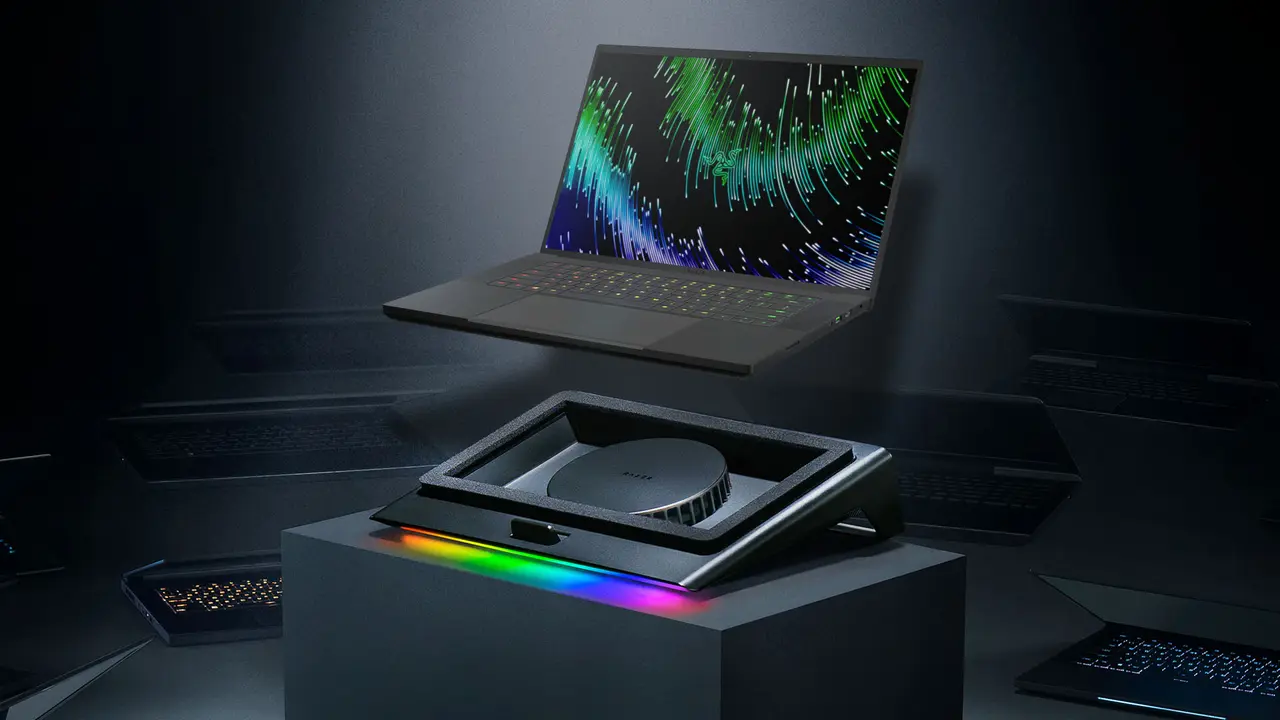
Overheating remains a primary concern for laptop users, particularly those engaged in intensive tasks such as high-end gaming, video editing, or prolonged professional work sessions. To address these thermal management challenges, many users rely on the best laptop cooling pads to facilitate improved airflow and maintain optimal device temperatures. These cooling solutions are designed to lift the chassis, providing better circulation underneath the hardware while simultaneously offering a more ergonomic typing angle. By integrating high-speed fans and adjustable height settings, these accessories aim to prolong the hardware lifespan and improve user comfort during extended operational periods in various work environments.
- Laptop cooling pads improve thermal regulation by enhancing airflow beneath the device chassis.
- Selecting an appropriate model requires consideration of fan size, noise levels, and compatibility with the laptop’s specific air intake design.
- Adjustable height settings contribute to better ergonomics and improved posture for the user.
Top Performing Laptop Cooling Pads Are Evaluated
Selecting the right cooling accessory involves evaluating build quality, fan efficiency, and user-specific requirements. The following list highlights five distinct models currently available in the market, chosen for their popularity and diverse functional features.
Rampage AD-RC4 ColdBreeze Offers Gaming Support
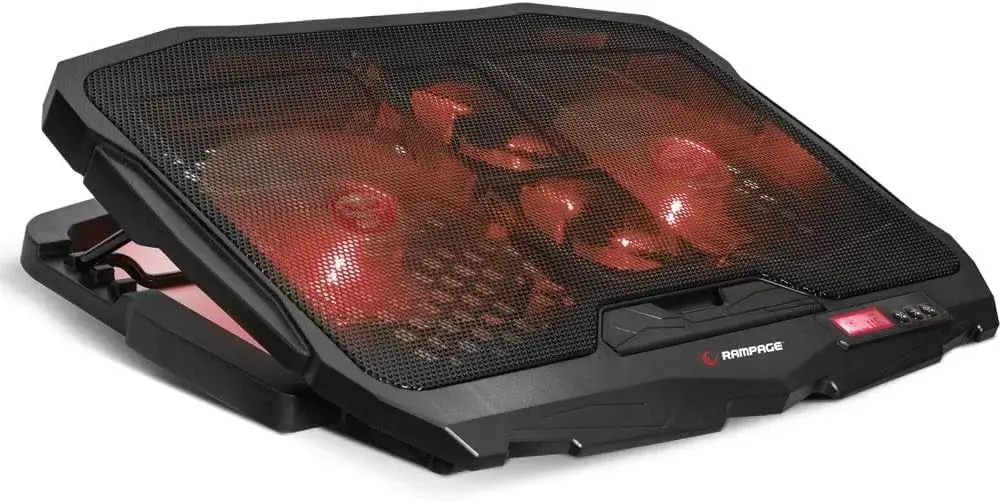
The Rampage AD-RC4 ColdBreeze is specifically engineered for gaming notebooks. Utilizing a four-fan configuration, it effectively dissipates heat from the underside of high-performance machines. The unit features red LED lighting and a five-stage adjustable stand, making it suitable for 15 to 17-inch laptops.
Zalman ZM-NS2000 Prioritizes Large Fan Efficiency
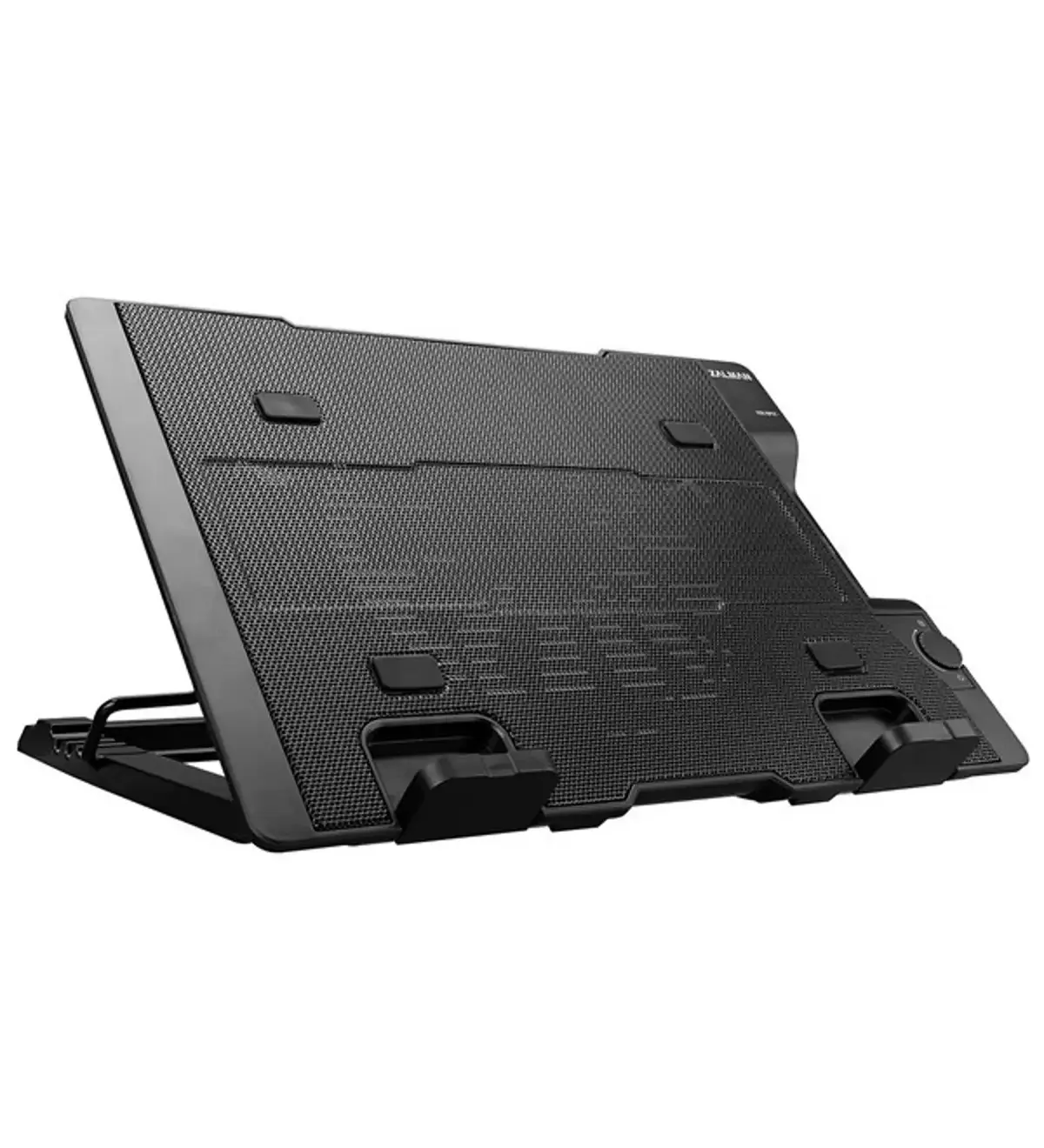
For users who prefer a single, large-diameter fan over multiple smaller ones, the Zalman ZM-NS2000 provides a robust solution. Its 200mm fan ensures a wide area of coverage, while its sleek design caters to those seeking a professional aesthetic without excessive lighting effects.
Claw’s Tornado 4x Turbo Delivers Value
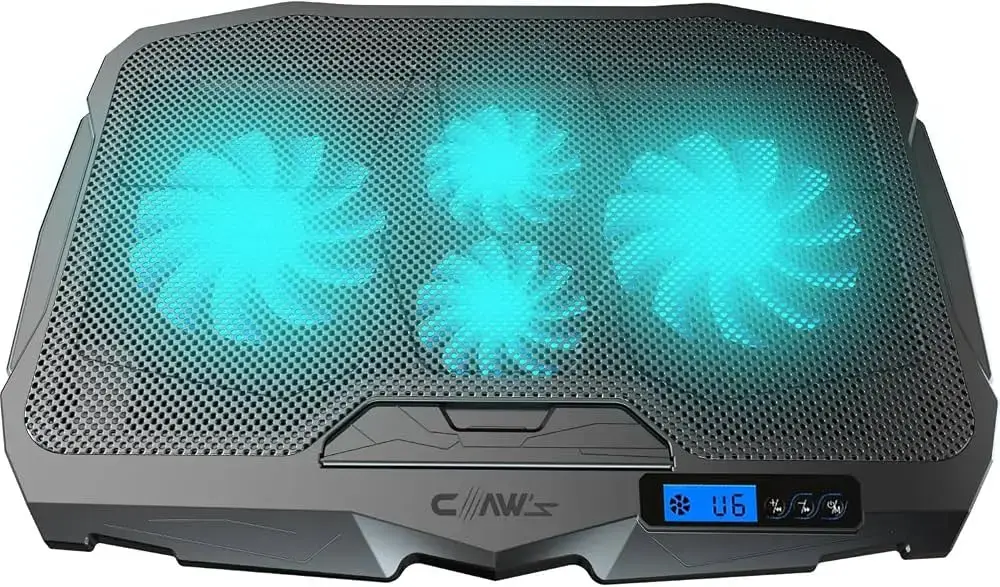
The Claw’s Tornado 4x Turbo model is recognized for its balance between price and performance. Featuring four fans and a metal mesh surface, this cooling pad provides reliable airflow for both casual daily use and occasional gaming sessions, supporting devices ranging from 9 to 17 inches.
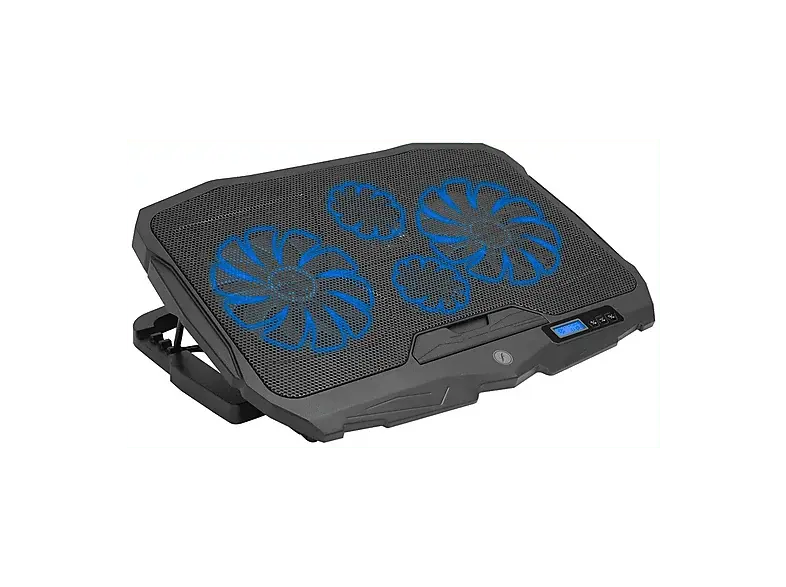
Frisby FNC-5230ST Maintains Operational Stability
The Frisby FNC-5230ST is designed for users seeking fundamental cooling without unnecessary complexity. It features four fans and a six-level speed adjustment system. With its LCD control panel and adjustable stand, it provides essential temperature management for laptops between 10 and 17 inches.
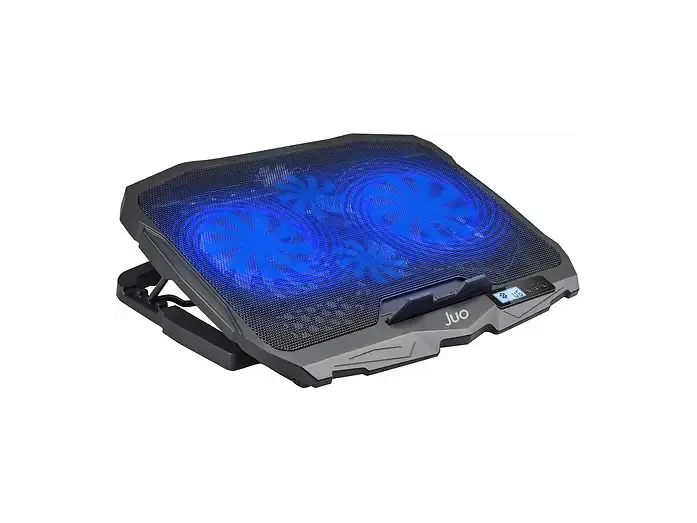
Juo C1 Integrates Digital Controls
The Juo C1 stands out by incorporating a digital LED screen for precise monitoring. It allows users to adjust fan speeds easily while benefiting from a consistent 56 CFM airflow. This model is ideal for those who require granular control over their cooling environment during intensive computing tasks.
Selection Criteria Should Be Considered Carefully
When purchasing a cooling pad, one must verify the placement of the laptop’s intake vents to ensure compatibility. Higher fan counts do not always guarantee superior performance; the quality of airflow and the specific thermal design of the notebook play a more significant role. Users should also factor in noise levels, the stability of the stand, and the overall ergonomic benefits provided by the height adjustments. Testing temperatures before and after installation remains the most accurate way to verify the efficiency of these cooling solutions.
Have you experienced significant temperature drops after using a cooling pad for your laptop, or do you have a favorite model that keeps your machine running cool? Share your experiences and cooling tips with our community in the comments section below.
Your comment has been submitted,
it will be published after approval.