
Android users’ common issue: Circle to Search

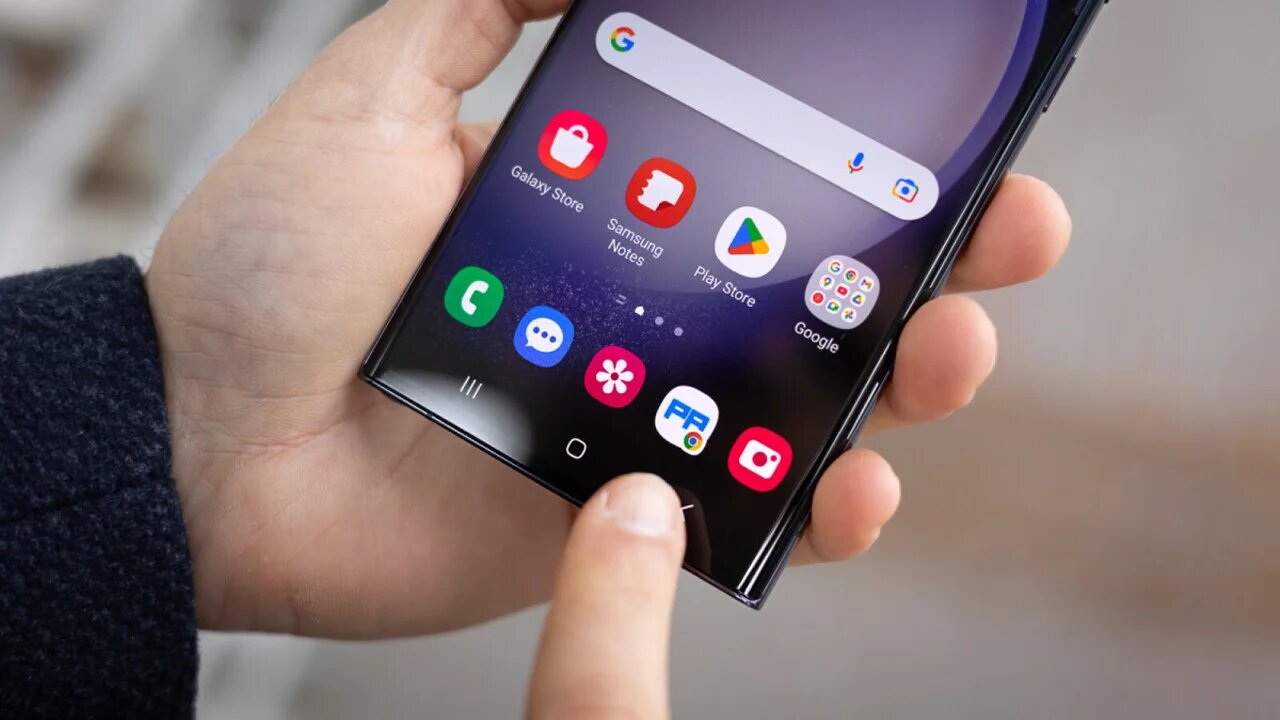
If I were asked to give a great example of artificial intelligence integrating into smartphones, the Circle to Search feature would probably be among the top ones. This application allows you to search for any text, image, or other content by simply enclosing it within a circle and searching on Google.
Circle to Search feature in the spotlight with a new issue!
This feature is highly appreciated and frequently used by Android users. However, perhaps where it should work the most, it doesn’t: in the notification bar. The notification bars of Android devices are often similar, usually bringing together settings and app notifications.
However, the Circle to Search feature cannot be used when the notification bar is open. Additionally, it does not allow you to add text using the copy-paste method. Many users report that the application works efficiently outside the notification panel, but when it comes to searching within the notification panel, the opposite is true.
Countdown for Google’s budget-friendly phone! Price and features revealed
Some sources describe the issue as “unresolved.” There has been no explanation for why the problem remains unresolved. However, it is expected that these issues will be addressed in future updates. After all, the Circle to Search feature has been released for older Android devices as well and is widely used.
What are your thoughts on this matter? Don’t forget to share your opinions in the comments section. For more, you can visit the ShiftDelete.Net YouTube channel.
Your comment has been submitted,
it will be published after approval.