
BenQ Launches New iScreenBar Smart Monitor Light for iMac

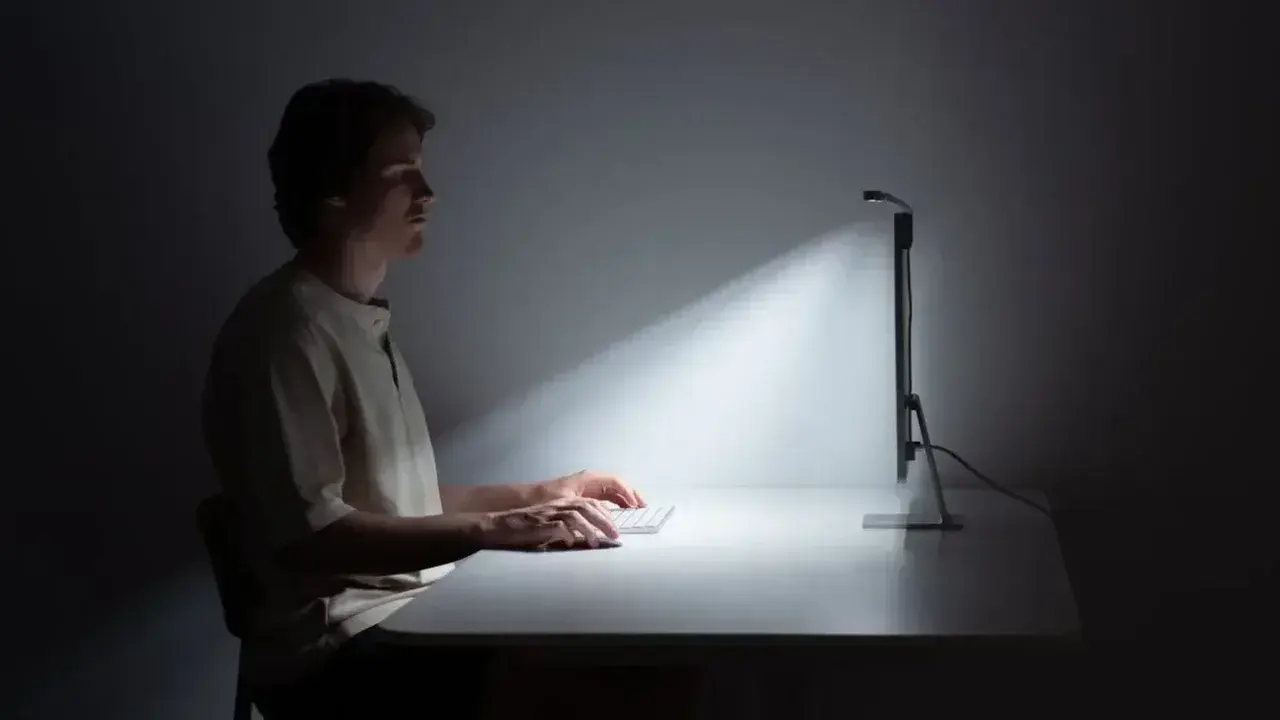
BenQ has officially introduced the BenQ iScreenBar, a specialized smart monitor light engineered specifically for 24-inch iMac users, aiming to enhance productivity and comfort in professional workspaces. Unveiled as a premium accessory, this device integrates seamlessly with the sleek aesthetic of Apple’s desktop computers while addressing the common issue of desk glare. By providing targeted, non-reflective illumination, the iScreenBar ensures that iMac users can work effectively without the strain typically caused by poor lighting conditions. This new release marks a significant step for BenQ as it expands its dedicated hardware ecosystem for Apple enthusiasts globally.
- The BenQ iScreenBar features a premium aluminum construction designed to match the 24-inch iMac aesthetic.
- Intelligent sensors enable the device to power on and off automatically based on the user’s presence.
- Users can manage brightness and color temperature settings directly through a dedicated macOS application.
- The product is currently available for purchase with a retail price of 189 dollars.
The iScreenBar is constructed from high-quality aluminum, ensuring both durability and a sophisticated look that complements the 24-inch iMac design language. Beyond its physical appeal, the device incorporates advanced smart sensors that detect whether a user is present at their workstation. This allows for automated power management, where the light activates as soon as the user sits down and switches off when the area is vacated. 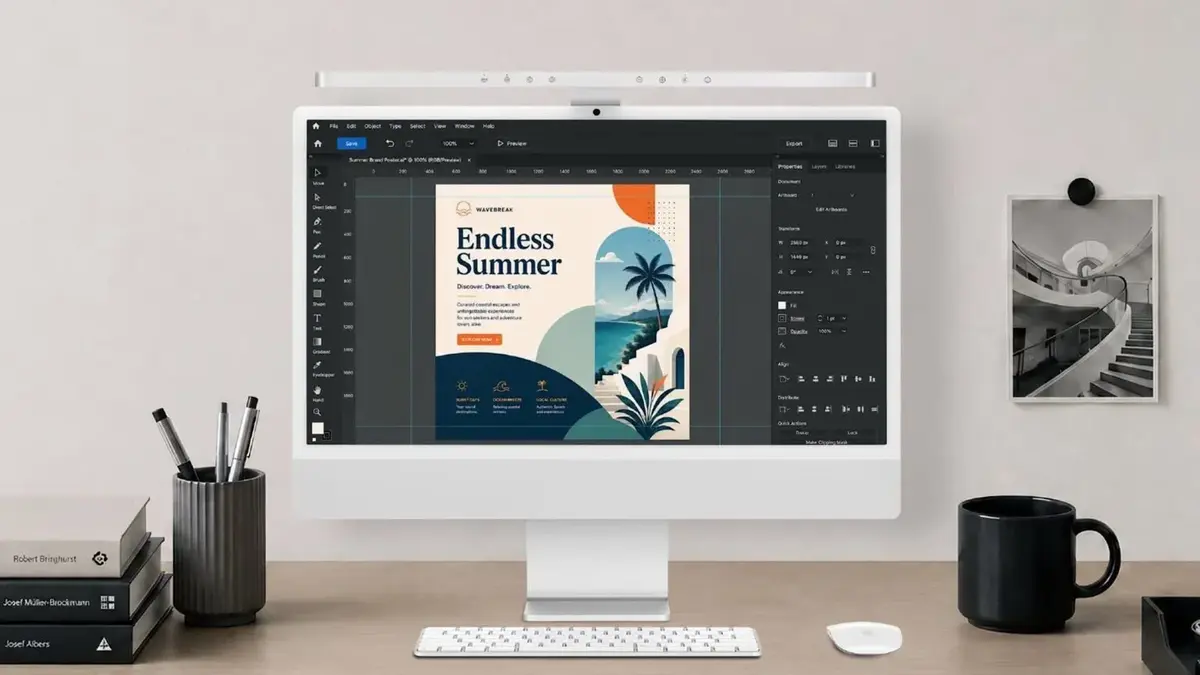 This level of automation provides a seamless and energy-efficient experience for busy professionals who prefer not to manage their desk lighting manually.
Connectivity and Cable Management are Simplified
Power for the iScreenBar is delivered via a USB-C connection, which aligns with modern standards and helps maintain a clean, minimalist desk setup. By centralizing the power source, BenQ reduces the common problem of cable clutter, allowing the hardware to disappear into the workspace rather than becoming an eyesore. This focus on utility ensures that the accessory functions as a cohesive component of the iMac workstation rather than an intrusive add-on.
Lighting Performance is Optimized for Productivity
The device offers a professional-grade 500 lux brightness level, which is considered the ideal intensity for reading and writing tasks without causing eye strain. Furthermore, the light is specifically optimized for video conferencing environments, ensuring that users look their best during virtual meetings. The ability to adjust color temperatures and light intensity through the macOS interface allows for a highly personalized environment, catering to individual preferences during long working hours. By eliminating screen reflections, the system effectively protects the user’s ocular health during extended periods of computer use.
Uniform Illumination is Achieved Across the Desk
A key technical advantage of the iScreenBar is its ability to provide uniform light distribution across the entire workspace, effectively eliminating dark corners that can cause distractions. This consistent lighting is particularly beneficial for users who perform tasks late into the night. With a retail price set at 189 dollars, BenQ positions this accessory as a premium investment for those who prioritize both aesthetic harmony and functional excellence in their home or office environment. The integration of software-based controls ensures that the hardware remains versatile and easy to operate regardless of the user’s specific lighting needs.
We are curious to hear your thoughts on this specialized lighting solution; do you find that dedicated accessories like the BenQ iScreenBar significantly improve your daily workflow, or do you prefer standard desk lamps? Share your opinions in the comments section below.
Your comment has been submitted,
it will be published after approval.