
Which CarPlay apps should you use for iPhone

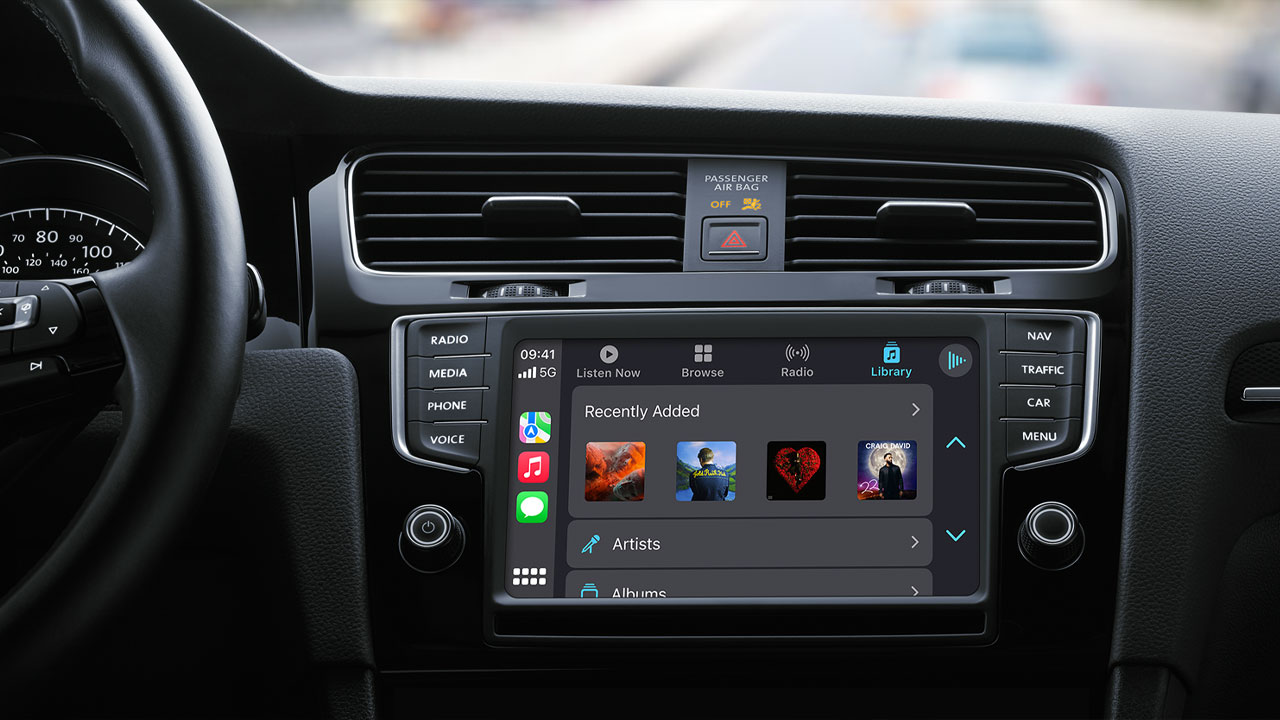
If you have a car with CarPlay support, you might have used Apple’s this feature for a while. Apple’s CarPlay feature brings communication and entertainment to your vehicle with some apps. Apple explains this feature as a smarter ride from start to finish. However, there are a lot of apps and Apple’s is adding a new one almost every day. That’s why you should choose the best ones. Here are the CarPlay apps you should use for your iPhone…
These CarPlay apps will enhance your driving experience
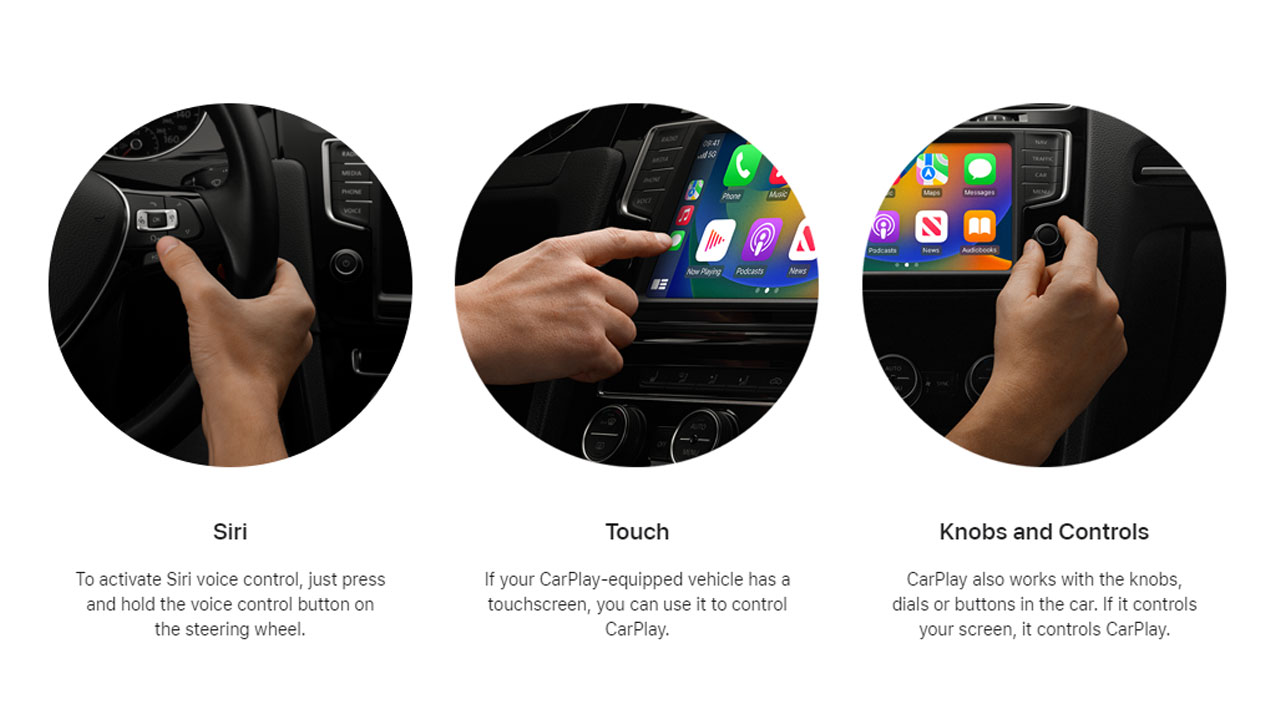
However, if you don’t have any idea about CarPlay, let’s summarize it. Apple CarPlay is a smarter, safer way to use your iPhone while you drive. Thanks to this feature, you can get directions, make and answer calls, and send and receive messages via your car’s built-in display. Depending on the list by 9to5mac, we listed some useful CarPlay apps you should experience while driving.
Apple Apps:
- Phone (Favorites, Recents, Contacts, Keypad, Voicemail)
- Music (Apple Music including Beats 1)
- Maps (Search, POI’s, Navigation, Nearby, Lane Guidance, ETA sharing)
- Messages (Create, read, reply over Siri)
- News+ (Listen to audio stories for Apple News subscribers)
- Now Playing (This will show audio content from any iPhone app similar to iOS’s Control Center)
- Podcasts (Also works with Siri)
- Books (Since iOS 8.4 for playing audiobooks)
- Calendar (Since iOS 13 for viewing current and upcoming events, including addresses)
- Settings (Since iOS 13 for controlling Do Not Disturb While Driving, Light and Dark Mode, and Siri Suggestions)
- Dashboard (A new addition to the Home Screen since iOS 13, includes tiles for navigation, favorite locations, now playing audio, Siri Suggestions, and calendar events)
Audiobooks & Reading:
- Audible
- Audio Books by AudioBooks.com
- Blinkist
- Bookmate
- Google Play Books
- Instapaper
- Kobo Books
- Libby, by OverDrive
- Scribd
- Walmart eBooks
Communication Apps:
- Cisco Webex Meetings/Webex
- LINE
- Microsoft Teams
- Telegram Messenger
- ZOOM Cloud Meetings
EV Charging and Parking:
- ChargePoint
- PlugShare
- SpotHero
Food Apps:
- Domino’s Pizza
- Dunkin’
- Panera Bread
Music:
- Amazon Music
- Berliner Philharmoniker
- Dash Radio
- Deezer Music
- Doppler
- LiveOne Music
- Mixcloud
- Plexamp (For music on Plex)
- Radio Deejay
- SiriusXM Radio
- SongCapsule
- Spotify
- Tidal
- VLC
- VOX
- YouTube Music
Navigation Apps:
- 2GIS
- DoorDash – Dasher (Pilot in select markets)
- ETA
- Google Maps (Works with Siri in iOS 13+)
- HERE WeGo Maps & Navigation (Offline maps)
- InRoute
- My Porsche
- NAVER Map
- Rever Motorcycle GPS & Rides
- Roads by Porsche
- Sygic GPS Navigation & Maps (Offline maps)
- TomTom GO Navigation
- Uber – Driver (Limited functionality)
- Waze (Works with Siri in iOS 13+)
- Weather on the Way mixes weather forecasts with route planning
News & Sports:
- Audacy
- CBS Radio News
- CNBC
- MLB At Bat
- NBA
- NHL
- NPR One
Podcasts:
- Breaker
- Castro
- Downcast
- iHeartRadio
- Overcast
- Pandora
- Pocket Casts
- Spotify
- TuneIn Radio
If you are using any other apps, you can share them below, and share your opinions.
Your comment has been submitted,
it will be published after approval.