
Google password manager is not secure, experts say

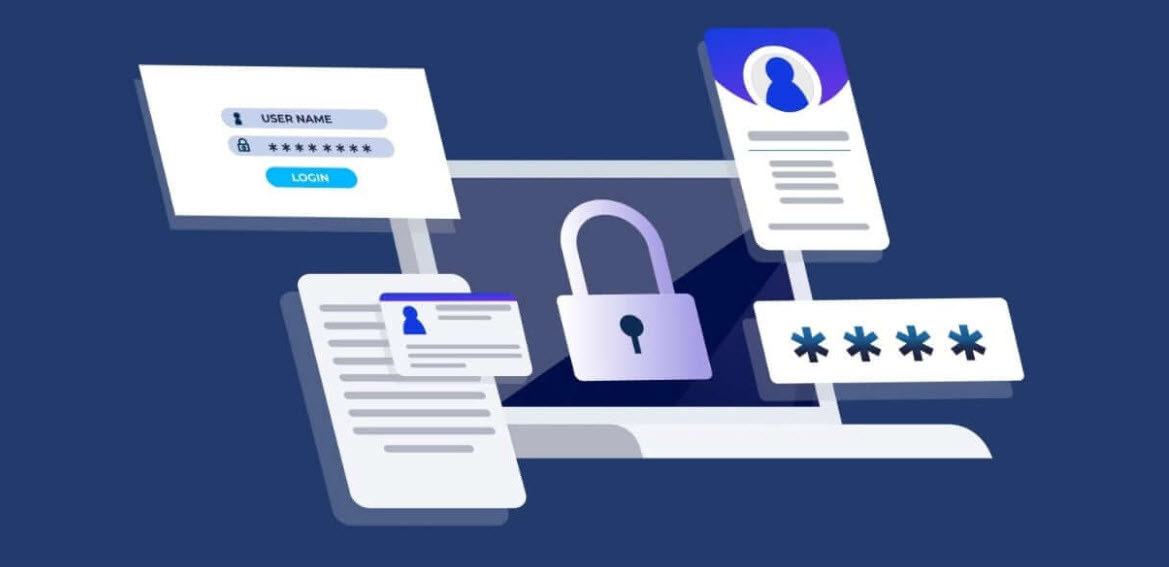
Ever with the first browser, users find it convenient to write the passwords only once, click on “Remember Me”” option or leave it to the browser to remember the password for the subsequent logins to password protected site or service.
Although the login site may contain sensitive personal information, users just “trust” the browser (by browser, we can easily say Google Chrome, which is the most popular browser). According to experts, this poses a serios security risk, because browser-stored passwords are easy to reveal.
For this reason, experts advise to use dedicated password managers to store your passwords. They are easy to use, have plenty of options and are more secure than Google Password Manager. You’ll see a list of best password managers in the end of this article, but first, let see how we can disable Google password manager.
How to Enable / Disable Google password manager
- Enable sync in all the Chrome instances where you want to share passwords.
- Click the three-dot menu at top right of the Chrome window, then click Settings.
- Select You and Google
- In the resulting dialog, you can turn syncing on or off.
- Now click Autofill, just below You and Google, and click Password manager.
- Turn off or on the items Offer to Save Passwords and Auto Sign-in.
Best password managers
Free
Paid – Good for business use
Your comment has been submitted,
it will be published after approval.