
Google Photos 7.85 Update Introduces Enhanced Customization and AI Tools

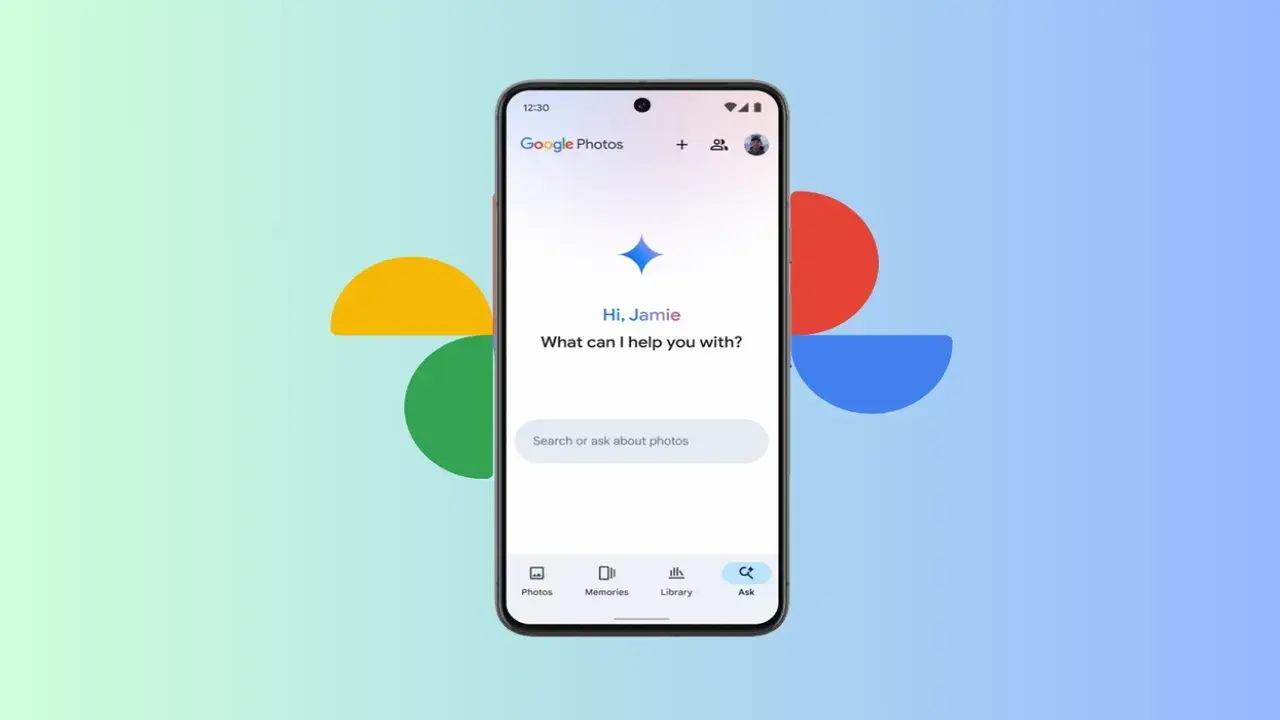
Google has officially released the version 7.85 update for the Google Photos application on the Android platform, bringing significant improvements to user experience and interface design. This latest rollout focuses on providing users with greater control over visual effects while streamlining the integration of artificial intelligence tools within daily workflows. By introducing refined settings, a modernized design language, and faster access to camera functions, Google aims to make its photo management service more intuitive and personalized for its global user base. The update is now available for Android users, marking a step forward in how individuals interact with their digital memories and media editing processes.
- Users can now disable the AI-powered shimmer effect through the updated settings menu.
- The application settings interface has migrated to the Material 3 Expressive design language.
- A new floating action button allows for direct camera access within AI-powered creation templates.
The Shimmer Effect Can Now Be Disabled
One of the most notable changes in the Google Photos 7.85 update is the ability for users to toggle the shimmer effect. Previously, this visual highlight appeared by default around objects in photos to assist with quick sticker creation, which some users found distracting. 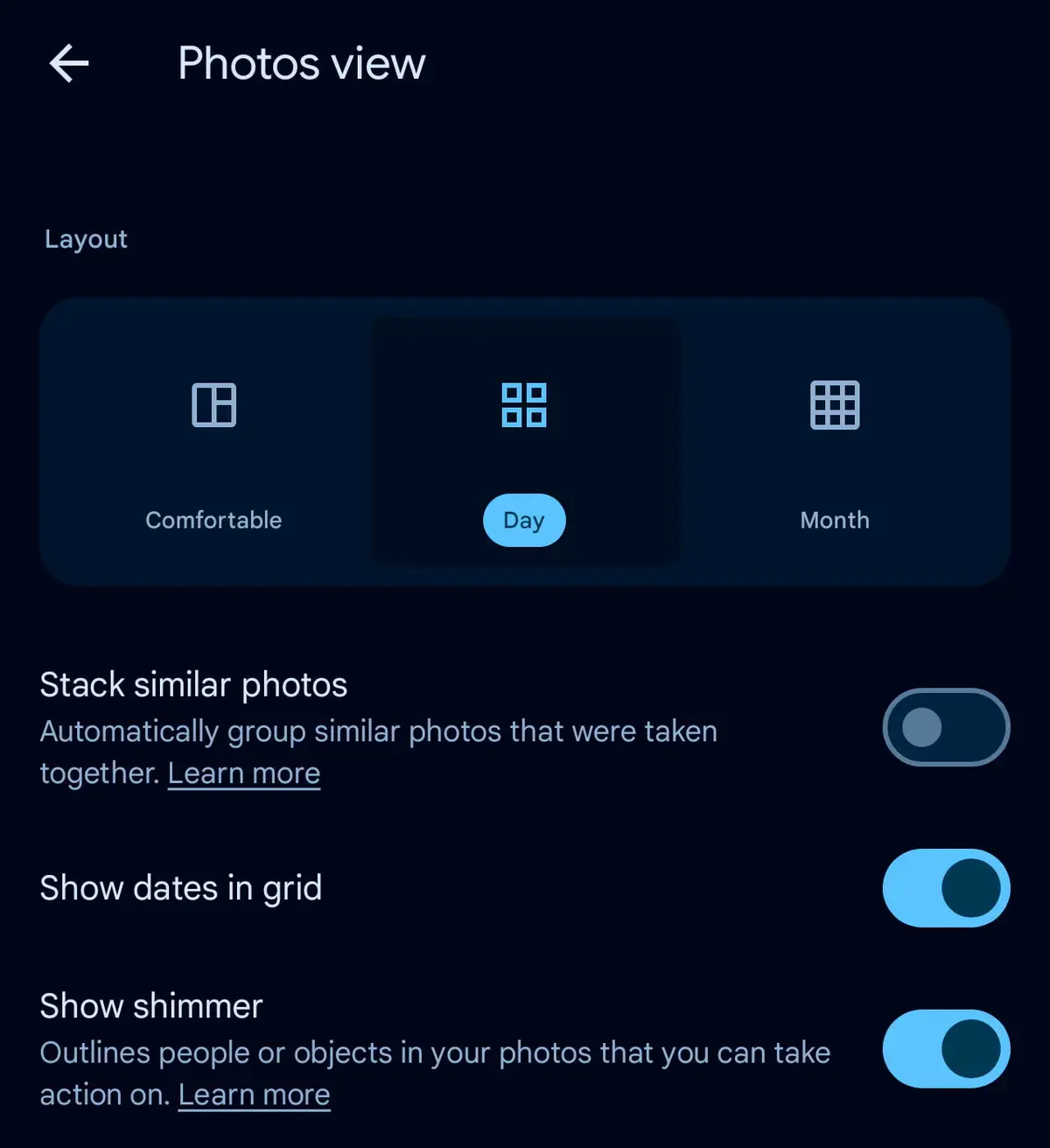 With the new update, users can navigate to the preferences section within the settings menu to turn off this feature entirely. This change offers a much cleaner interface for those who prefer a minimalist editing environment.
Users can finally manage the visual clutter in their photo editing interface to suit their personal preferences.
The Settings Menu Adopts a Modern Aesthetic
Google has begun migrating the application settings page to comply with Material 3 Expressive design principles. This transition introduces clearer container structures for essential sections such as backup and preferences, creating a more consistent and organized look. While this design update is currently limited to the main settings page, it represents a commitment to modernizing the overall user experience. Other sub-sections, including privacy and notifications, currently retain their legacy design templates as the company continues its phased rollout.
AI Tools Offer Faster Camera Integration
Perhaps the most functional improvement involves the direct integration of a camera shortcut within AI-powered creation tools. Previously, users were required to select photos from their existing library to utilize features like ‘Remix’ or ‘Video from photo.’ The latest update introduces a large floating action button that grants immediate access to the device camera. This enhancement allows users to capture new content and immediately feed it into AI-driven processes without leaving the creation flow. This shift significantly reduces the time required for mobile content creators to produce and edit media on the go.
Streamlined access to the camera functionality dramatically accelerates the workflow for mobile content creators.
We would love to hear your thoughts on these new customization options and the addition of the quick-access camera button in Google Photos. Do you believe that disabling the shimmer effect makes the interface more usable, or do you find that such visual cues are helpful for your daily tasks? Please share your feedback and experiences in the comments section below.
Your comment has been submitted,
it will be published after approval.