
Google Releases Android 17 QPR1 Update for Pixel Devices

Google has officially launched the Android 17 QPR1 update for its Pixel lineup, marking the conclusion of an extensive beta testing phase. This September 2026 feature drop, which includes the latest security patches, brings significant user interface enhancements to a wide range of devices, spanning from the Pixel 6 series up to the newest Pixel 11 models. The update focuses on fluid system transitions and refined visual aesthetics, ensuring a more cohesive experience across the Google ecosystem. Users can now access the latest software by navigating to the system settings menu on their devices to initiate the download and installation process.
- The Android 17 QPR1 update introduces the September 2026 security patches alongside new system features.
- The update supports a broad range of hardware including the Pixel 6 series through the Pixel 11 series.
- System interface improvements include dynamic color transparency effects and a redesigned power menu.
Visual Interface Elements are Undergoing Changes
Google has implemented a more extensive use of blur effects throughout the system interface to enhance visual depth. The audio control panel now features dynamic color-themed transparency, while the power menu has received a modern design overhaul. 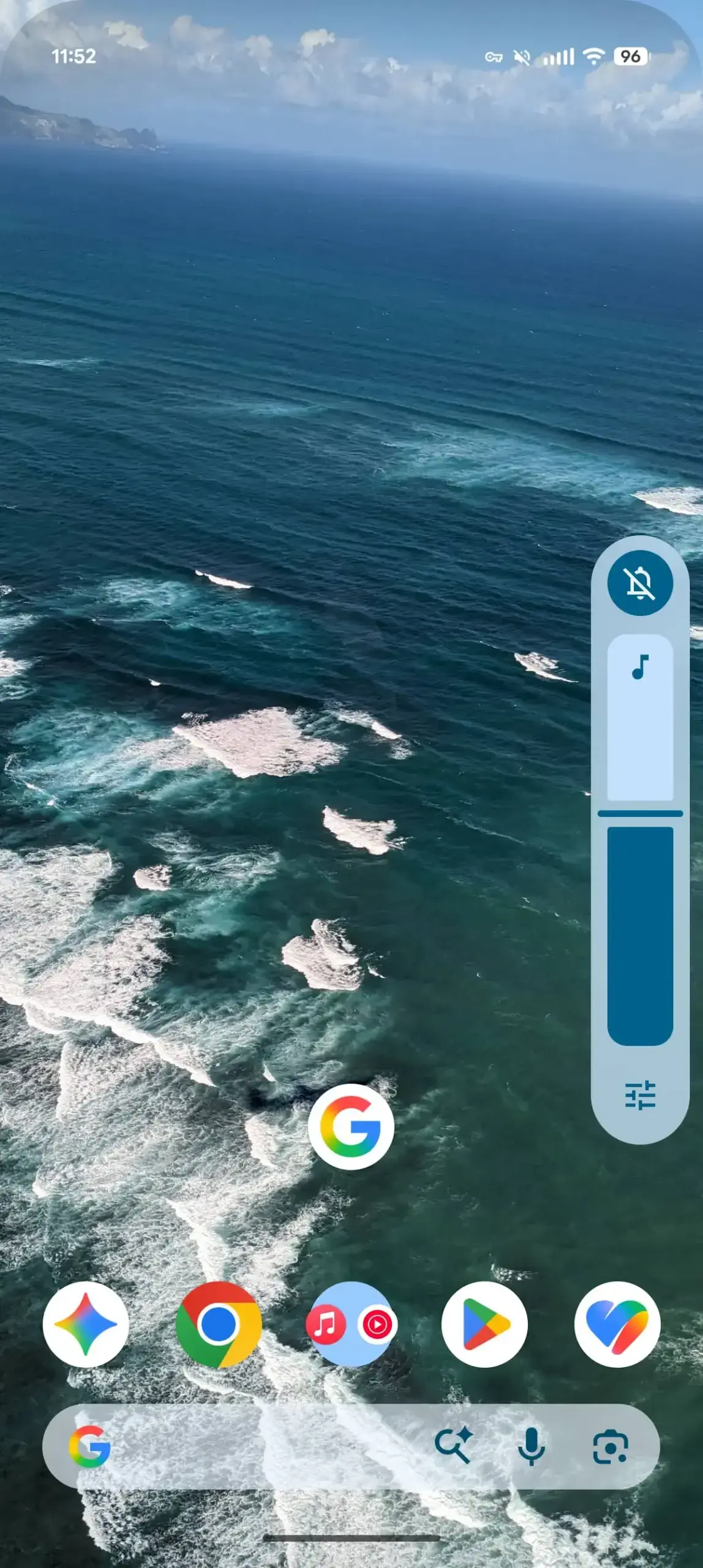 These aesthetic adjustments have been synchronized with the widget picker, providing users with a more polished interaction model.
 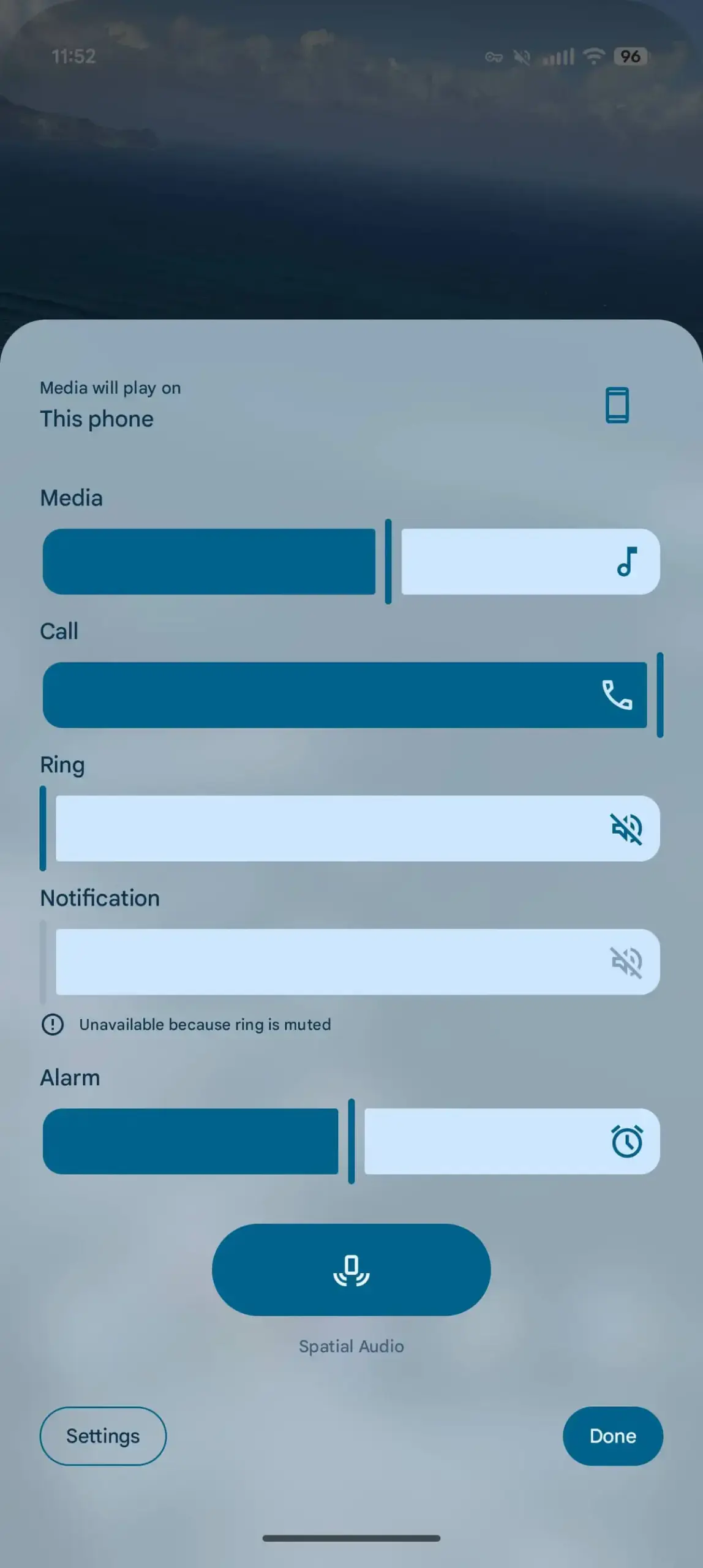 The overall design language reflects a shift toward increased elegance and clarity in the Android operating system.
Media Players and Quick Settings are Being Revamped
The system media player now utilizes the Material 3 design language to deliver a new carousel interface.  When multiple media applications are active, users can easily view previews of background apps while the active card shrinks to provide a more functional workspace.
 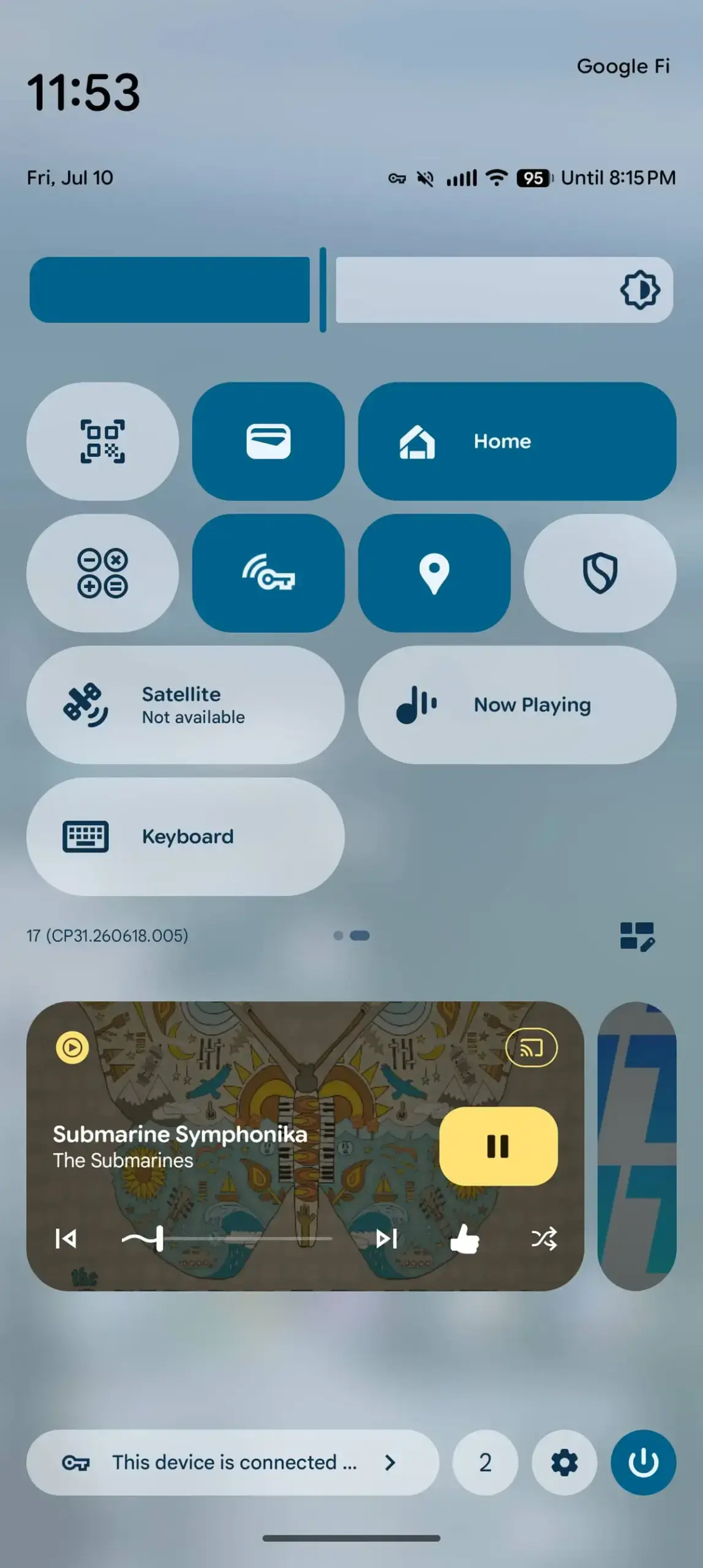 Furthermore, the Quick Settings menu has been updated with a new spring-like animation.
 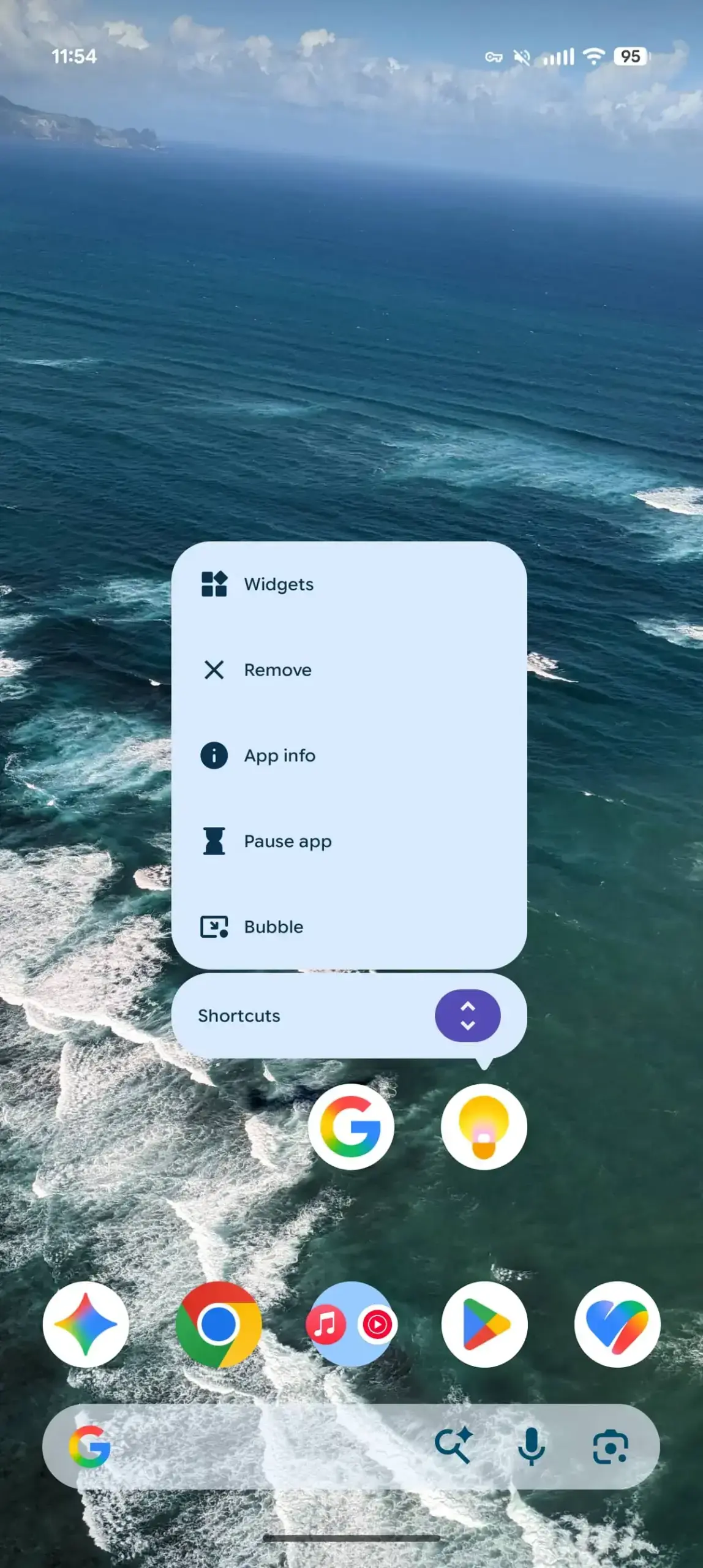 A convenient icon has also been added to the bottom right corner of the screen, simplifying the editing process for users who wish to customize their quick-access toggles.
New Productivity Tools are Being Integrated
Functionality has been expanded with the addition of a “Don’t ask again” option for the Mobile Data tile, allowing for better management of connectivity settings. 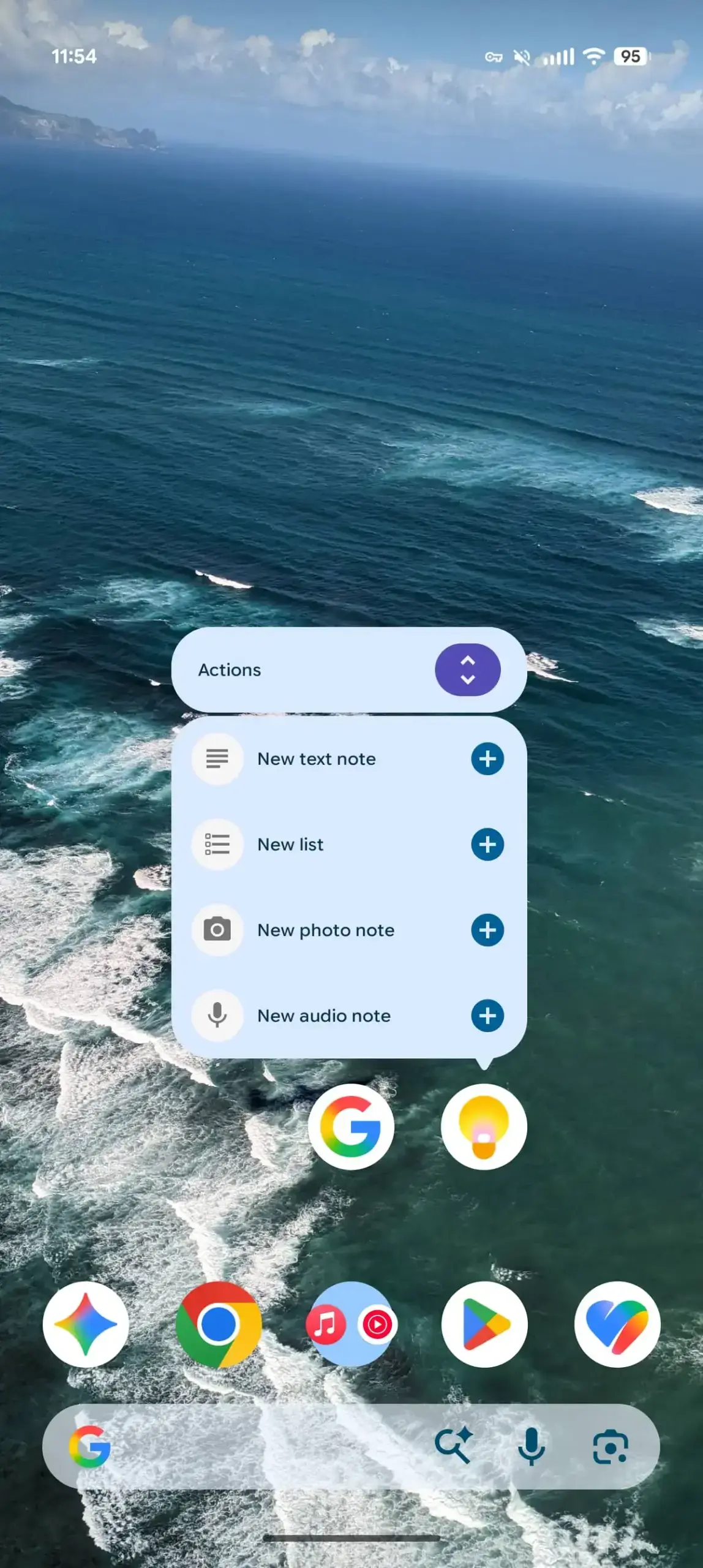 Users will also find a new tile that provides rapid access to keyboard switching, while the screen recorder tool now defaults to the most recently used application.
 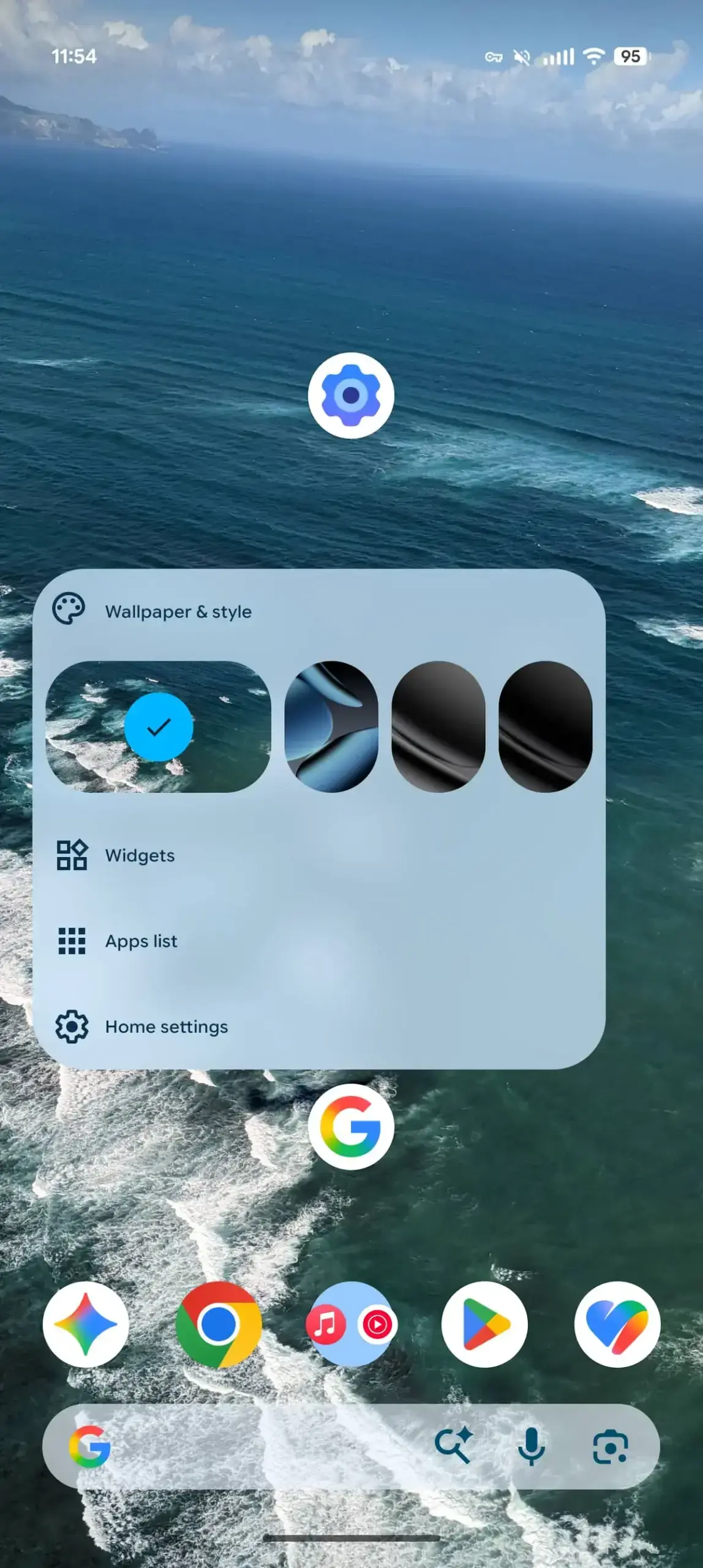 Additionally, long-pressing application icons on the home screen now splits the menu into distinct sections for app shortcuts and system actions, streamlining navigation.
System Performance and Health Tracking are Improving
The M3 Expressive Settings icon, previously exclusive to the Pixel Watch, is now available on smartphones, creating visual consistency across devices. A new animation now greets users when launching the camera directly from the lock screen. In terms of health integration, the Health Connect application has expanded its tracking capabilities to include distance and calorie burn metrics alongside step counts. These enhancements underscore Google’s ongoing commitment to cross-device integration and data synchronization.
We would love to hear your thoughts on these latest system changes. Have you installed the Android 17 QPR1 update on your Pixel device yet, and which of the new features do you find most essential for your daily workflow? Please share your experiences and feedback in the comments section below.
Your comment has been submitted,
it will be published after approval.