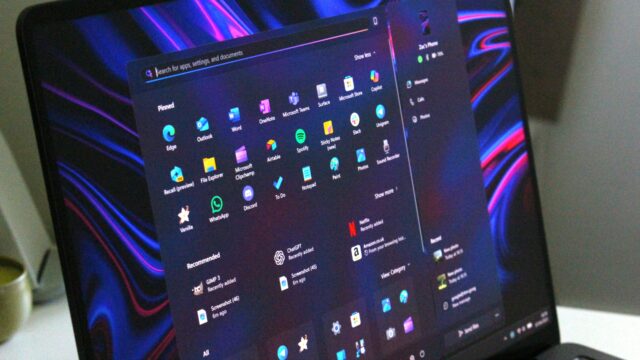
Microsoft is taking new steps to enhance the operating system experience. According to information shared on the company’s official blog, a new haptic feedback infrastructure for Windows 11 has entered the testing phase. This innovation, which aims to change how users “feel” their PC, surfaced in the latest Windows 11 Insider Preview Build 26300.8155. This update intends to make daily OS tasks more tactile and perceptible.
Microsoft’s New Haptic Feedback Test for Windows 11
With the new system, haptic feedback effects are triggered during specific OS actions. On compatible hardware, this feature creates a physical vibration sensation. Users can feel these effects directly when snapping windows into place or resizing them. Even hovering the mouse cursor over the close button of a window can trigger a subtle vibration.
Haptic feedback isn’t limited to the core OS interface; it extends into productivity apps as well. For instance, when aligning objects in PowerPoint, the system provides a slight vibration to let you know you’ve found the correct position. This integrates the sense of touch into the workflow alongside visual focus.
Personalization and Hardware Compatibility
Microsoft is allowing users to adjust these new features to their liking. Those who wish to change the intensity of the effects or how they function can do so directly through the “Mouse” section within Windows Settings. This allows everyone to personalize haptic responses based on their own usage habits.
While it is currently unknown when this infrastructure will be released to all users, compatible hardware is already hitting the shelves. Advanced mouse models like the Logitech MX Master 4 are fully compatible with this new system, delivering the vibration experience to users today.
Adding a tactical layer to a traditionally visual interface could be a game-changer for accessibility and precision work. What do you think about physically feeling the actions you perform on your screen? Do you think this will improve your productivity, or could it become a distraction? Share your thoughts in the comments!
Would you like me to research the full list of apps currently supporting Windows 11 haptics or provide a guide on how to join the Windows Insider Program to test this feature yourself? Let me know!