
MSI has released a critical update for problematic Intel processors!

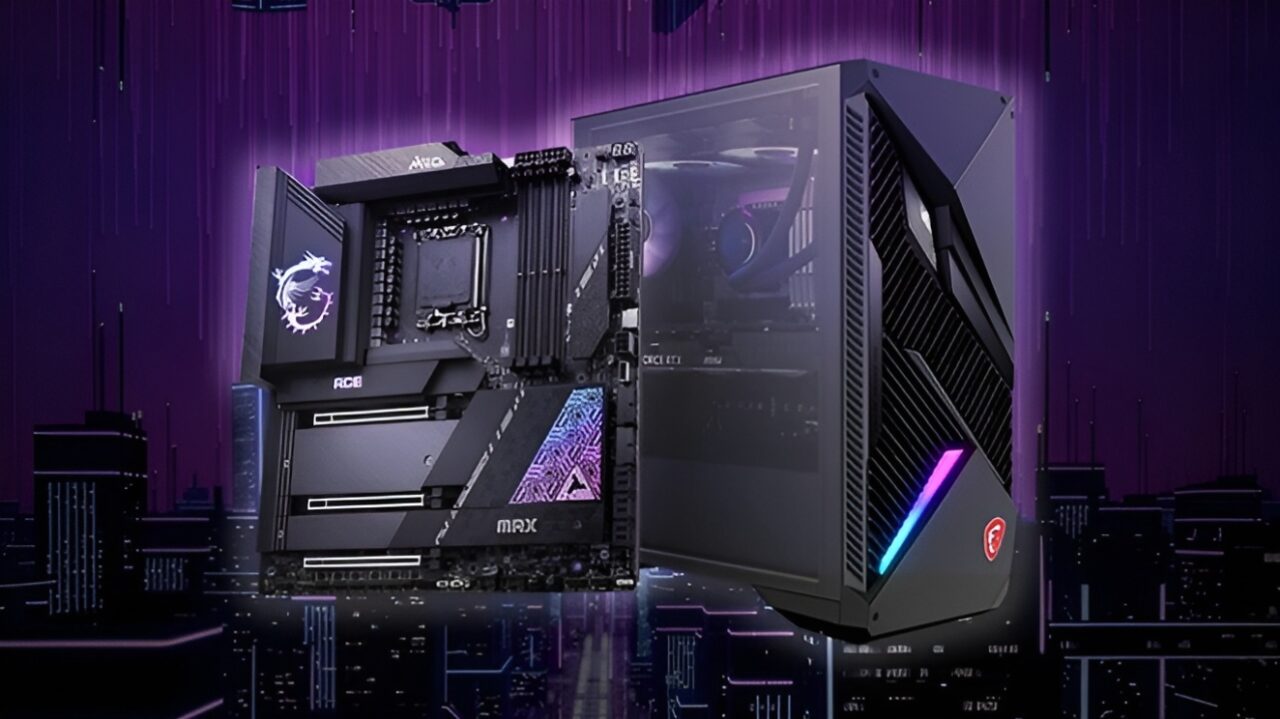
If you’ve noticed some odd behavior on your computer recently, especially if you’re using Intel’s 13th or 14th generation Core processors, you’re not alone. MSI has taken action to address this issue by releasing a new BIOS update for 700 and 600 series motherboards. So, has the problem been resolved? The details are in our report…
MSI Releases 0x129 Microcode BIOS Update for Z790 Motherboards
The new update comes with the 0x129 microcode BIOS update, aiming to improve processor stability. Let’s first take a look at which motherboards will receive this update. Here are the motherboards that will get the MSI BIOS update:
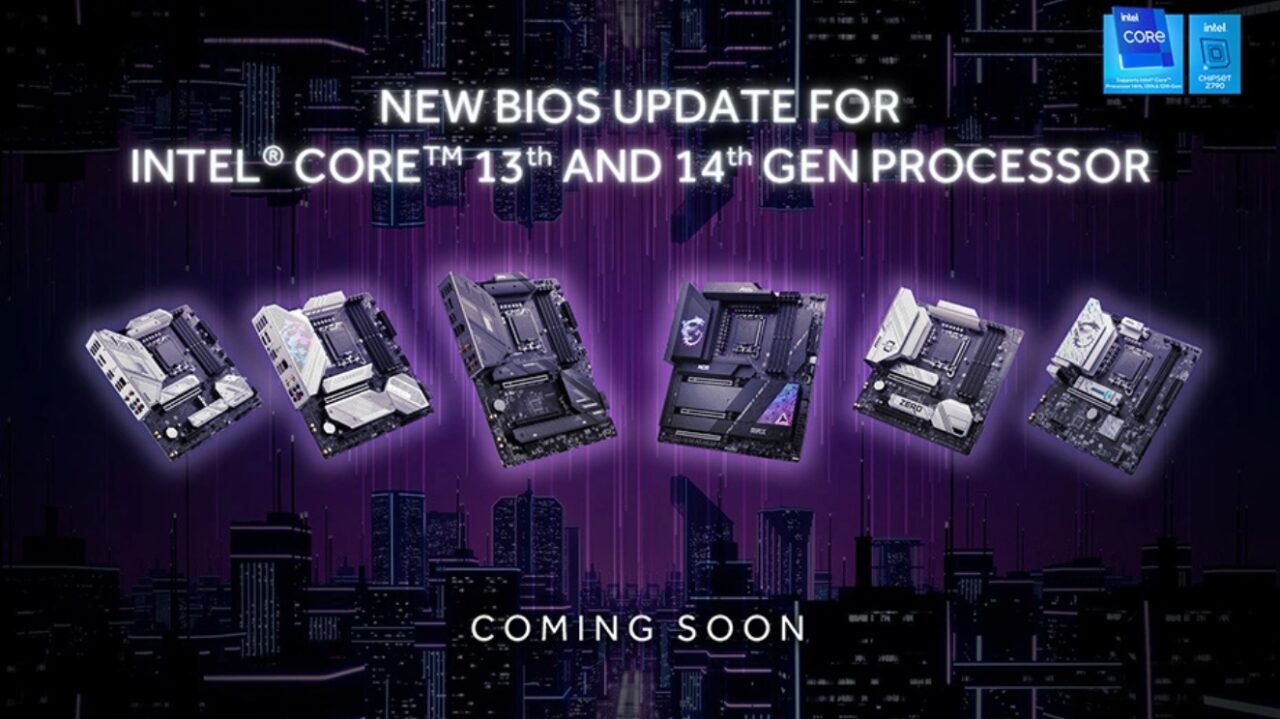
MSI BIOS Update:
- MEG Z790 GODLIKE MAX
- MEG Z790 ACE MAX
- MPG Z790 CARBON MAX WIFI II
- MPG Z790 CARBON WIFI
- MAG Z790 TOMAHAWK MAX WIFI
- Z790M POWER
If you see your motherboard in this list, you can immediately download the BIOS update from MSI’s official website. For example, the 7D85vA4 version BIOS update is currently available for MEG Z790 GODLIKE MAX users. This update adds Intel’s default settings, replacing MSI’s optimized settings.
MSI uses 4090 chips in the 4070 Ti Super model: But why?
However, if any issues arise, you can always revert to MSI’s optimized settings from the BIOS OC (Overclock) page. In other words, you can always return to your custom settings. With this BIOS update, MSI aims to resolve stability issues, particularly with Intel’s 13th and 14th generation Core processors.
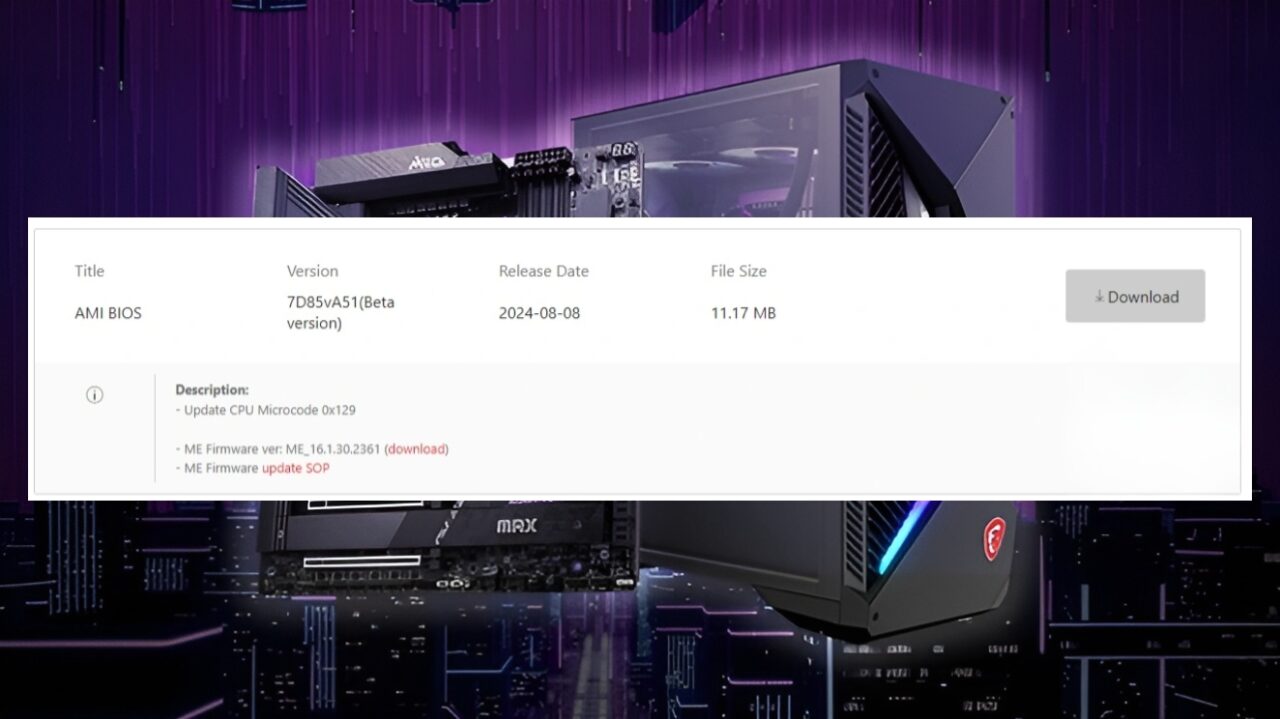
So, how do you perform a microcode BIOS update?
The update process is quite simple. Here’s what you need to do step by step:
- Go to MSI’s official website and download the BIOS update for your motherboard model.
- Copy the downloaded file to a USB drive.
- Restart your computer and enter the BIOS menu.
- Select the BIOS update option and use the file on the USB drive to complete the update.
MSI also noted that BIOS updates for all Intel 700 and 600 series motherboards will be released by the end of August. These updates will address compatibility issues with Intel’s 13th and 14th generation Core processors. Therefore, we recommend not missing out on these updates for the sake of your computer’s performance and stability.
Users who have applied this update report a noticeable improvement in the performance and stability of their processors. They particularly mention a smoother experience when gaming or using applications that require high processing power. If you’re considering applying this update or have already done so, don’t forget to share your experiences with us.
Your comment has been submitted,
it will be published after approval.