OpenAI is delivering a major blow to creative workflows. ChatGPT now connects directly to Adobe Photoshop, Acrobat, and Adobe Express, allowing users to edit photos, edit PDFs, or create quick graphics without ever leaving the chat window.
Photoshop Now Inside ChatGPT
This exciting feature is already available. Anyone with an Adobe account can start using the tools immediately by logging in through the OpenAI website.
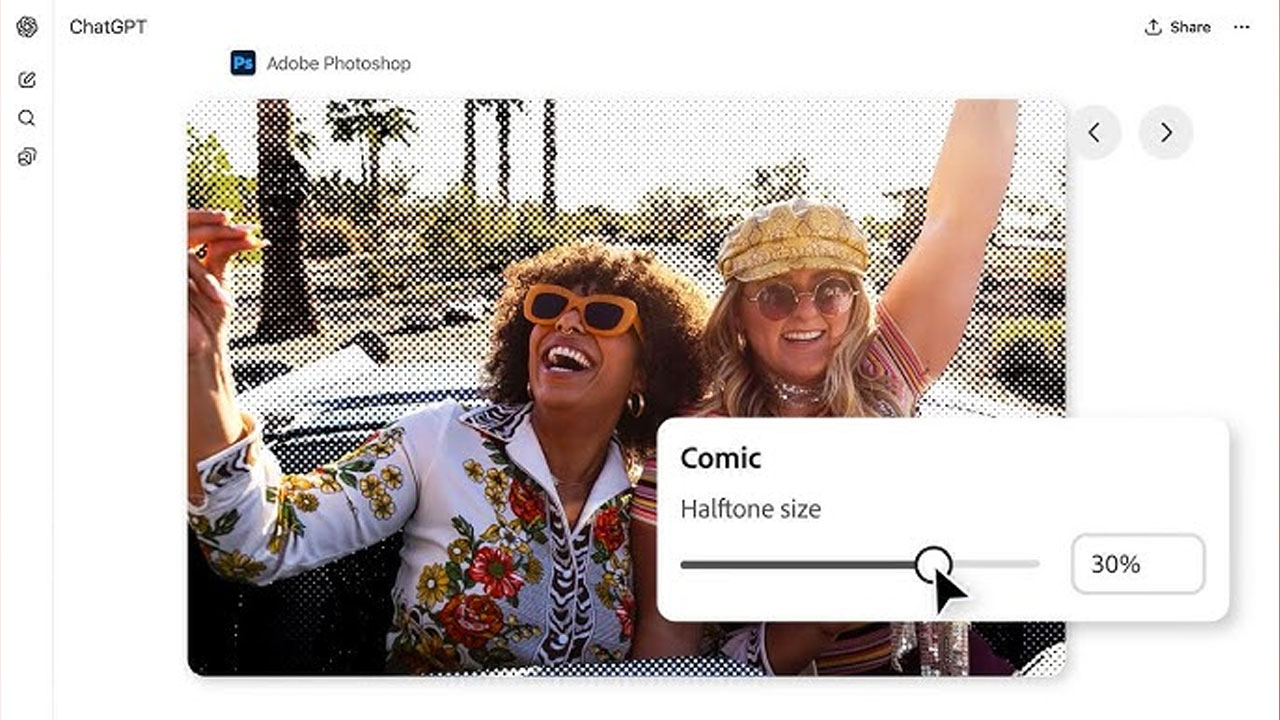
Activating and starting to use these tools is quite simple:
- Open ChatGPT on your web, desktop, or mobile device.
- Go to the Settings menu and find the Applications & Connectors tab.
- Find Adobe Photoshop, Adobe Express, and Adobe Acrobat in the list.
- Click Connect and sign in with your Adobe account when prompted.
Once connected, these tools remain constantly available in your chats. You can use the tools by mentioning their names in your prompts or selecting them from the plus (+) menu.
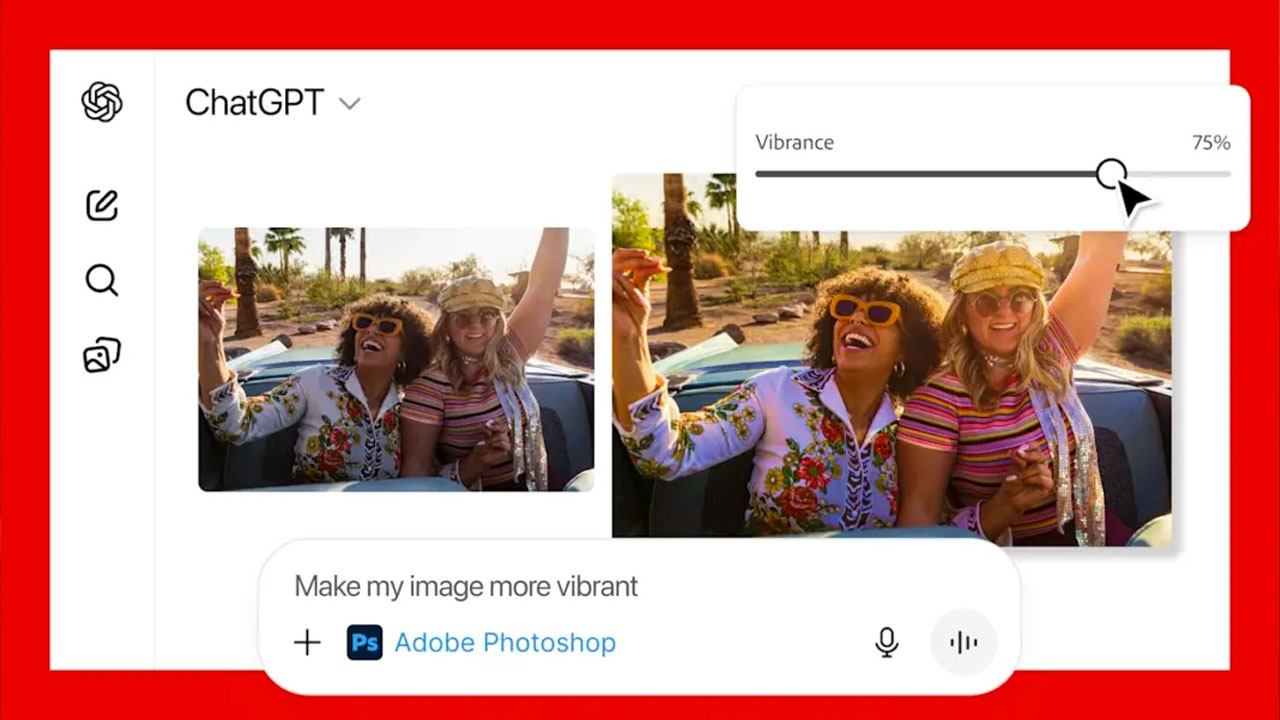
The most surprising addition is Photoshop’s ability to create instant UIs. When you ask ChatGPT to brighten an image, sliders for exposure, shadows, and highlights will appear on the screen. For a stylized look, grain, tone, or dither options may be offered. These aren’t mockups; ChatGPT invokes actual Photoshop operations through Adobe’s MCP (Managed Creative Platform) backend.
Adobe’s Vice President of Developer Platform, Aubrey Cattell, explained this with a nice metaphor: Adobe provides the LEGO bricks and instructions through MCP, and ChatGPT decides which pieces to put together depending on what you want it to do. Because large language models can sometimes misinterpret intentions, Adobe notes that they are continuing to fine-tune these UI elements to make them feel more intuitive.
Having these capabilities directly within ChatGPT is a significant upgrade in convenience for quick edits, corrections, or light creative tasks. However, if you need advanced tools, precise brushwork, or complex edits, you can switch to the full web versions.
It’s worth noting, however, that this feature is still in beta and may contain some minor issues. Once these issues are resolved, ChatGPT will no longer just answer questions or generate images; it will have stepped into the realm of professional creative software for the masses.