
Train Sim World 3 December 11 Update Patch Notes
The December 11 update has launched for Train Sim World 3. The latest patch brings a bunch of bug fixes and improvements.

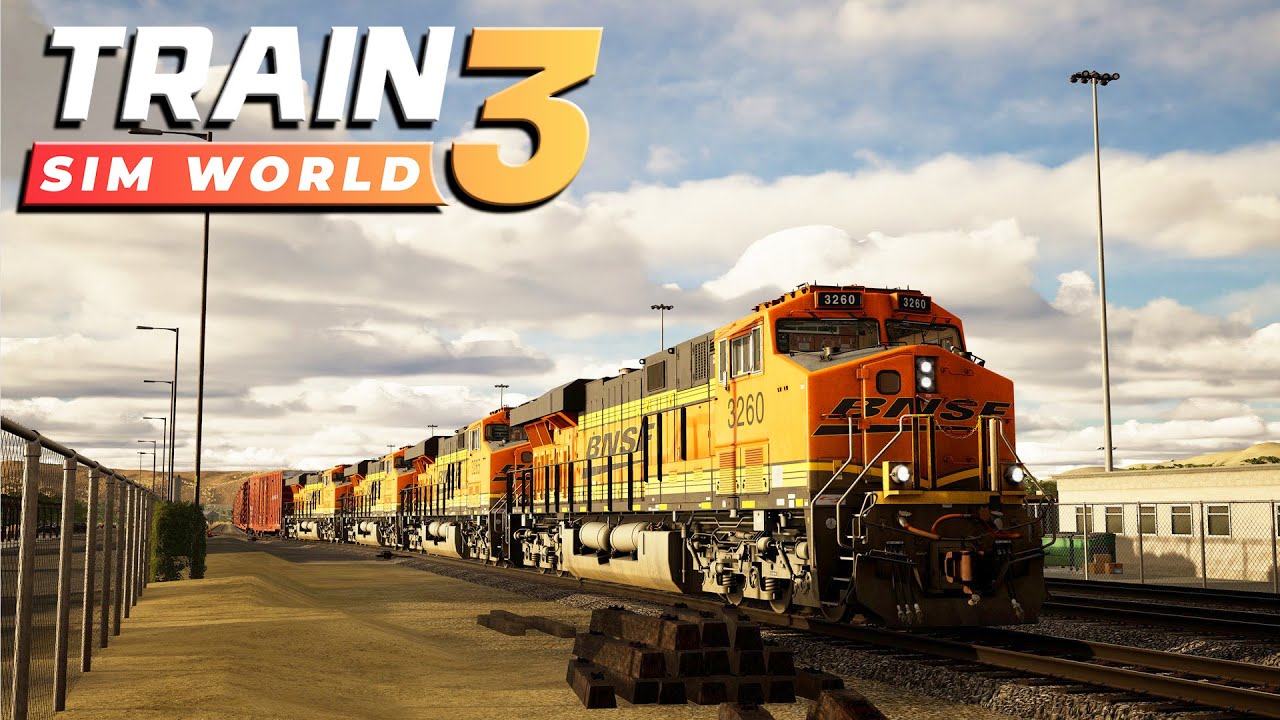
Train Sim World 3 was released in the past months and seems to have received quite positive feedback from the players. There’s a new update for the game, which brings a bunch of changes. So, check out the Train Sim World 3 December 11 update patch notes down below.
Train Sim World 3 December 11 Update Patch Notes

Winter Core Update (Part 1) Patch Notes
Core
- Fixed an issue preventing the Vorarlberg BR185 from moving in free roam
- Fixed a rare condition causing players to end up underneath the map when cycling through the passenger camera views.
- Fixed an issue where console players wouldn’t be able to input a Player Profile name after trying to enter a blank username.
- Fixed an issue where rain could appear underground and inside tunnels.
- Fixed an issue which limited substitutions for certain services and scenarios.
- Fixed an issue where PS4 players couldn’t import their profile from TSW2.
- Added Holiday Event 2023 Mastery decals – Find out more on our Festive Overview article!
Mini HUD Improvements
- HUD settings will no longer reset between game sessions.
- Track Monitor will dynamically scale the distance based on current speed.
- If you are travelling at 0-80kmh, you will see a 1.5km distance ahead, which scales up to a 6km distance the faster you’re travelling.
- Added countdown progress bar to have options for 1km, 2km and 4km distance.
- Markers will appear correctly on the Track Monitor.
- Track Monitor should now correctly disappear when it is turned off in the settings.
- Track Monitor will be automatically hidden when on foot.
- Clock indicator will now correctly display when on foot.
- Added traction lock indicator to Minimal HUD
- Specific locos which don’t work with standard traction lock will not display.
- Simple HUD speedometer now goes up to 200mph.
Free Roam
- Added a Memory Usage indicator to the Free Roam spawning menu
- Fixed an issue where users were able to open to spawning menu whilst sat in a passenger seat. You can now only access the menu when on-foot.
Scenario Planner
- Fixed an issue where passenger doors needed to be opened on the same side as the starting station.
- AI portals can now be used by multiple services so long as they have different starting times.
- Prevented duplicated objectives appearing on the schedule menu after completing a ‘Change Cabs’ objective.
Scoring
- Fixed a rounding error so scoring breakdown and final score will always be the same value.
Photo Mode
- Photo Mode camera will no longer be able to escape map boundaries.
East Coast Main Line
- Corrected spelling errors in the ‘Testing the Limits’ scenario.
- One of the posters on the route now has a familiar face on it. Can you find it?
Class 801 Azuma
- Cab and Passenger lights are turned off when AUX Power is turned off.
- AI trains will no longer have looping diesel engine audio.
Flying Scotsman
- Increased volume of AWS sounds to an appropriate level.
- AI trains should now play a whistle/horn on routes with whistle boards.
Vorarlberg
- Fixed an issue where an AI train arrives in double traction and interrupts the timetable at Bregenz Hafen.
- Fixed an issue where objectives appeared faded out in the ‘Just Like in the Movies’ scenario.
- Fixed an issue where passengers remain motionless after disembarking at Schlins Beschling station.
ÖBB 4024
- Increased visibility of cab indicator lights during the daytime.
- Fixed an issue where acknowledging SIFA was inconsistent.
- Corrected spelling mistakes on interior coach and cab textures.
Maintalbahn
- Fixed Stopping boards in Miltenberg having text that reads “Hidden in Game”.
Birmingham Cross City
West Midlands Railway Class 323
- Updated windows to use TSW4 rain weather effects. Added interactable Tail Lamps under the driver seats that are placeable on the cab window
- Cab car windows will now work as expected in dry and wet/snowy conditions
- Fixed an issue where PIS on AI trains didn’t work as intended.
- Fixed an issue where the secondman seats on AI trains were acting as a driver seat.
- Various localisation improvements to tooltips and tutorial text.
Your comment has been submitted,
it will be published after approval.