
Unlock Galaxy S26 Ultra’s Hidden 24MP Camera Mode

Unlock Galaxy S26 Ultra’s Hidden 24MP Camera Mode
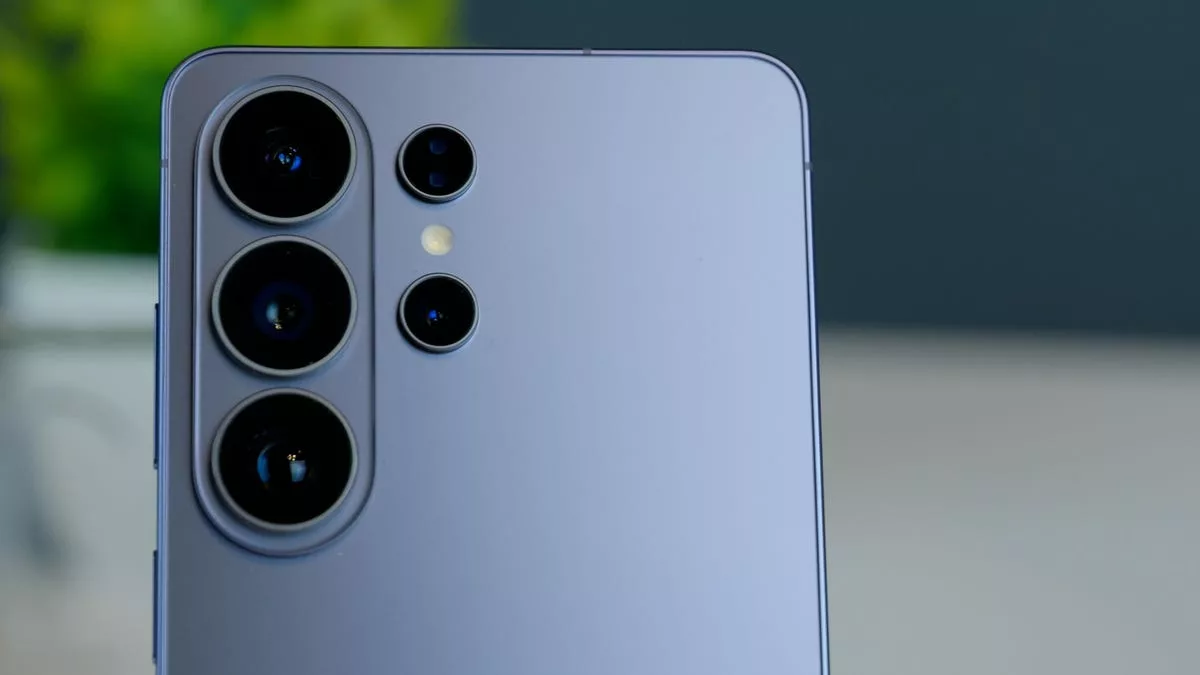
Samsung’s new flagship, the Galaxy S26 Ultra, boasts one of the most advanced camera systems on the market, but one of its best features is hidden from users by default. This guide reveals how to unlock the secret Galaxy S26 Ultra 24MP mode, a setting that requires an additional application to access but offers a superb balance of detail and quality.
How to Activate the Galaxy S26 Ultra 24MP Mode
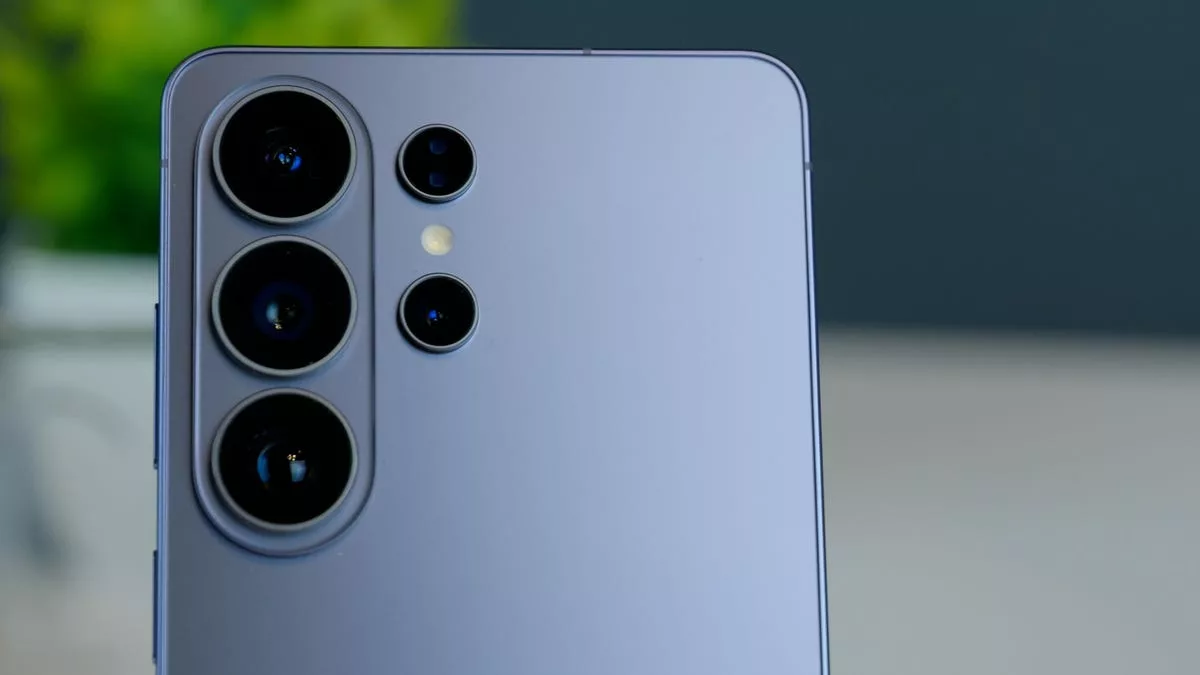
The device comes equipped with a state-of-the-art camera system, featuring a 200-megapixel main sensor and a 50-megapixel telephoto lens with wider apertures. This hardware improvement allows more light to reach the sensor, significantly enhancing both photo and video quality. By default, the camera app offers 12MP, 50MP, and 200MP resolution options.
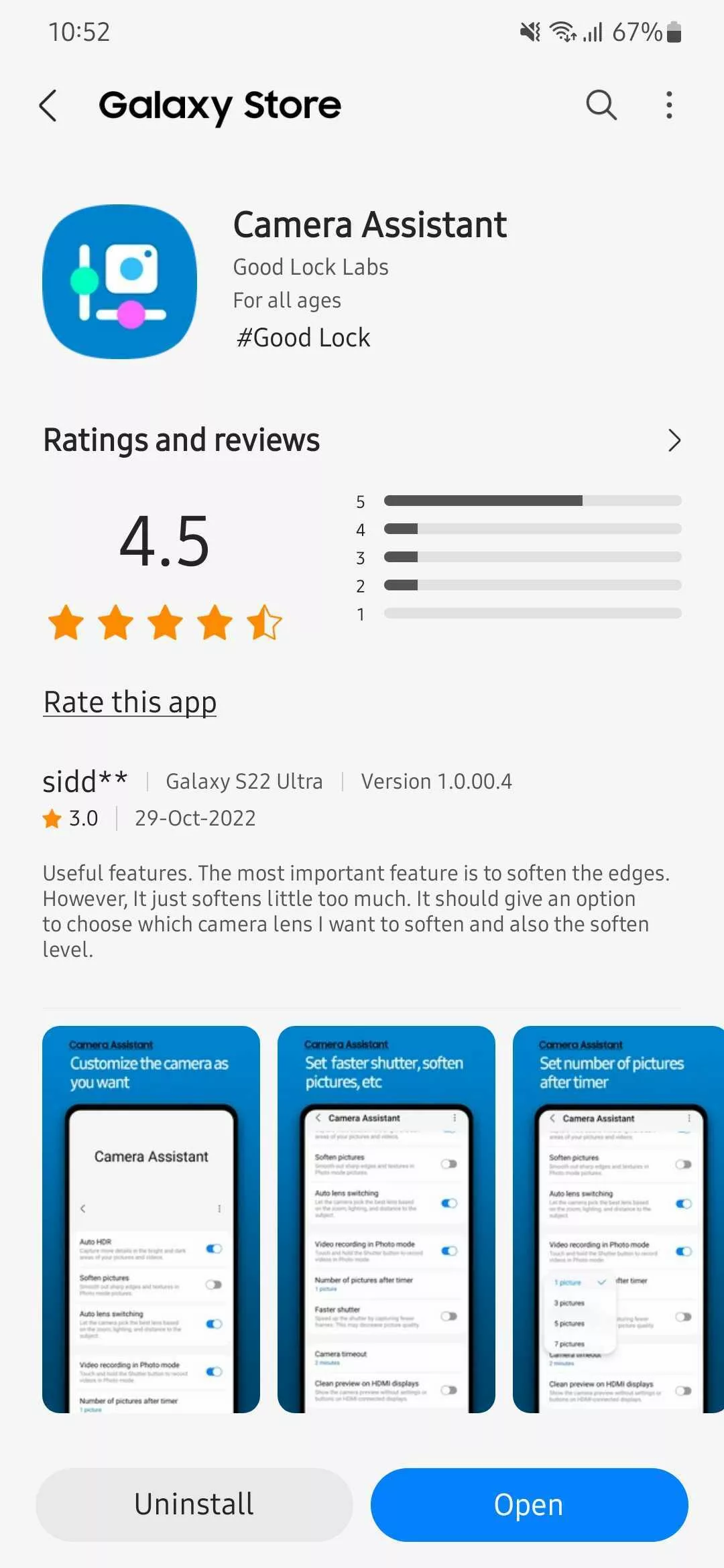
However, to enable the hidden 24MP capability, you need to take an extra step. This mode is not available in the standard camera settings. Galaxy S26 Ultra owners must navigate to the Galaxy Store and install the ‘Camera Assistant’ application. Although it is an official Samsung software, it does not come pre-installed on the device. After installation, simply open the app and activate the 24MP option. It will then appear as a selectable resolution in your main camera interface.
Why 24MP Offers the Perfect Balance
Each resolution setting serves a different purpose for photographers. The 12MP mode, for example, excels at producing images with excellent dynamic range, low noise, and accurate colors. On the other hand, the 50MP and 200MP modes are designed to capture an incredible amount of detail, which is a major advantage when cropping or zooming in on photos. However, this high resolution can sometimes come at the cost of color fidelity and dynamic range performance.
This is where the 24MP mode truly shines. It strikes a perfect balance between the available options. It delivers images with significantly more detail than the 12MP mode while providing much better dynamic range and color performance than the higher-resolution 50MP and 200MP modes. It offers the best of both worlds for everyday photography.
Furthermore, it’s important to note that this new setting is completely different from the 24MP mode found in the Expert RAW application. This feature is optimized for direct point-and-shoot photography, meaning you don’t need to manually adjust settings like ISO, shutter speed, or exposure to capture high-quality images. Hidden features like this continue to advance the mobile photography experience for everyone.
So, what are your thoughts on the Galaxy S26 Ultra’s camera features? Share your opinions with us in the comments!
Your comment has been submitted,
it will be published after approval.