
Warning Feature Added for iPhone Batteries with iOS 18!

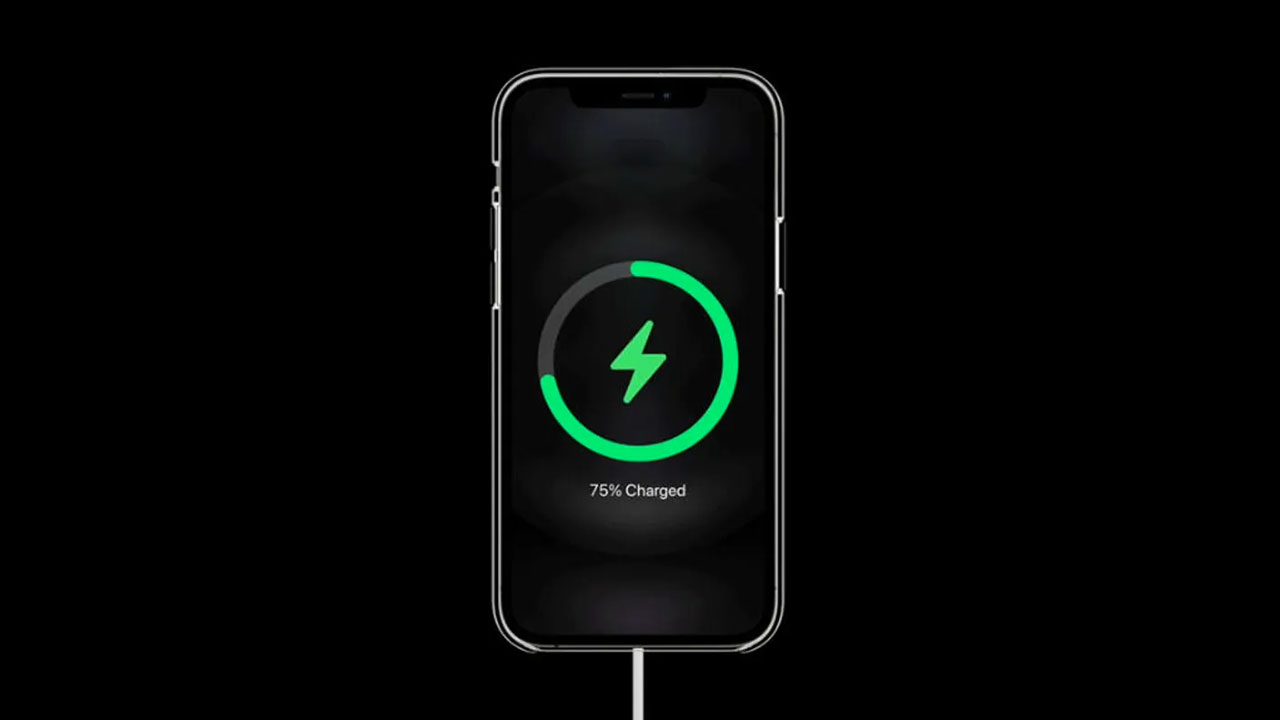
Last week, Apple announced several new devices during its event, with the iPhone 16 series taking center stage. Alongside these devices, the much-anticipated iOS 18 update was also eagerly awaited. Finally released last night, the iOS 18 update is now available for compatible iPhone models. It appears that a new battery warning mode has been added with iOS 18. Here are the details…
iOS 18 Will Warn You if You Use a Slow Charger
One of the many new features introduced with iOS 18, which brings several battery health and charging settings to devices, is the addition of more charging limit options and charger warnings for iPhone models. Previously, you could set your iPhone to charge only up to 80%. With iOS 18, new options to charge up to 85%, 90%, and 95% have been added.
If you’ve already downloaded the update, you can access these settings by going to the Battery section under Settings and exploring the new charging limits.
iOS 18 released: How to install it?
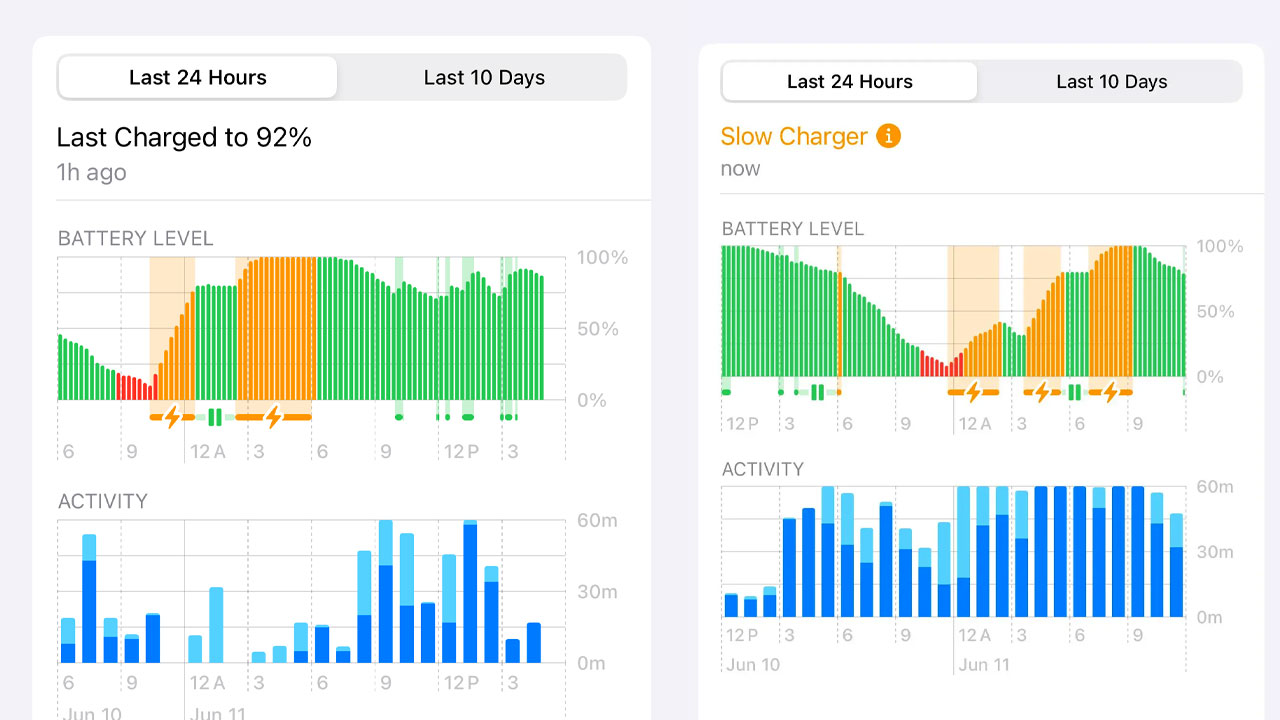
Another new feature is that if you are using a slow charger, your iPhone will display a warning. If you’re using a charger slower than supported, the feature will show a “Slow Charger” warning. By navigating to the Battery menu in Settings, you can view the Battery Level graph, where you’ll see yellow warnings indicating when your device was charging with a slow charger.
Additionally, the graph has been updated with a new orange color. If you’re using an iPhone SE 2 or newer, you can download iOS 18. To install the update, simply follow Settings > General > Software Update to download and install it on your device.
What do you think about this new feature? Does your device support it? Share your thoughts in the comments!
Your comment has been submitted,
it will be published after approval.