
What is AMD FreeSync and How Does It Improve Gaming?

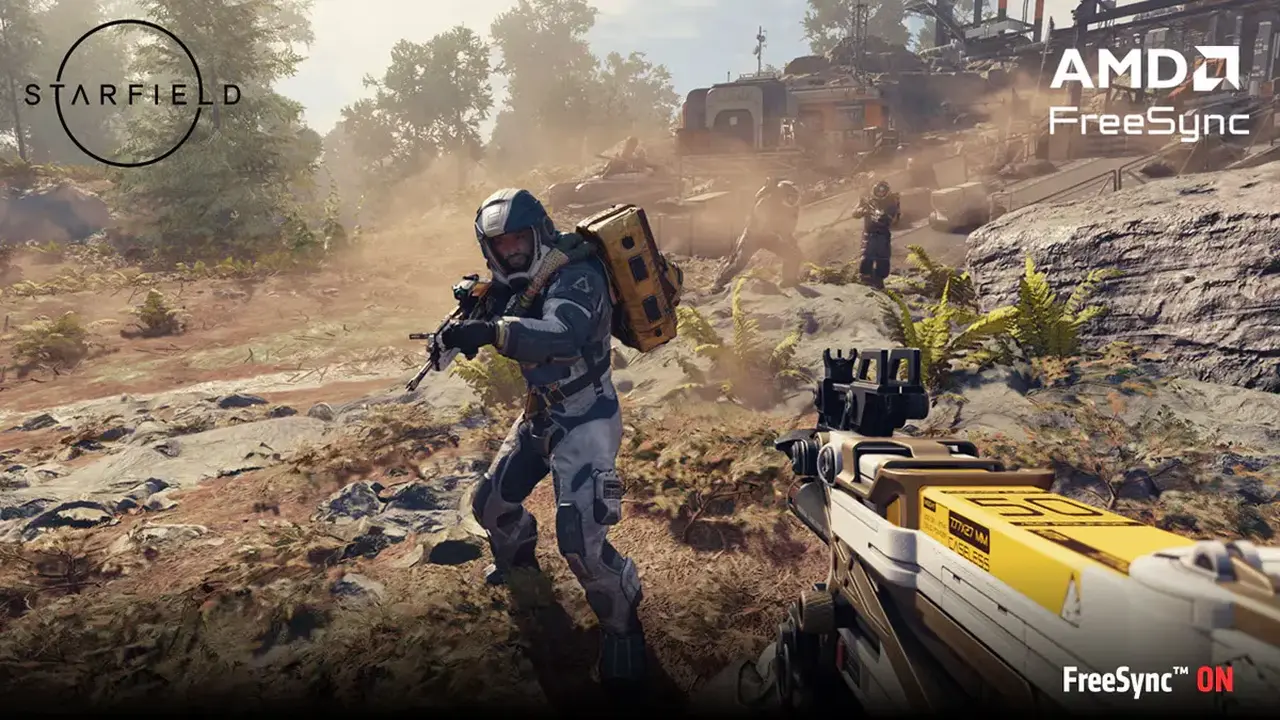
AMD FreeSync is a sophisticated display technology designed to synchronize the refresh rate of a monitor with the frame rate output of a graphics card. By bridging this gap, the technology effectively minimizes visual artifacts such as screen tearing and stuttering during intensive gaming sessions. Developed by AMD, this solution ensures that the display dynamically adjusts its refresh rate to match the GPU’s performance in real-time, resulting in a significantly smoother visual output. For gamers seeking high-fidelity motion without hardware synchronization issues, understanding the core functionality of FreeSync is essential for optimizing their current PC gaming setups.
- AMD FreeSync functions as a dynamic refresh rate synchronization technology for monitors.
- The system effectively eliminates screen tearing and reduces stuttering by aligning frame rates.
- The technology does not directly increase the raw frames per second produced by the graphics card.
- Compatibility requires both the monitor and the graphics card to support the FreeSync standard.
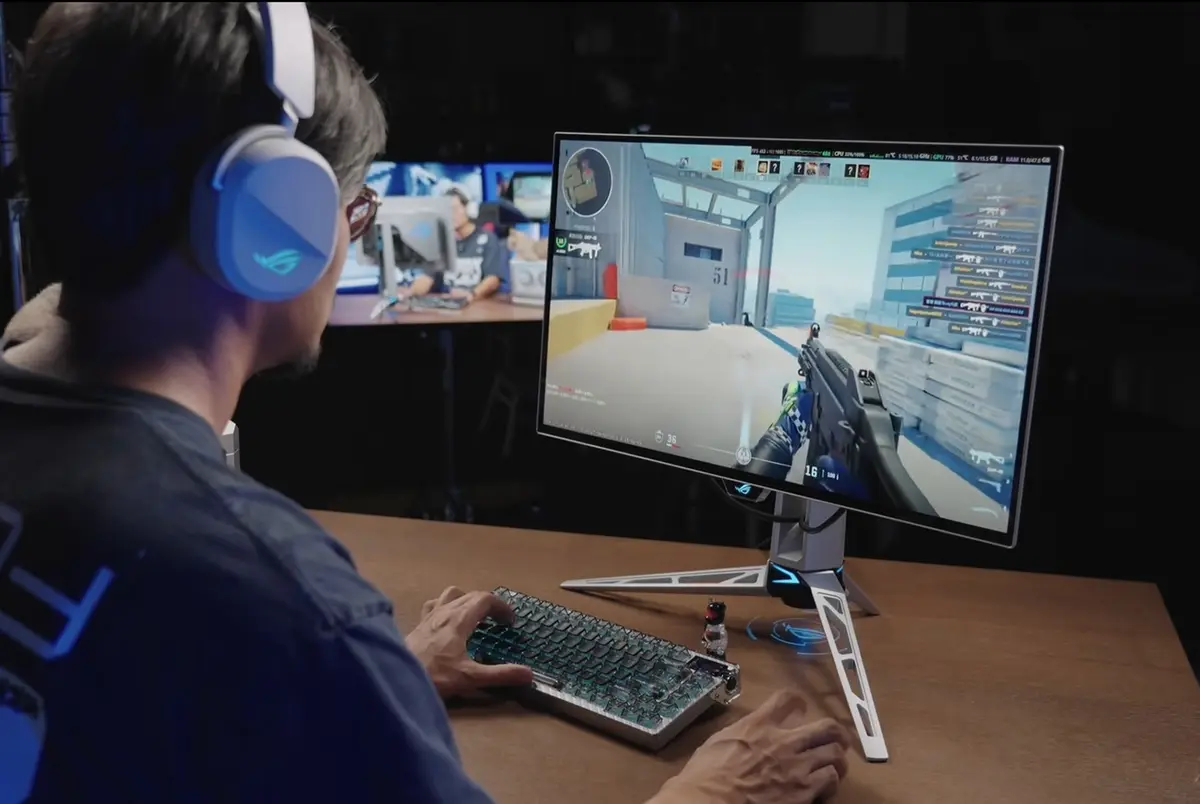
The Technology Synchronizes Display Refresh Rates
The fundamental purpose of FreeSync is to resolve the mismatch between a monitor’s fixed refresh rate and a GPU’s variable frame rate output. In traditional display configurations, a mismatch often forces the monitor to refresh at intervals that do not align with the incoming frames, leading to the phenomenon known as screen tearing. When FreeSync is enabled, the monitor constantly monitors the graphics card’s output. If the GPU experiences a sudden drop in frames, the monitor adjusts its refresh rate downward to maintain consistency. Conversely, if the frame rate increases, the monitor accelerates to match the performance, ensuring a seamless flow of visuals.
The Technology Maintains Consistent Performance
One of the most significant advantages of using this synchronization method is the reduction of input lag. Unlike older solutions such as VSync, which often introduce noticeable delay, FreeSync operates without forcing the graphics card to wait for the monitor’s next cycle. This allows for a more responsive gaming experience where the time between a player’s input and the corresponding action on the screen remains minimal. By stabilizing the frame delivery, FreeSync provides a consistent visual experience even when hardware is pushed to its limits.
The Technology Does Not Increase Frames Per Second
A common misconception among users is that enabling FreeSync will lead to a higher number of frames per second. It is important to clarify that this technology is strictly a synchronization tool; it does not overclock or improve the raw power of your graphics hardware. Instead, it ensures that the frames your system is already capable of producing are displayed as efficiently as possible. By aligning the monitor’s capabilities with the GPU’s current output, it prevents the visual degradation that usually accompanies fluctuating frame rates.
The Configuration Requires Proper Hardware Support
To benefit from these advantages, users must ensure that their hardware is compatible. First, the monitor must support the FreeSync or Adaptive-Sync standard, which can typically be activated through the monitor’s on-screen display menu. Once the hardware is physically connected, users should navigate to the AMD software suite on their computer to verify that the feature is toggled on. It is worth noting that some manufacturers may label the setting under different titles, so users should consult their monitor’s manual if the specific FreeSync label is not immediately visible.
Have you experienced a noticeable difference in smoothness while using FreeSync, or do you have any specific tips for tuning monitor settings for the best performance? We would love to hear your thoughts and experiences in the comments section below.
Your comment has been submitted,
it will be published after approval.