
What Is iPhone Cycle Count and How Many Are Ideal?

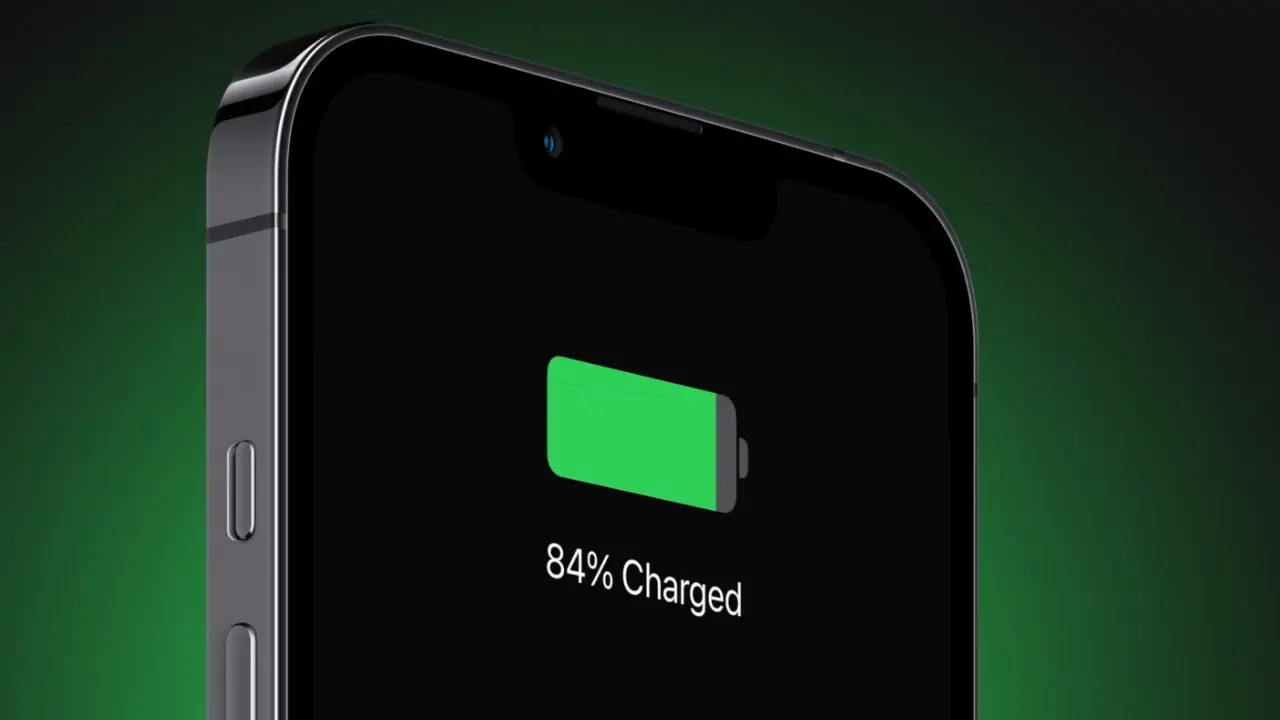
Understanding the iPhone cycle count is essential for users, especially when assessing the condition of a battery during a second-hand purchase or long-term maintenance. A battery cycle is completed when a user discharges 100% of the device’s battery capacity, though this does not necessarily happen in a single charge session. As mobile technology evolves, Apple has refined its battery standards, with newer models designed to maintain 80% of their original capacity over a higher number of cycles. Evaluating both the cycle count and maximum battery health provides a comprehensive view of an iPhone’s longevity and performance stability.
- A full charge cycle is calculated only when 100% of the total battery capacity has been consumed over time.
- Apple designs iPhone 15 and newer models to retain 80% capacity for up to 1,000 full charge cycles.
- Users can view cycle count information directly within the battery settings on devices running iOS 17.4 or later.
- High cycle counts often correlate with a degraded battery that may cause unexpected power-off issues or rapid discharge.
What Defines an iPhone Cycle Count?
An iPhone cycle count represents the number of times the battery has depleted its full capacity. It is a common misconception that plugging the phone into a charger automatically increments the count. Instead, the system tracks the cumulative energy usage. For instance, if you use 60% of your battery today and recharge it fully, and then use 40% tomorrow, you have completed one full cycle.  Apple maintains that battery health naturally declines based on these cycles, the age of the chemical components, and the usage patterns of the device owner.
How Many Cycles Are Considered Ideal?
While there is no single universal “ideal” number for every user, experts suggest that the performance expectations should align with the specific model’s design. Devices with 0 to 200 cycles are typically considered to have relatively fresh batteries, though this does not guarantee perfect health. As a device moves into the 200 to 500 range, users should look closely at the maximum capacity percentage. Once a device exceeds 1,000 cycles, the battery is likely reaching the end of its intended lifespan, which often leads to noticeable performance drops such as sudden shutdowns or the need for more frequent charging throughout the day.
How Cycle Count Can Be Checked?
Tracking battery health has become more accessible with recent software updates. For users with an iPhone 15 or later running iOS 17.4 or newer, the cycle count is readily available. By navigating to the Settings app, selecting the Battery menu, and tapping on Battery Health, users can view specific data points regarding their device. Unfortunately, this direct information is not available in the same format for older models, requiring alternative diagnostic methods or third-party tools to estimate the wear levels of the component.
Why Battery Health Matters More Than Cycles?
When purchasing a pre-owned device, it is vital to balance the cycle count with the maximum capacity percentage. The cycle count offers a historical view of the battery’s usage intensity, while the maximum capacity reflects the current chemical state of the unit. A device might have a low cycle count but a poor maximum capacity if it was subjected to extreme heat or irregular charging habits. Therefore, a holistic evaluation of the device’s history ensures that you are making an informed decision before finalizing any purchase or deciding to replace the battery.
Have you recently checked the battery cycle count on your iPhone, and were you surprised by the result? Share your thoughts and experiences with your device’s battery performance in the comments section below.
Your comment has been submitted,
it will be published after approval.