
Read before you buy: Which MacBook model should you get

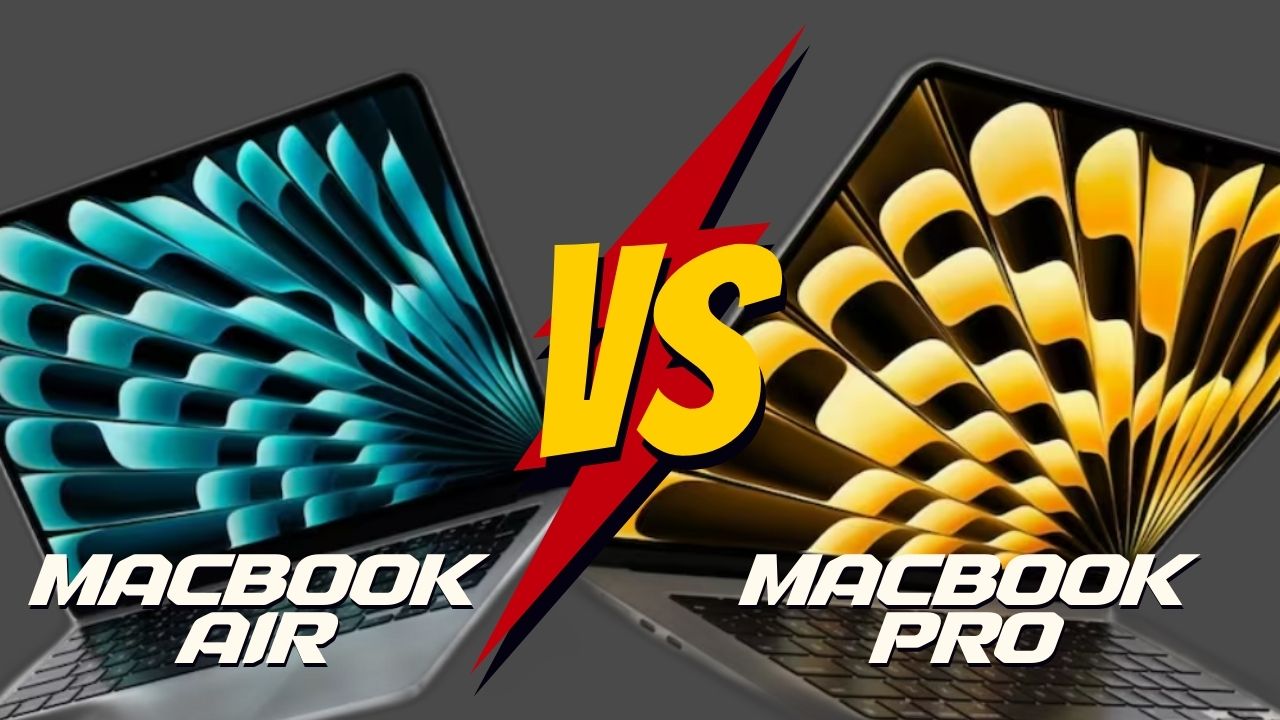
Apple introduced its new MacBook models with its WWDC conference last Monday. However, users are confused. Many people are wondering, “Which MacBook model should I buy?” So, is it more reasonable to buy MacBook Air or MacBook Pro? Here is the answer to your question, “Which MacBook model should I buy?”
Which MacBook model should I buy? Here’s the MacBook buying guide!
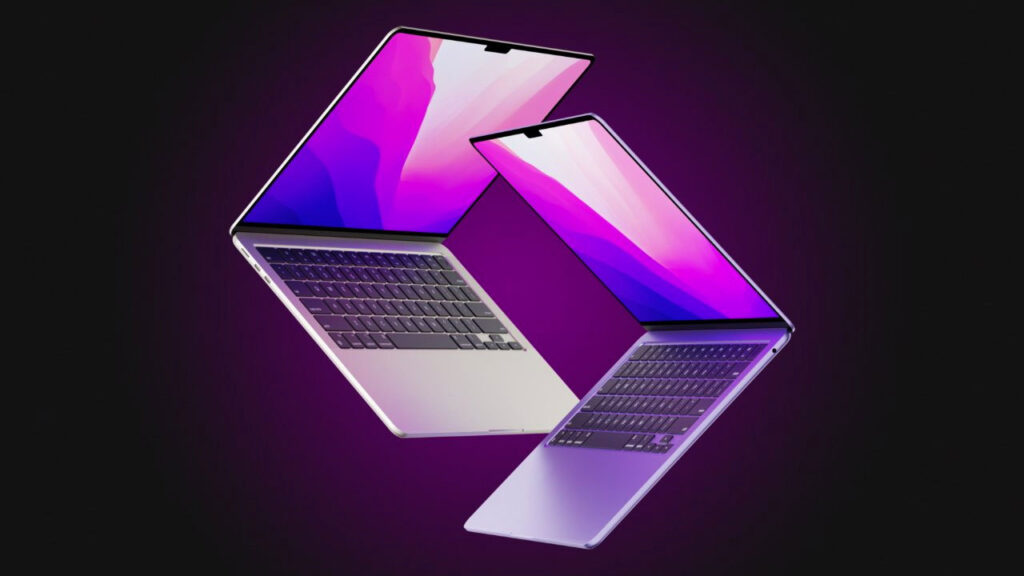
Let’s start with the design details. In fact, both devices have the same design. However, there is a slight difference in the screen aspect. Both MacBook Air and MacBook Pro models have screen notches to hide the webcam. However, the notch and screen bezel are thicker and more noticeable in the MacBook Pro model.
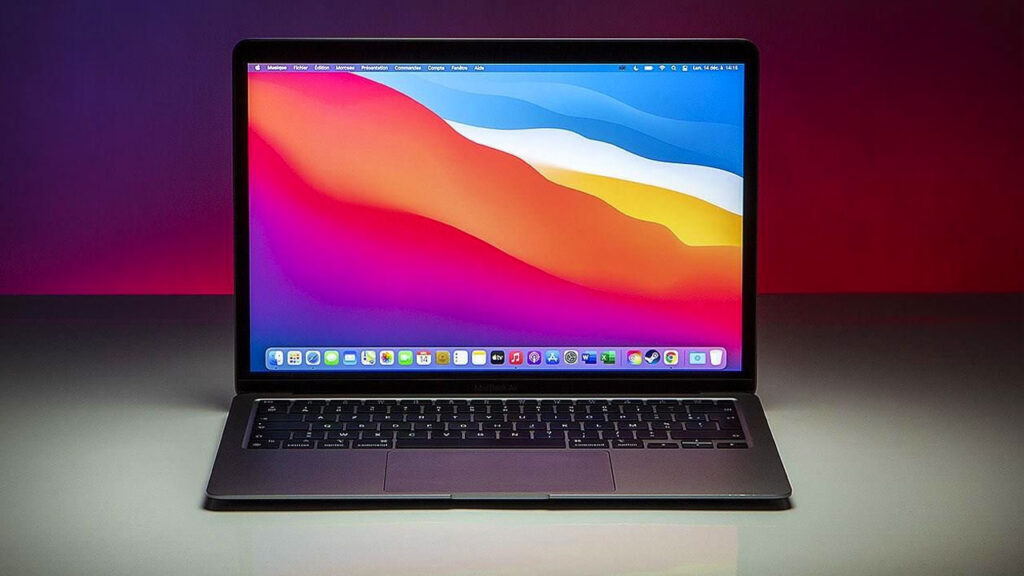
When it comes to screen sizes, the MacBook Pro series offers 16-inch and 14-inch options, while the Air series offers 15-inch and 13-inch options. There is no significant weight difference between the MacBook Pro 14 and MacBook Air 13 models, but it’s not the same between 16-inch and 14-inch. The MacBook Pro 16-inch is much heavier compared to the 15-inch model of the Air series. In terms of screen quality, the MacBook Pro offers much more dynamic color ranges.
New Mac Pro Unveiled at WWDC 2023
Looking at the connectivity ports, the MacBook Pro has 3 Thunderbolt 4 ports, while the Air version has 2. As for HDMI, both devices have one HDMI 2.1 port each. However, while the Pro models support up to 4 displays, the Air series only supports 2 displays.
So far, all the mentioned features are similar or of close quality in both devices. However, one of the determining factors in your purchase will be the chip versions. MacBook Air is only sold with the M2 chip. But in the Pro versions, you have the option to choose between M2 Max or M2 Pro chips. Here is a table where you can compare the chips:
| Özellikler | M2 Pro | M2 Max |
|---|---|---|
| CPU Core Count | 12 | 12 |
| GPU Core Count | 19 | 38 |
| Unified Memory | 32 GB | 96 GB |
Here is a general comparison table for MacBook Air and MacBook Pro models:
| Specifications | MacBook Air | MacBook Pro |
|---|---|---|
| Screen Size | 13.6 inches or 15.3 inches | 14.2 inches or 16.2 inches |
| Screen Technology | LCD Liquid Retina display | ProMotion-enabled Mini LED Liquid Retina XDR display |
| Maximum Brightness | 500 nits | Continuous brightness of 1,000 nits, maximum brightness of 1,600 nits |
| Chip | Apple M2 | Apple M2 Pro or Apple M2 Max |
| CPU Core Count | 8 (4 performance cores, 4 efficiency cores) | 12 (8 performance cores, 4 efficiency cores) |
| GPU Core Count | M2: 12 | Up to 19 cores with M2 Pro, up to 38 cores with M2 Max |
| Memory Bandwidth | Up to 100 GB/s | Up to 400 GB/s |
| Unified Memory | 8 GB, 16 GB, or 24 GB | Up to 16 GB or 32 GB with M2 Pro, up to 32 GB, 64 GB, or 96 GB with M2 Max |
| Storage | 256 GB, 512 GB, 1 TB, or 2 TB | 512 GB, 1 TB, 2 TB, 4 TB, or 8 TB |
| Cooling | Passive cooling | Active cooling |
| Wi-Fi | Wi-Fi 6 | Wi-Fi 6E |
| Ports | Two Thunderbolt/USB 4 ports | Three Thunderbolt 4 (USB-C) ports, HDMI 2.1 port, SDXC card slot |
| Audio System | Four speakers (13 inches), six speakers (15 inches) | Six speakers |
| Microphone | Array of three microphones with beamforming | Studio-quality three-microphone array |
| Battery Capacity | 52.6 Wh or 66.5 Wh | 70 Wh or 100 Wh |
| Battery Life | Up to 18 hours | Up to 18 hours (MacBook Pro 14), up to 22 hours (MacBook Pro 16) |
| Power Adapter | 30W, 35W, or 67W USB-C Power Adapter | 67W, 96W, or 140W USB-C Power Adapter |
Your comment has been submitted,
it will be published after approval.