
Windows 11 KB5120998 Update Causes Cursor and Wallpaper Issues


Microsoft recently released the optional Windows 11 KB5120998 update, which has unfortunately introduced significant technical malfunctions for a wide range of users globally. Since its deployment on August 27, 2026, the update intended to refine taskbar, start menu, and search functionality has instead triggered widespread system instability. Many users report that their mouse cursor disappears or resizes uncontrollably, while others encounter persistent black screen errors when managing desktop wallpapers. These critical flaws have disrupted the standard user experience, prompting immediate concern among the Windows 11 community regarding the stability of recent software patches.
- The KB5120998 update causes the mouse cursor to change size or vanish entirely for many Windows 11 users.
- System desktop wallpapers fail to load correctly after a reboot, resulting in a blank black screen.
- Microsoft has officially acknowledged that personalization settings revert to default values following the installation of this update.
- Technical experts recommend that affected users uninstall the update to restore system functionality until a permanent fix is released.
Technical Issues Affecting the Mouse Cursor
The most prominent complaint following the installation of the KB5120998 update involves the behavior of the mouse cursor. Users have documented various instances where the cursor either shrinks to a nearly invisible size or enlarges significantly, making precise navigation across the desktop difficult. 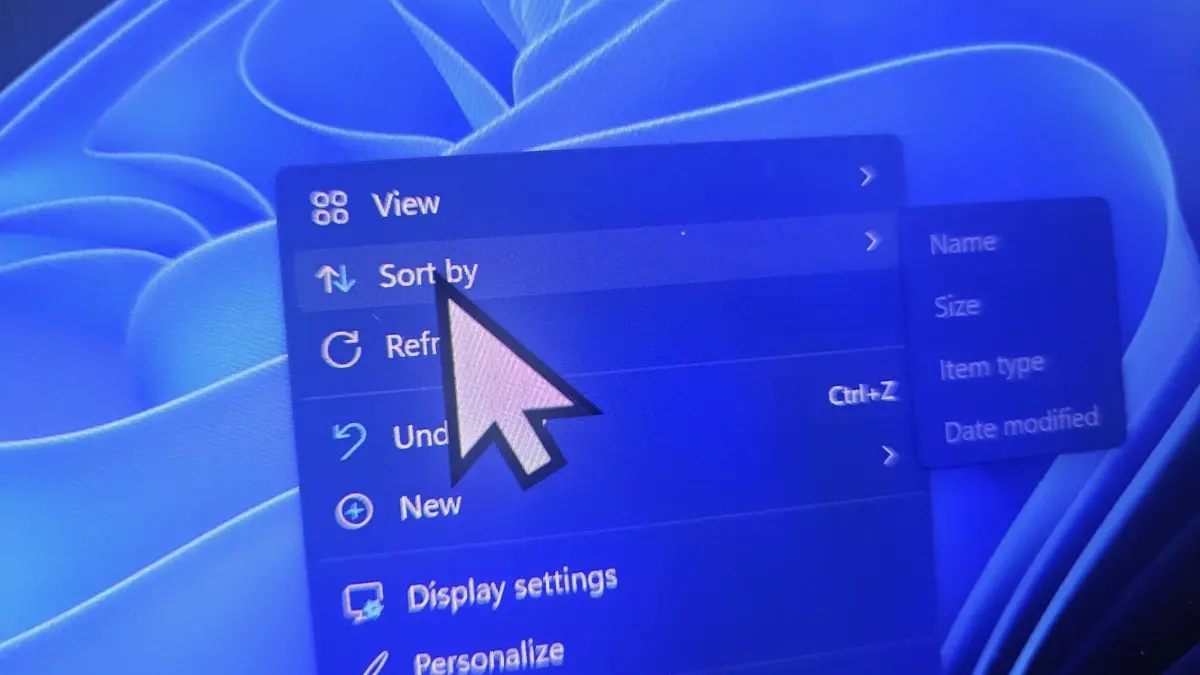 In addition to size fluctuations, the system often fails to retain custom pointer settings. Personalization choices, including specific colors and icon styles, are frequently reset to the default Windows configuration, forcing users to manually reconfigure their preferences repeatedly.
Microsoft has formally confirmed these findings within its official release notes. The company admitted that the update interferes with the registry settings responsible for pointer customization. This admission validates the widespread reports from users who found their preferred interface settings wiped clean shortly after the update was finalized.
Black Screen Errors Impact Desktop Customization
Beyond the cursor malfunctions, the update has also compromised the stability of desktop wallpapers. A significant number of users report that the operating system fails to render their chosen background images correctly upon restarting the machine. Instead of displaying a personalized wallpaper, the desktop environment defaults to a black screen, suggesting a deeper conflict within the shell interface or graphics handling protocols introduced by this specific patch.
Suggested Remedies Are Currently Available
As of now, the most effective solution for those struggling with these bugs is to remove the KB5120998 update entirely. By navigating to the update history in the system settings and selecting the option to uninstall this specific package, users can revert their machines to the previous, more stable version of the operating system. While this process requires a system restart, it effectively restores the functionality of both the mouse pointer and the desktop wallpaper.
Industry analysts continue to debate the quality assurance processes currently employed for optional Windows updates. Many argue that the technical errors observed in this release could have been identified through more rigorous testing cycles. Until Microsoft provides a permanent, verified patch to resolve these conflicts, the community remains in a holding pattern, waiting for a more stable iteration of the software to be distributed.
Have you experienced any of these cursor or display glitches after installing the latest Windows 11 update, or has your system remained stable? Please share your experience and any workarounds you discovered in the comments section below.
Your comment has been submitted,
it will be published after approval.