
Windows 11 Media Player Performance Disappoints Users

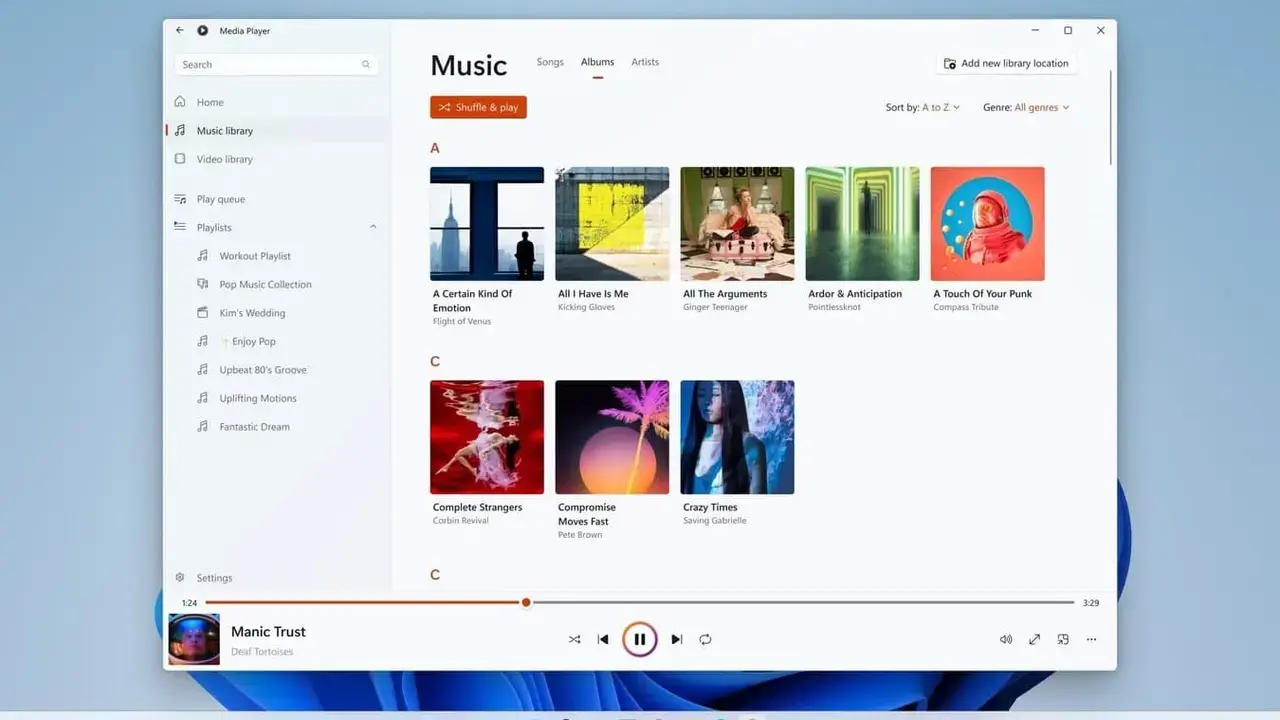
Microsoft recently deployed an update for its Windows 11 Media Player via the Insider Preview channel, but early performance benchmarks have left the user community underwhelmed. Released on June 12, version 11.2605.14.0 introduced several aesthetic refinements and internal architectural changes. However, when measured against the 17-year-old legacy Windows Media Player, the new iteration consistently demonstrates slower loading times and significantly higher resource consumption. Users who anticipated a modern interface paired with improved efficiency are now reporting that the application struggles to match the speed and lightweight nature of its predecessor, marking a notable setback for the operating system’s native multimedia tools.
- The updated Media Player consumes 377 MB of RAM when idle, which triples the 103 MB requirement of the classic version.
- Video initialization times remain consistently slower than those observed in the legacy Windows Media Player.
- Users must purchase a paid HEVC Video Extensions plugin from the Microsoft Store to play modern video formats.
Modern interface designs often come at the expense of significant background system resource consumption.
New Version Offers Significant Technical Enhancements
Despite the criticism regarding system overhead, this update package includes several functional improvements aimed at refining the overall user experience. The development team has integrated better subtitle support, clearer error reporting mechanisms, and more efficient media library indexing algorithms. 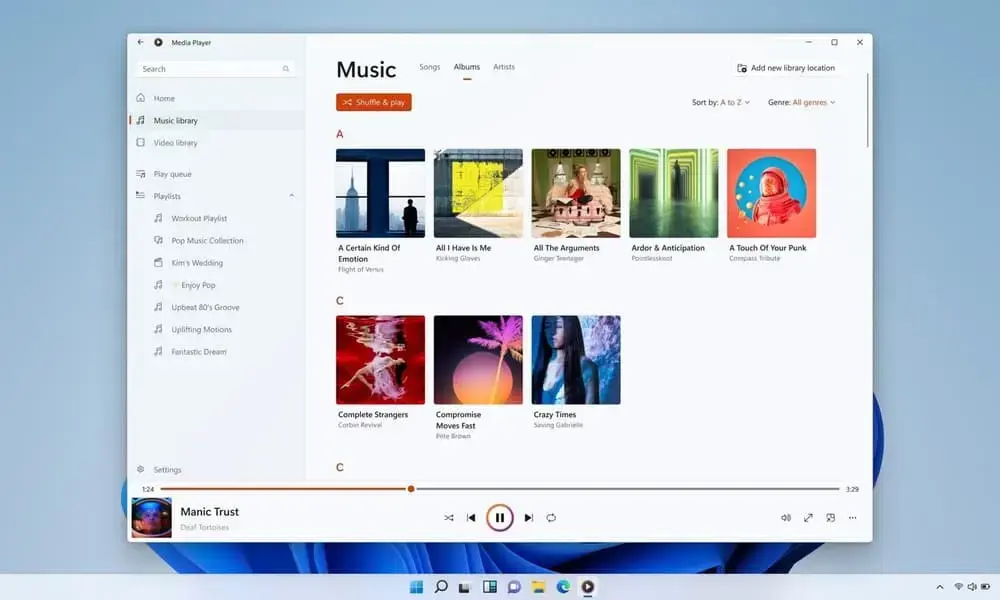 These features demonstrate that the underlying technical framework has undergone a comprehensive revision. Furthermore, the update successfully addresses previous stability issues, including crashes that frequently occurred when users attempted to organize their playback queues, alongside various minor visual bugs that hindered navigation.
Codec Licensing Policies Create User Frustration
A primary point of contention regarding the new Media Player is its restrictive approach toward the HEVC (H.265) video format, which is the industry standard for most modern smartphones. Microsoft currently mandates that users purchase an “HEVC Video Extensions” plugin for $0.99 to enable playback for these files. This policy forces users to pay for content access that was previously handled natively or through free alternatives in older versions. Consequently, many users are abandoning the native Windows tool in favor of free third-party software like VLC or MPV, which support a broader range of codecs without additional fees.
Free third-party alternatives currently outperform the native player by supporting all common file formats without requiring extra payments.
Media Strategy Undergoes Changes in Windows 11
The broader media strategy for Windows 11 is also shifting, as evidenced by the removal of native Dolby Digital AC-3 audio support in the 24H2 release. Microsoft appears to be prioritizing a modernized, streamlined aesthetic while simultaneously struggling to maintain the core functionality that long-time Windows users require. While the current Media Player is visually innovative and aligned with the OS design language, it has yet to replicate the efficiency and technical performance of the legacy solution. Whether Microsoft will optimize the current codebase to reduce its heavy resource footprint remains a significant question for the community.
Do you believe Microsoft should prioritize performance over modern design in its native applications, or do you prefer using third-party tools like VLC for your media needs? Share your thoughts and experiences with us in the comments section below.
Your comment has been submitted,
it will be published after approval.