
Windows 11 Performance Update Boosts System Speed by 20 Percent

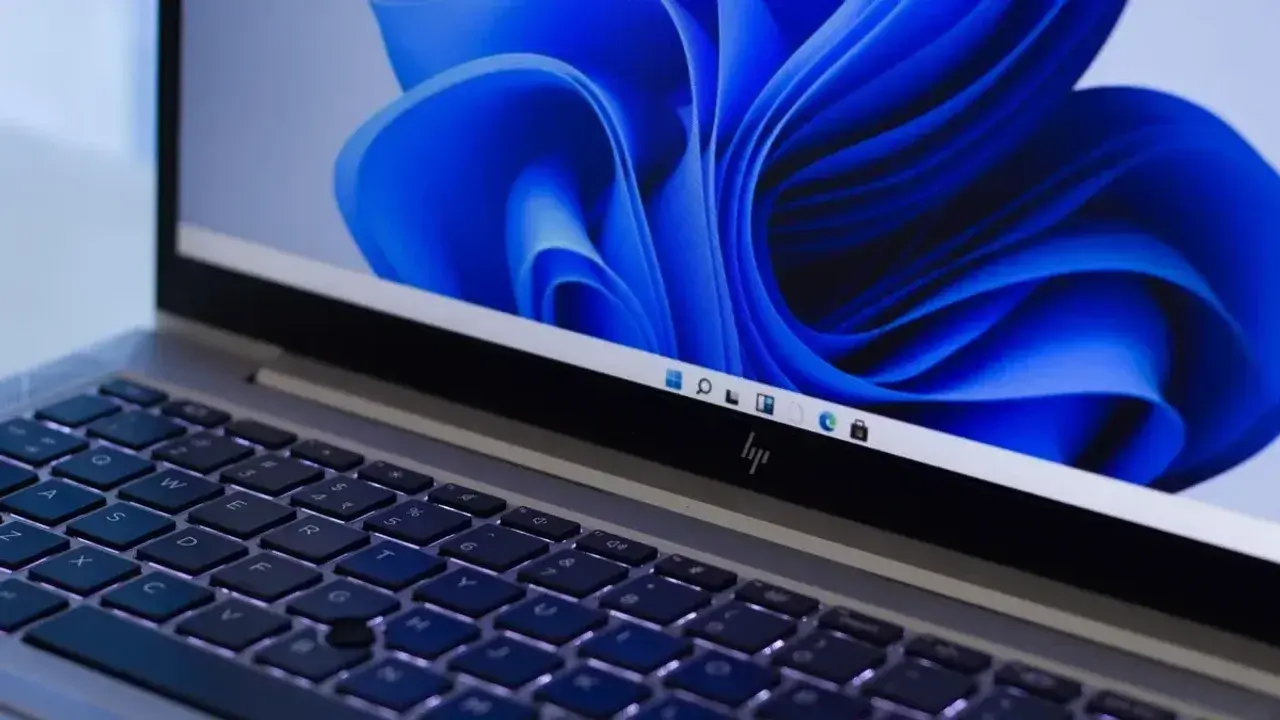
Microsoft has officially announced a significant performance overhaul for Windows 11, delivering a 20 percent increase in overall system responsiveness. By implementing deep optimizations within the operating system’s interface components, the company has successfully enhanced the fluidity of the user experience. These technical improvements, which compare performance metrics from early 2026 against current October data, ensure that critical system functions like the Start menu, File Explorer, Settings, and the Snipping Tool operate with greater efficiency. This update marks a major milestone in Microsoft’s ongoing effort to streamline Windows 11 and provide a more responsive computing environment for users globally.
- System responsiveness for primary interface components has improved by 20 percent following core optimizations.
- Computers equipped with 8GB of RAM experience significant efficiency gains through better memory management protocols.
- Background widgets now load only when accessed, reducing the cumulative system resource burden by 200 MB.
- The revamped Photos application delivers 25 percent faster launch times and includes integration with cloud services like iCloud.
These performance enhancements provide the most benefit to entry-level and mid-range hardware, specifically those machines configured with 8GB of memory. Microsoft engineers have refined how the operating system handles active data, ensuring that 2GB of information remains cached in memory rather than being offloaded to slower storage drives. This strategic change prevents common bottlenecks that occur when users maintain multiple browser tabs or heavy applications simultaneously.

System Resources Are Being Managed More Efficiently
Beyond memory management, the update introduces smarter background processing. Users will notice that system-level elements, such as the search bar and context menus, respond with near-instantaneous speed. By deferring the loading of background widgets until they are actually requested by the user, the system frees up approximately 200 MB of RAM, which directly contributes to a smoother multitasking experience across all supported devices.
The Photos Application Has Been Fully Redesigned
Microsoft has completely rebuilt the Photos application using the modern WinUI 3 framework. This architectural shift results in a 25 percent faster startup speed and a 30 percent reduction in time required to open individual images. The viewer itself has also received a 15 percent optimization boost, ensuring that users can browse through large libraries without encountering traditional lag or stuttering.
New productivity tools have been integrated into the application, including advanced repair and relighting functions for image editing. Furthermore, the new Gallery feature centralizes media storage by aggregating photos from local folders, OneDrive, and Apple iCloud into one unified view. The inclusion of natural language processing now allows users to search for specific images using simple text commands, further simplifying the organizational workflow for digital content creators and casual users alike.
Microsoft has signaled that these optimizations are merely the beginning of their long-term commitment to system efficiency. As the company continues to refine how Windows 11 interacts with hardware resources, users can expect further improvements in subsequent updates throughout the coming year.
Have you noticed a significant improvement in your system’s fluidity after installing the latest Windows 11 updates, or do you have specific tasks where you still see performance gaps? Share your experiences and thoughts in the comments section below.
Your comment has been submitted,
it will be published after approval.