
Anthropic Enables Mobile Management for Claude Cowork

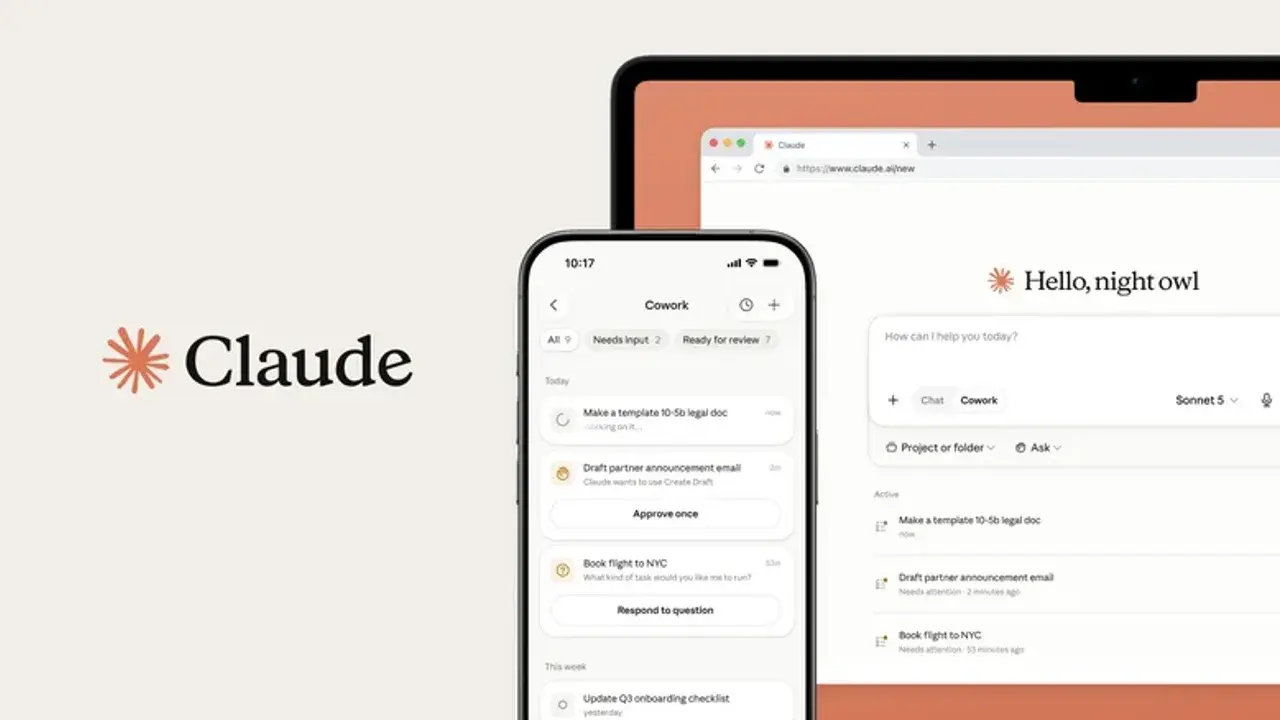
Anthropic has officially released a significant update for its Claude Cowork platform, allowing users to monitor and manage their automated workflows directly from mobile devices. Starting this week, users with the latest version of the official Claude application installed on their Android or iOS devices can access a dedicated Cowork tab located within the app’s side menu. This development marks a major milestone for Anthropic as it seeks to bridge the gap between desktop-based task automation and mobile accessibility, ensuring that professionals remain informed about their ongoing digital processes regardless of their physical location or proximity to their primary workstations.
- Users can now monitor active Claude Cowork processes remotely via the official mobile application.
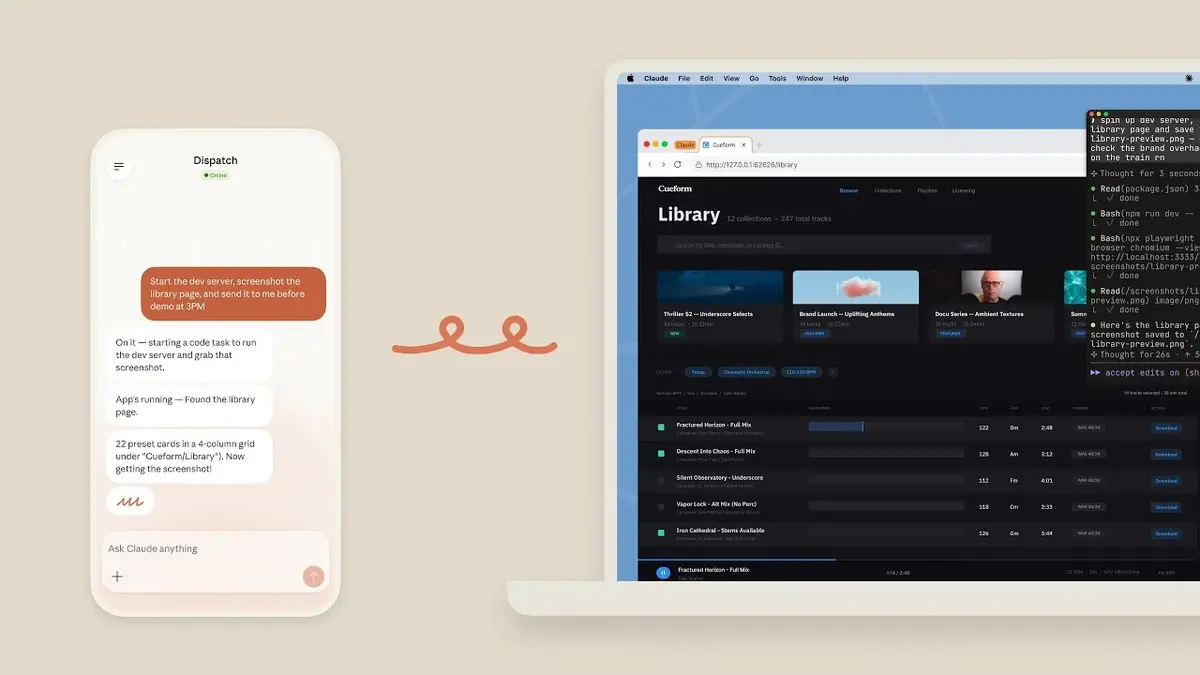
- The update allows the system to run tasks in the background without requiring the workstation to remain constantly active.
- Anthropic implements a mandatory approval system for all tasks to ensure user oversight and security.
- The current mobile integration is limited to Max subscribers with plans to expand access soon.
Mobile Access Facilitates Remote Process Monitoring
The introduction of mobile support for Claude Cowork does not mean that the AI will perform complex automations directly on your phone. Instead, the functionality is designed as a sophisticated remote control and monitoring tool. By syncing with the desktop environment, the mobile app provides real-time updates on task progress.
This update ensures that users maintain full control over their automated workflows without being tethered to a desk.
Previously, users were required to keep their computers powered on and connected to the internet at all times to ensure that automated tasks functioned correctly. With this latest update, Anthropic has optimized Cowork to handle background execution more efficiently. When the system reaches a stage where human intervention or confirmation is required, the application sends an immediate notification to the user’s mobile device. This verification process remains a critical safety feature, as Anthropic maintains its policy that no final action is executed without explicit user approval.
Future Updates Will Integrate Chat and Automation
Looking ahead, the development team at Anthropic is focused on creating a more unified interface that merges the standard chatbot experience with the advanced capabilities of Cowork. The long-term goal is to allow users to initiate and manage computer-based tasks directly through natural language prompts within the main Claude chat window.
This integration is expected to debut on the web client and desktop applications before rolling out more broadly. Furthermore, the company plans to unify its existing “Projects” and “Artifacts” features into this consolidated environment. Projects allow users to organize files and conversations around specific themes, while Artifacts provide a sandbox for Claude to generate and display functional code, small applications, or interactive prototypes. By combining these, Anthropic aims to create a cohesive ecosystem for digital productivity.
Anthropic intends to expand these mobile features to all subscription tiers within the coming weeks.
While currently reserved for Max subscribers, the expansion of these capabilities is already on the roadmap for the immediate future. As the software evolves, the line between manual computing and AI-assisted automation continues to blur, offering significant time-saving potential for power users. We invite you to share your thoughts in the comments section below regarding how this mobile-first approach might change your daily productivity workflow.
We are eager to hear your thoughts on this mobile update; how do you plan to use Claude Cowork while on the move, and what other features would you like to see added to the mobile app?
Your comment has been submitted,
it will be published after approval.