
Critical PHP2Shell Vulnerability Triggers Global Cybersecurity Warnings

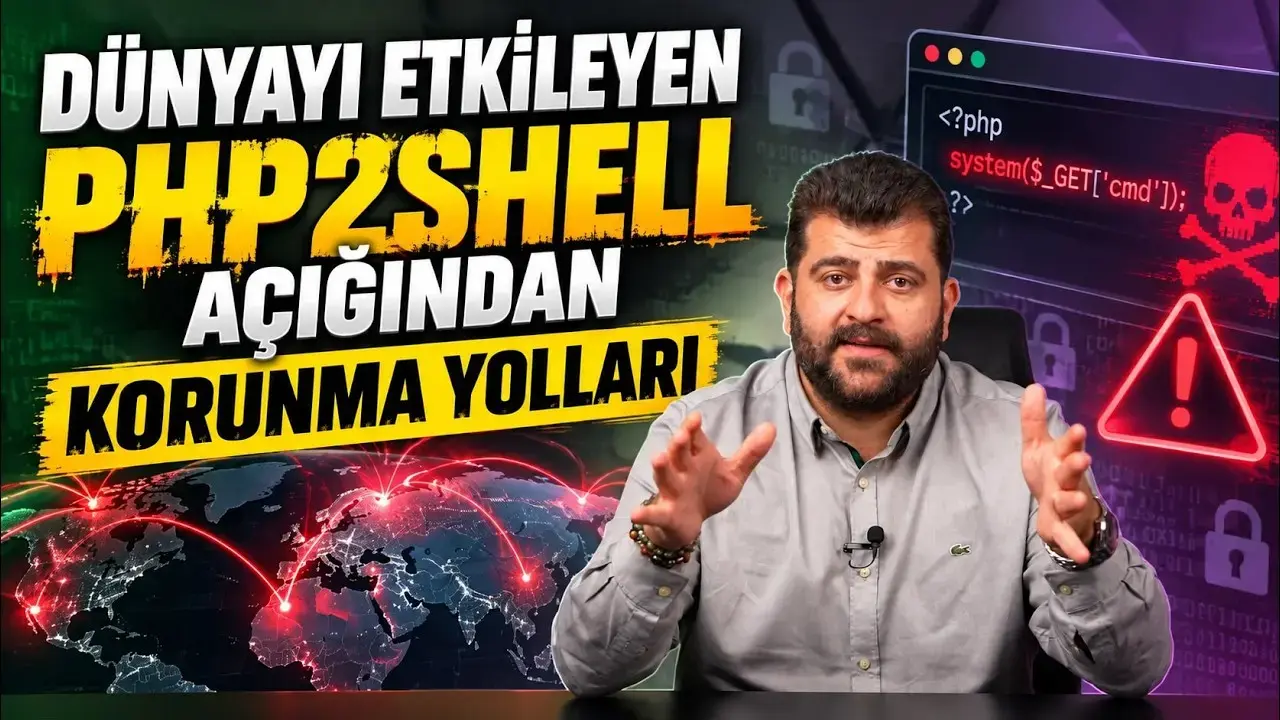
Two highly critical security vulnerabilities have been identified within the foundational PHP infrastructure, collectively dubbed the PHP2Shell exploit. These flaws are so severe that cybersecurity authorities worldwide, including Turkey’s Cybersecurity Presidency, Germany, France, and the Netherlands, have issued urgent warnings. The immediate threat prompted some nations to temporarily shut down certain public websites as a precautionary measure until necessary system updates could be implemented, underscoring the widespread and immediate danger posed by this zero-day attack.
- The PHP2Shell vulnerability enables attackers to execute unauthorized code on web servers without requiring any login credentials.
- Sensitive user data, including session information, cookies, and passwords, can be leaked from server memory due to this exploit.
- Zero-day attacks exploiting this flaw began before official security patches were released, indicating a race against time for system protection.
- Governments and cybersecurity agencies globally have issued immediate alerts, emphasizing the urgent need for system administrators and hosting providers to update PHP versions.
What Exactly Is PHP?
PHP stands as a core programming language, powering the backend of an estimated 70-80% of all websites, e-commerce platforms, WordPress-based blogs, and customer panels across the internet. Essentially, it acts as the engine driving these digital platforms. When you click ‘Login’ or add an item to your cart on a website, it is PHP working behind the scenes to process that request. The discovery of these critical security vulnerabilities within such a pervasive infrastructure raises significant concerns for global online security.
How Does the PHP2Shell Vulnerability Operate?
The severity of the PHP2Shell vulnerability is profound: it allows attackers to execute unauthorized code on your web server with a single external request, entirely bypassing the need for any username or password. Unlike traditional intrusions that require credential cracking or admin panel access, this exploit enables a seemingly ordinary web request to trigger a memory leak and code execution flaw within PHP’s processing. Furthermore, researchers have demonstrated that this vulnerability can expose other users’ session information, cookies, and even passwords stored in the server’s RAM. This means that sensitive data, such as your session details or credit card transaction steps during online shopping, could fall into malicious hands.
A particularly alarming aspect is that exploitation attempts began as ‘Zero-Day’ attacks even before official security patches were released. This means that no system, regardless of its size, is immune, as automated bot software constantly scans all IP addresses and PHP-running servers for such weaknesses.
WordPress and Shared Hosting Users Must Act Now
For small and medium-sized businesses, e-commerce operators, or individuals managing WordPress/Joomla sites on cPanel, DirectAdmin, or shared hosting environments, immediate action is crucial. You might not directly manage a server, but your hosting provider does. To ensure your site’s security:
- Open a support ticket with your hosting provider immediately.
- Inquire whether their PHP versions have been updated with the latest patches.
- Check the PHP version your site uses via the ‘Select PHP Version’ option in cPanel. If you are running an outdated and unsupported version (e.g., PHP 7.4 or 5.6), you must urgently upgrade your site to a supported PHP 8.2+ version.
Five Immediate Steps System Administrators Should Take
For Sysadmins, DevOps specialists, and developers managing their own servers, these five critical steps are paramount:
1. Inventory Your PHP Assets
Identify all instances where PHP is running, including not just your primary websites, but also customer portals, internal software, test/staging environments, and web-based management panels for devices. If you use PaaS or Shared Hosting, contact your service provider immediately to ascertain their update status.
2. Update Versions and Restart Services Promptly
PHP has released security updates. Migrate to the appropriate patched versions: 8.5.12, 8.4.27, 8.3.36, or 8.2.35, corresponding to your current PHP version. A critical detail: after updating, you must restart the PHP service (php-fpm or apache/nginx). Failing to do so will result in the server continuing to run the old, vulnerable code from memory. If you are on an unsupported PHP version, prioritize upgrading rather than seeking temporary workarounds.
3. Restrict Access to Unpatchable Systems
If a system cannot be immediately updated, restrict access to admin panels and critical PHP services via a firewall, allowing connections only from your organization’s specific IP addresses. Consider temporarily disabling international traffic if not essential, or take the service offline until it can be patched.
4. Actively Monitor for Breach Indicators in Logs
Given that attacks commenced before public disclosure, patching alone is insufficient. Scrutinize your servers for unusual new user accounts, unexpected files, suspicious network connections, and anomalous requests in web server logs. If any abnormality is detected, isolate the system from the network immediately.
5. Implement Automated Patching and Threat Detection (EDR)
Manually tracking dozens of servers is impractical. Employ centralized patch management tools that automatically detect outdated packages and Endpoint Detection and Response (EDR) solutions to monitor servers for anomalies. These tools are vital for proactive security.
Critical Mistakes to Avoid When Patching Systems
While securing your systems, remember to steer clear of these three common errors:
- Updating Without a Complete Backup: Upgrading PHP versions can sometimes cause compatibility issues with deprecated functions in your code, potentially breaking your site. Always perform a full backup before initiating any updates.
- Relying Solely on a Web Application Firewall (WAF): While WAF rules can slow down attacks, they do not offer 100% protection. Do not hide behind a WAF; apply the fundamental security patches.
- Mistaking Temporary Solutions for Permanent Fixes: Blocks implemented via
.htaccessor Nginx configurations are temporary measures. The only permanent solution is to update your PHP version to a patched release.
In cybersecurity, the moment a patch is released, the countdown for attackers begins because the vulnerability’s location becomes public knowledge. Therefore, inspect your servers and PHP versions today, immediately after reviewing this information.
The PHP2Shell vulnerability highlights the constant need for vigilance in cybersecurity. What measures have you already implemented to secure your PHP systems, or what challenges are you facing with these updates? Share your insights and experiences in the comments below.
Your comment has been submitted,
it will be published after approval.