
Google Develops AI-Powered Custom Clock Designs for Pixel Phones

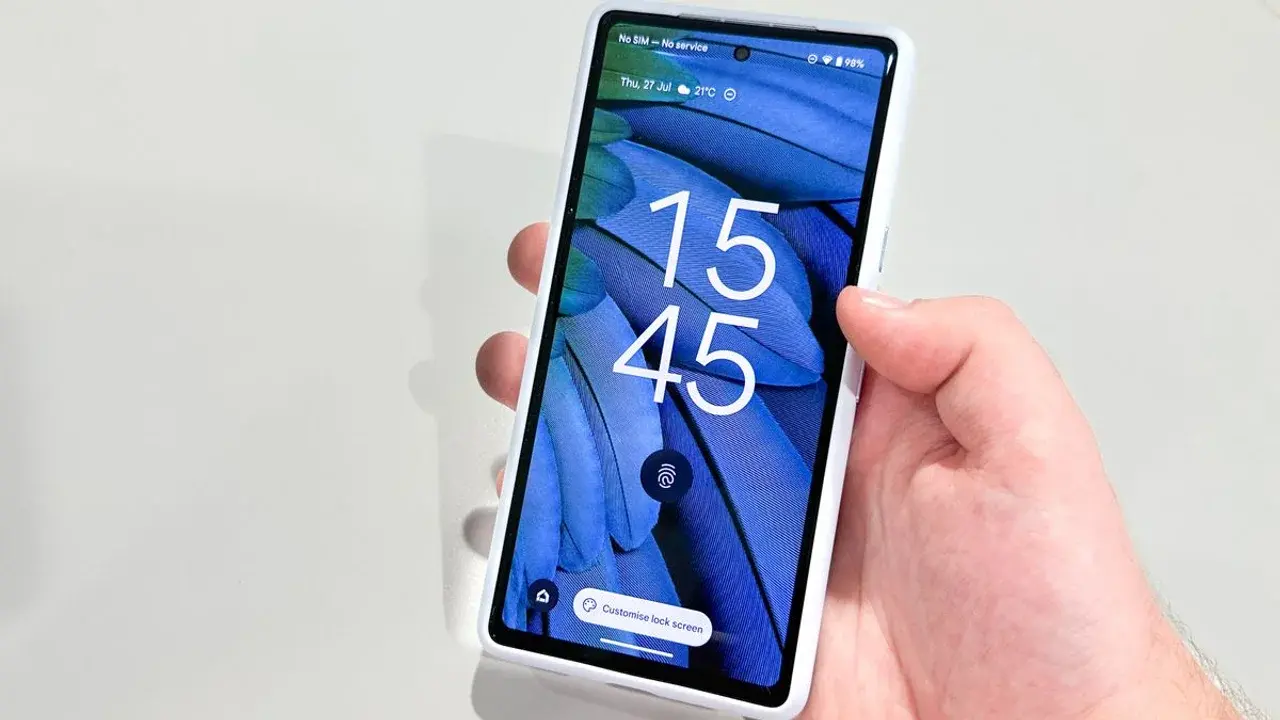
Google is currently exploring a transformative personalization feature for Pixel smartphone users, aimed at revolutionizing the device lock screen experience. According to recent findings within the Android Canary 2608 build, the tech giant is developing a system that utilizes generative artificial intelligence to create custom clock face designs. This initiative, identified by software analysts tracking internal updates, suggests that Google intends to move beyond static presets, allowing users to define their aesthetic preferences through advanced machine learning models. While the feature remains in an experimental phase and is not yet publicly accessible, it signals a significant shift toward deeper device customization for the Pixel ecosystem.
- Google is testing an AI-driven tool that generates unique clock face numerals based on user-provided text prompts or visual references.
- The experimental interface allows users to store custom designs within a dedicated gallery for future access and modification.
- This feature mirrors the logic of previously launched AI-powered wallpaper tools to enhance aesthetic flexibility on Pixel devices.
AI Tools Enable Personalized Clock Aesthetics
The core of this experimental interface revolves around a text-input box where users can describe their ideal clock style. By inputting specific commands or uploading reference images, individuals can customize the appearance of digits ranging from zero to nine. This approach allows for a highly granular level of control, as the AI reimagines traditional timekeeping elements through various textures, visual materials, and artistic styles. 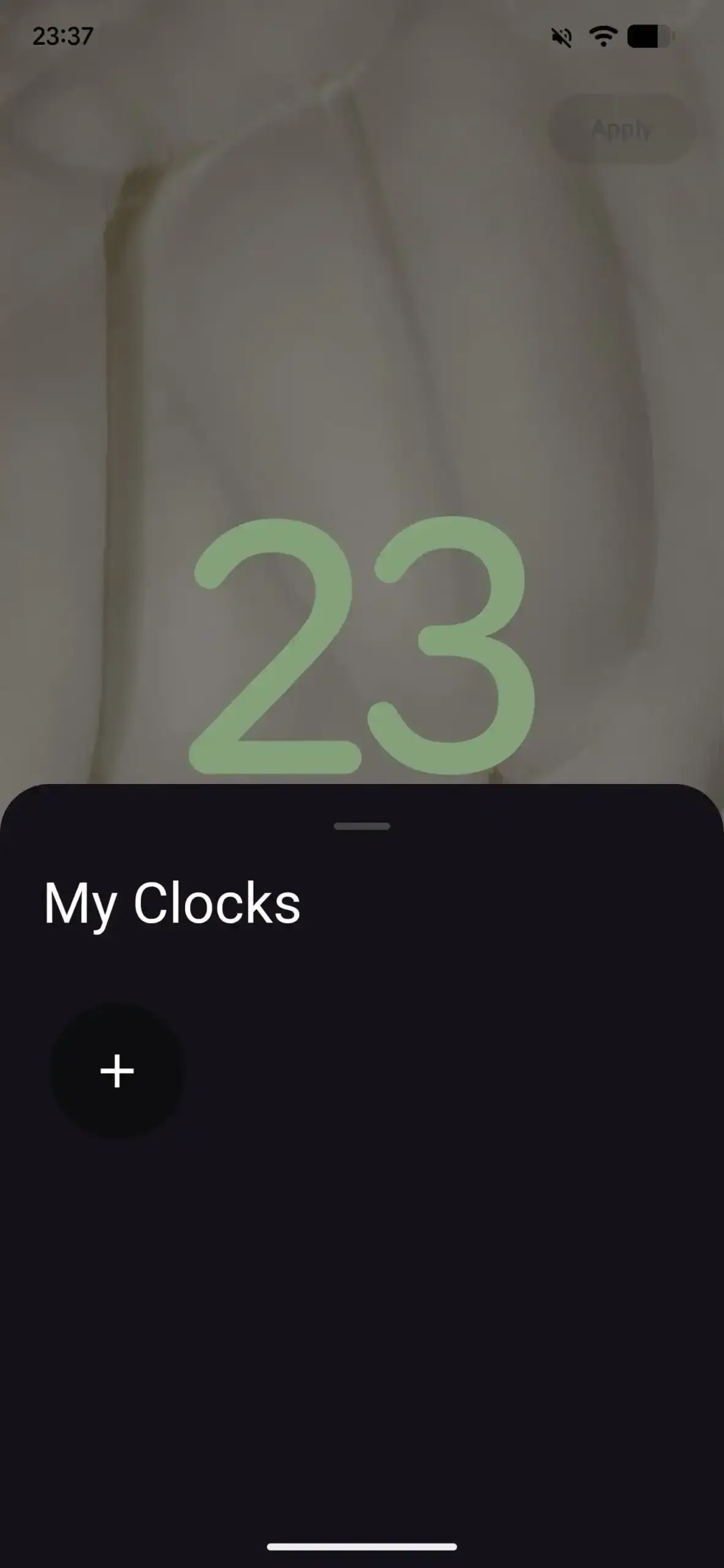 By providing a diverse range of creative suggestions, Google aims to simplify the design process for users who might need inspiration to match their clock faces with their chosen wallpaper themes.
These AI-generated designs will be stored in a specialized gallery, ensuring that users can toggle between their unique creations with ease.
The system is specifically designed to work within the confines of the lock screen interface, likely replacing or augmenting the eight standard digital clock options that have remained largely unchanged on Pixel devices for an extended period. 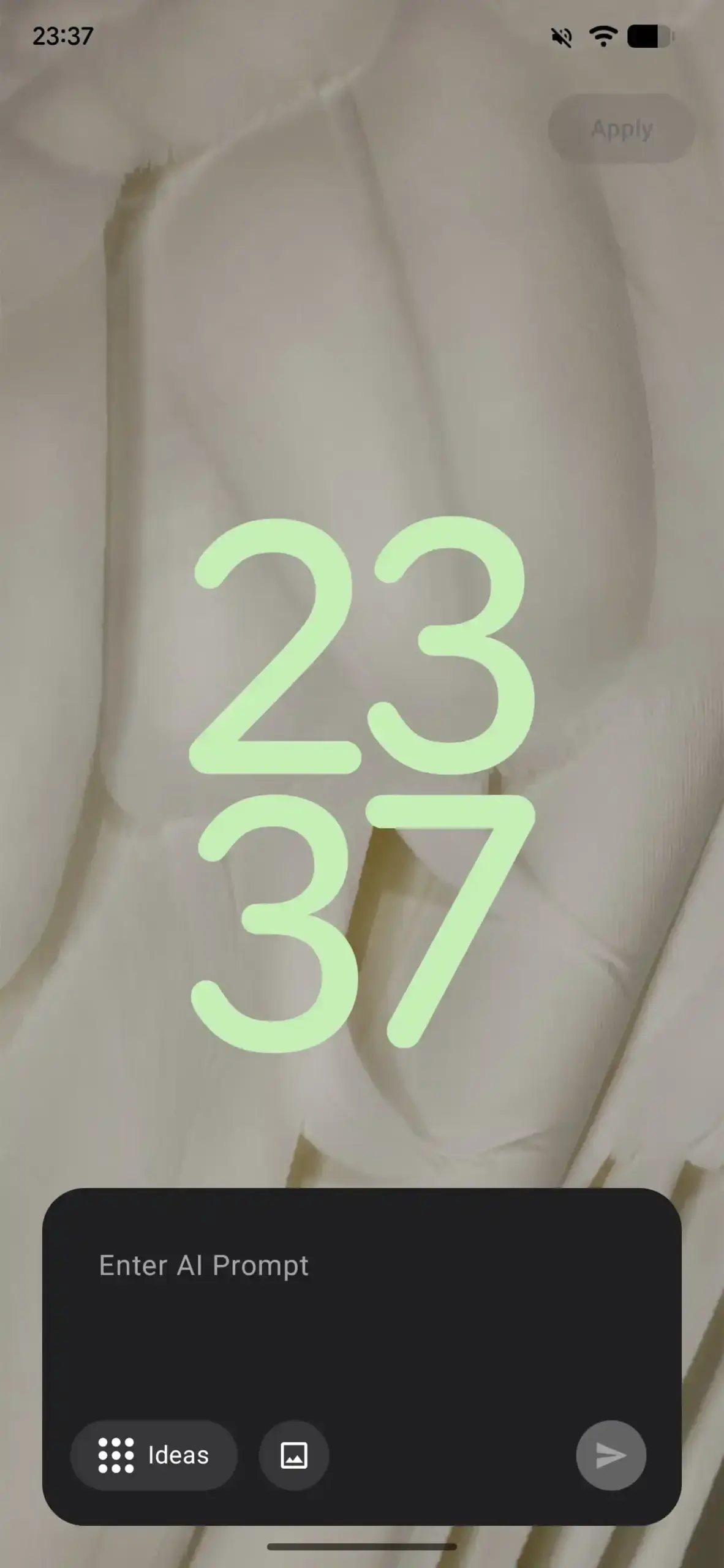 This move follows the company’s recent trend of integrating generative AI into the foundational layers of the Android user interface, mirroring the functionality previously introduced in AI-powered wallpaper generation tools.
Development Status Remains in Experimental Phases
As is common with features discovered in Android Canary builds, there is no definitive guarantee that this clock customization tool will reach the final stable release of the operating system. The development team is currently evaluating the stability and performance of the server-side functionality required to generate these images in real-time. 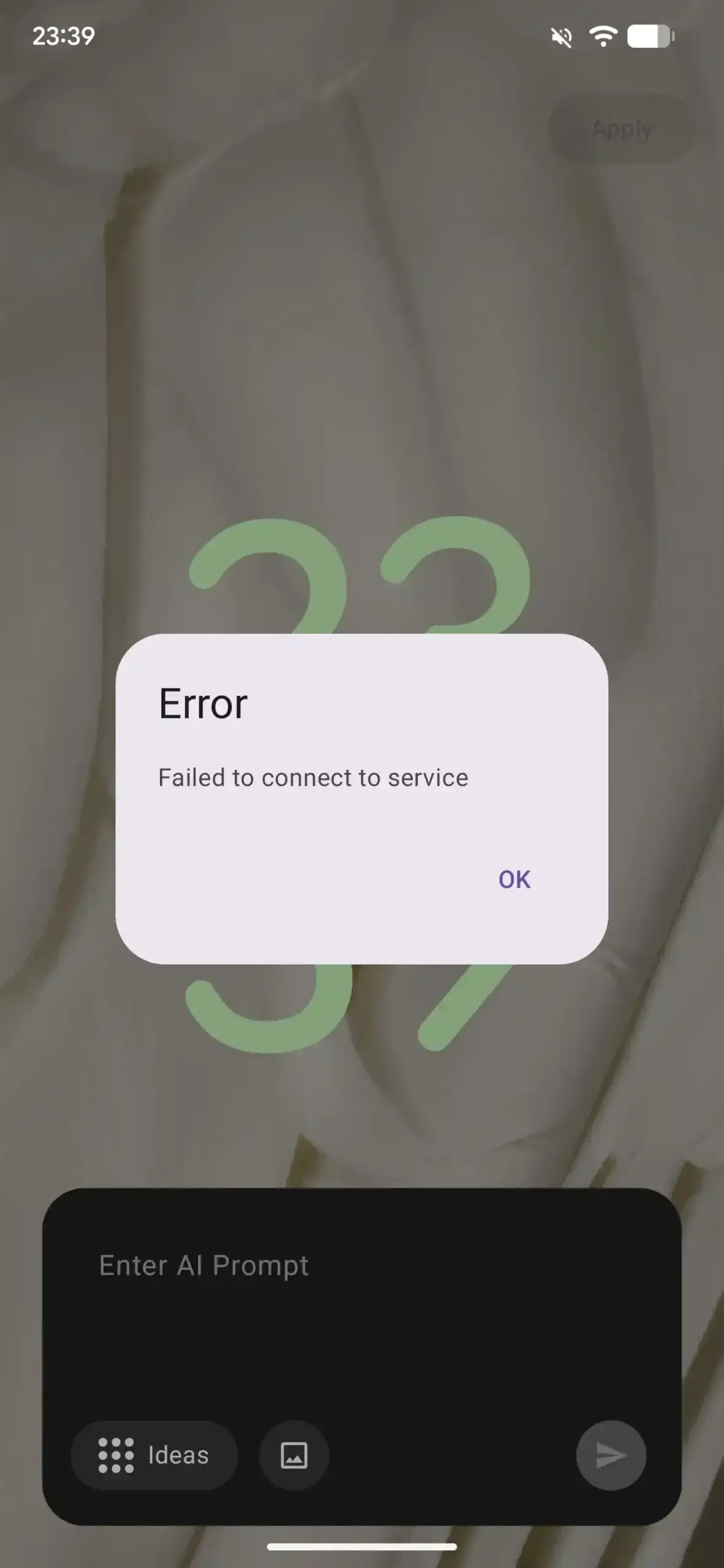 Furthermore, the broader Android 17 QPR2 Beta 2 environment continues to undergo adjustments, with some anticipated features like the extended Dynamic Color theming options still awaiting full implementation.
Google must still address several functional gaps before this experimental clock design tool can be considered for a public rollout.
While the prospect of having a truly unique lock screen is appealing to many, enthusiasts are closely watching how the company balances creative freedom with system battery efficiency and overall device performance. Whether this feature arrives in a future Android patch or remains a prototype for internal testing, it highlights Google’s persistent focus on making the Pixel experience more personal and technologically advanced than its competitors.
We would love to hear your thoughts on this potential design upgrade; if you could design your own clock face using artificial intelligence, what unique style or theme would you choose for your Pixel device?
Your comment has been submitted,
it will be published after approval.