
Google Gemini Now Allows Users to Download Apps Directly

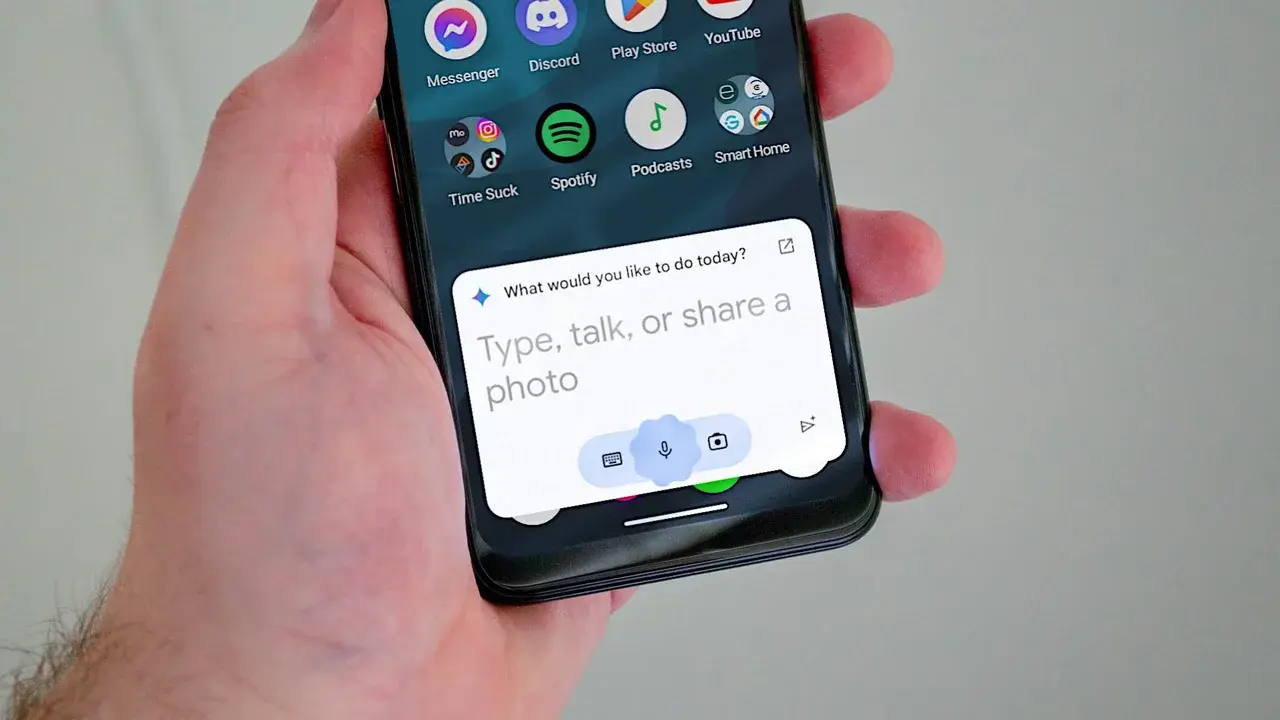
Google has officially introduced a seamless integration between its Gemini AI chatbot and the Google Play Store, enabling users to discover and download mobile applications directly within their chat interface. This innovative feature, rolled out by the technology giant, aims to simplify the often overwhelming process of navigating millions of apps available on the Play Store. By leveraging Gemini’s conversational capabilities, users can now receive tailored recommendations and perform digital transactions without leaving their current dialogue. This update marks a significant shift in how users interact with the Android ecosystem, effectively turning the AI assistant into a centralized hub for application management and digital shopping.
- Google integrates the Play Store directly into the Gemini chatbot interface to streamline app discovery.
- Users can view in-app purchase details and manage gift card transactions through the chat window.
- The feature requires users to be at least 18 years old and maintain an active Google account with activity tracking enabled.
- Google is deploying this update incrementally to all eligible Android users worldwide.
This strategic integration transforms Gemini from a simple information assistant into a functional gateway for the Google Play digital marketplace.
Gemini Facilitates Efficient Application Management
The primary advantage of this integration lies in the personalization of the app discovery experience. Instead of manually searching through endless categories in the Play Store, users can provide specific context to Gemini. For instance, if a user requests a productivity tool designed for meal planning, the AI analyzes available options and presents a curated list of relevant applications. Each recommendation includes a direct link to the corresponding Play Store page, ensuring a smooth transition for the installation process.
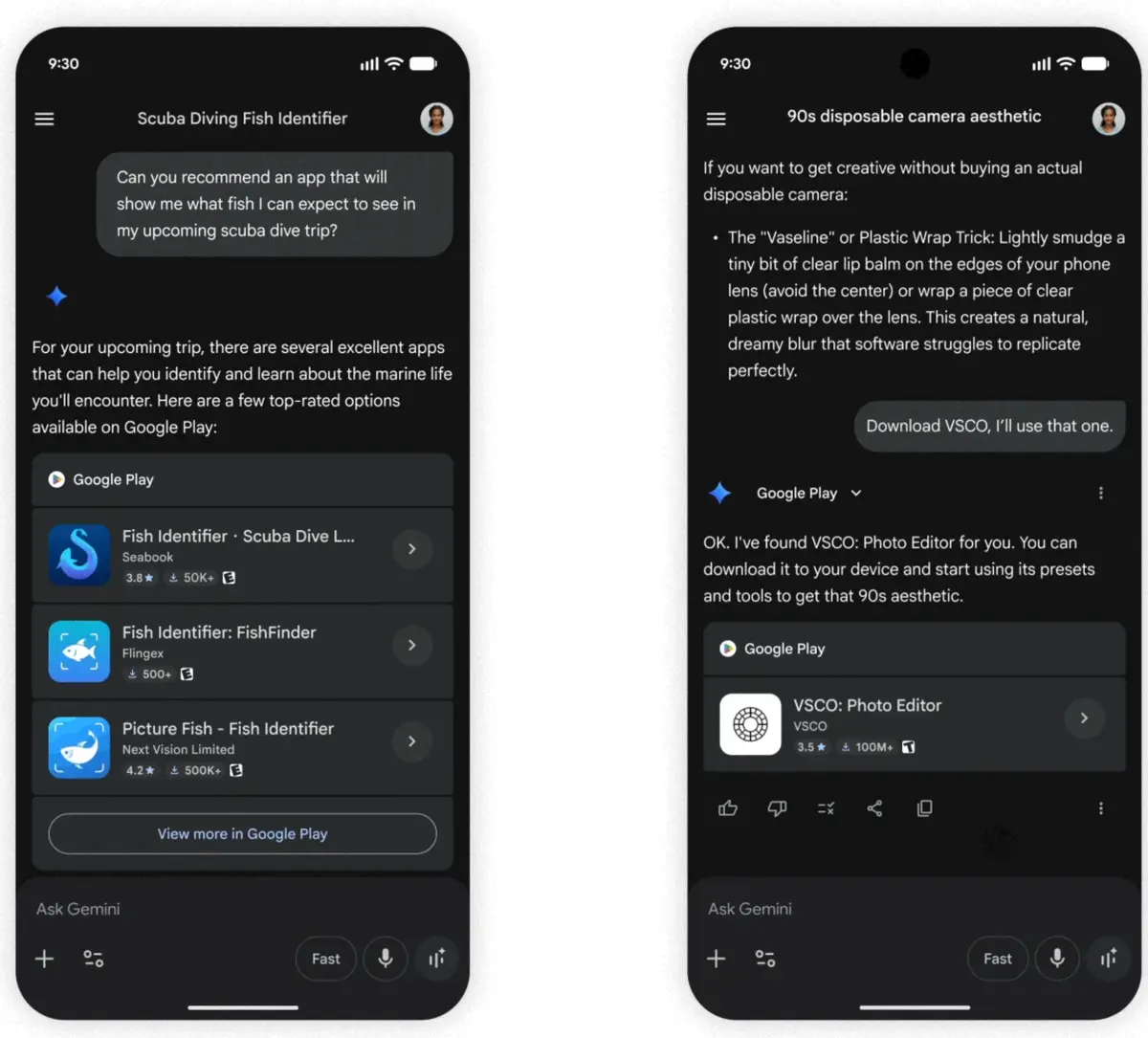
Furthermore, the functionality extends beyond mere discovery. The system allows for deeper interaction, enabling users to inspect in-app purchase options or handle financial transactions such as buying Google Play gift cards. By embedding these commerce features directly into the chat flow, Google significantly reduces the time and effort required to manage digital assets.
Requirements Ensure Secure Access for Users
To ensure a safe and effective implementation of this tool, Google has established specific usage criteria. The feature is restricted to users who are at least 18 years of age, possess an active Android device with the Play Store installed, and are logged into a personal Google account. Additionally, maintaining the ‘Keep Activity’ setting within the Gemini dashboard is a technical prerequisite for the integration to function correctly.
The setup process is designed for simplicity. Upon launching the Gemini application, a user simply needs to initiate a request for an app search. If the connection between the services has not been established yet, Gemini will prompt the user to grant the necessary permissions. The system provides clear, step-by-step guidance to complete the authorization, ensuring that even non-technical users can enable the feature with minimal effort.
Google confirms that this feature is rolling out to eligible users in phases to ensure system stability.
As AI continues to bridge the gap between intent and action, this development highlights a broader trend toward more integrated and responsive digital environments. By reducing the friction involved in discovering and obtaining software, Google is setting a new standard for how mobile operating systems should facilitate user needs.
We are curious to know how you feel about this new capability. Do you think having an AI assistant manage your app installations will change your digital habits, or do you prefer browsing the store manually? Share your thoughts in the comments section below.
Your comment has been submitted,
it will be published after approval.