
How to Perform Multiple Face Swaps in Videos Using AI

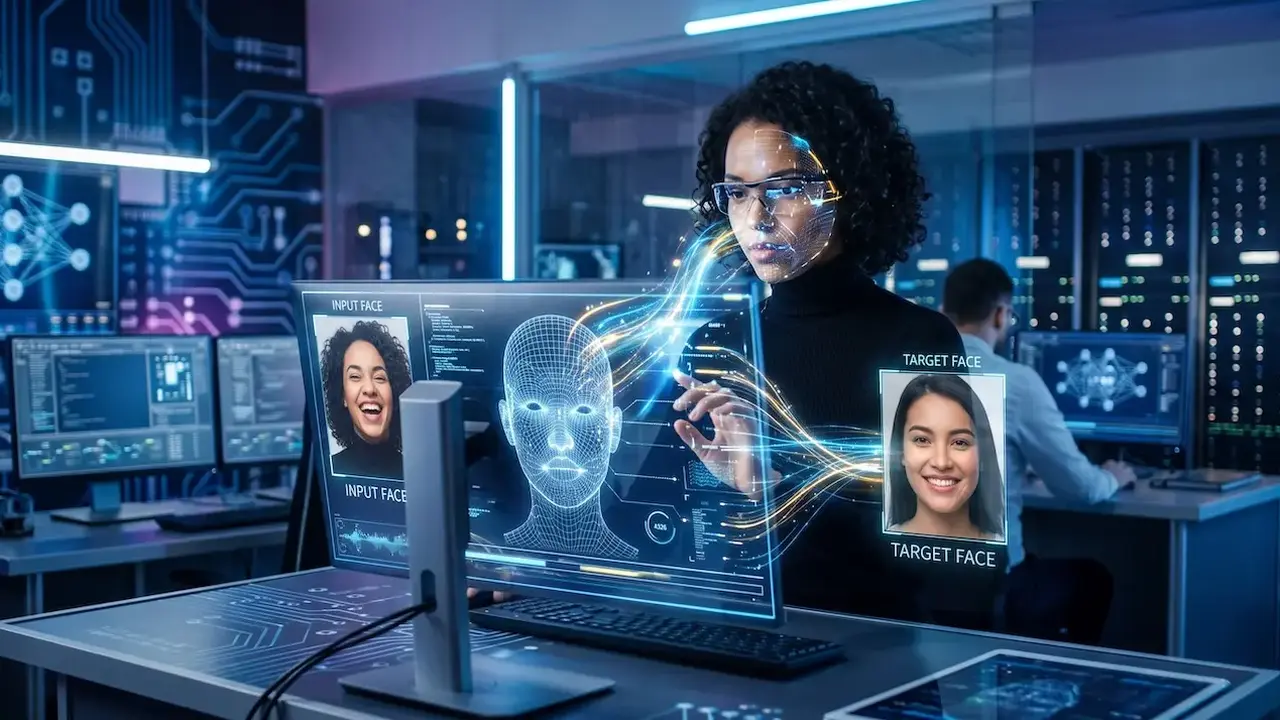
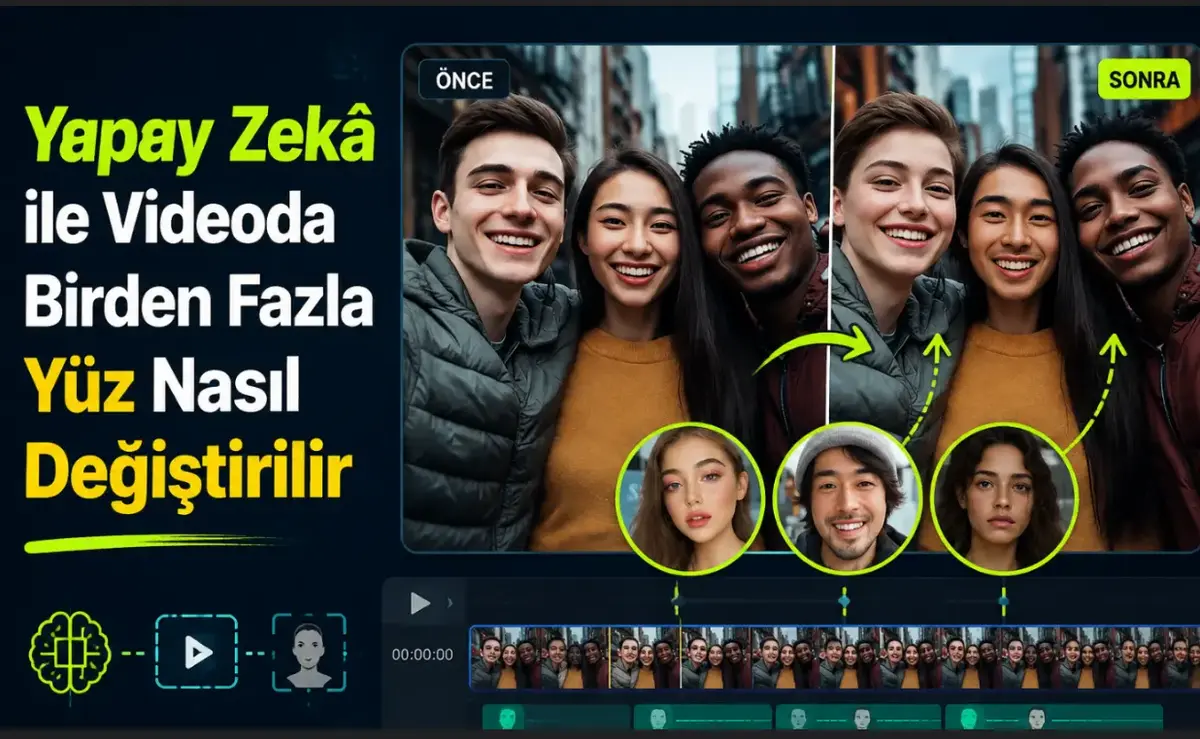
Artificial intelligence-driven face swapping has rapidly evolved into a prominent social media trend, allowing users to create engaging and personalized content. Recently, the ability to perform a multiple face swap in video content has emerged as a powerful tool for creators looking to modify group clips, dance videos, or collaborative projects. By utilizing specialized platforms like VidMage, users can now replace up to four distinct faces within a single video sequence without requiring advanced technical skills or complex editing software. This guide explores the systematic process of executing these swaps and provides essential professional tips to ensure the final output maintains high visual fidelity and realism.
- VidMage allows users to perform multiple face swaps on up to four individuals within a single video file.
- The process supports standard video formats including MP4, MOV, and M4V with a maximum file size of 100 MB.
- High-quality results depend on using clear, well-lit, and front-facing reference images for each subject.
- The automated AI engine processes facial movements and lighting conditions to integrate the new faces into the original footage.
Multiple Face Swapping Technologies are Evolving Quickly
The landscape of digital content creation has shifted as AI tools become more accessible. While initial face-swapping technology focused on single individuals, the demand for complex, multi-person editing has grown. Platforms now prioritize user experience, ensuring that privacy and high-quality rendering remain at the forefront of their services. VidMage serves as a prominent example of software that simplifies this transition, offering both web-based and offline versions for Mac users to facilitate seamless editing workflows.
The Step-by-Step Procedure is Defined by Simplicity
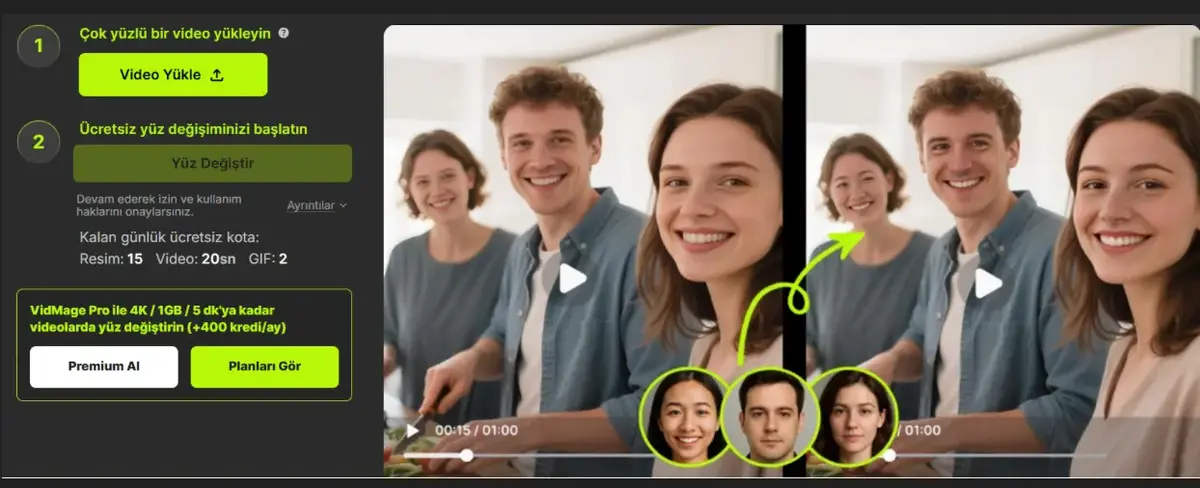
Executing a swap follows a logical progression designed to minimize manual effort. First, users must upload a group video containing the subjects they wish to modify. Once the video is loaded into the system, the user uploads a distinct, high-quality photograph for every individual intended for the swap. The third phase involves mapping each uploaded image to the corresponding person in the video. If a user prefers to keep certain individuals unchanged, those faces can be left in their original state. Finally, the AI engine initiates the rendering process, which synchronizes facial features, lighting, and movement to generate a final 1080P output file without watermarks.
Quality Control Measures Enhance Final Results
Achieving realistic outcomes requires adherence to specific technical best practices. Because the AI relies on the quality of the input data, users should prioritize clear, front-facing images that are well-illuminated. The similarity between the reference photo angle and the video subject’s pose significantly influences the integration quality. Furthermore, professionals should avoid scenes involving rapid, obstructed movement, as these conditions can hinder the AI’s ability to track facial landmarks accurately. Always ensure that you hold the necessary rights to the source content to maintain ethical standards and comply with platform regulations.
The Future of AI-Enhanced Video Editing Continues
The integration of sophisticated AI into consumer-level video editing has democratized creative expression. By removing the barrier to entry, these tools allow creators to experiment with complex visual effects that were previously reserved for high-end production houses. As technology continues to improve, the precision of these swaps will likely reach even higher levels of photorealism, further expanding the creative possibilities for social media enthusiasts and content creators alike.
Have you experimented with AI-based face swapping for your creative projects yet? Share your experiences or ask any questions about the multi-face swapping process in the comments section below!
Your comment has been submitted,
it will be published after approval.