
WhatsApp Releases New Search Shortcut for iOS Users


WhatsApp has officially launched a new search shortcut feature for iOS devices, aiming to significantly streamline the user experience within chats and channels. Released as part of the 26.36.74 update, this functionality allows users to perform quick message searches directly from the main chat interface without navigating through secondary menus. By simply scrolling up, users can trigger the search bar at the top of the screen, making it easier than ever to locate specific information in long conversations. This rollout is currently taking place globally, reflecting WhatsApp’s ongoing commitment to enhancing navigation efficiency for its massive user base.
- WhatsApp introduced a new search shortcut for iOS that enables faster content retrieval within chats and channels.
- The feature arrives with the 26.36.74 version update and is currently being distributed to users worldwide.
- The search button appears at the top of the interface when the user scrolls upward during a conversation.
- This update simplifies the process of finding specific messages in both individual chats and busy information channels.
Search Efficiency is Being Significantly Enhanced
Previously, users seeking to find a specific message were required to navigate through cumbersome menus located within individual contact or group information tabs. This process often felt counterintuitive and time-consuming. With the latest design implementation, the search function is now accessible with a single, fluid motion. After extensive testing throughout the summer, the development team has finalized a design where the button remains hidden until a user scrolls upward, ensuring the interface remains clean and clutter-free when not in active use. 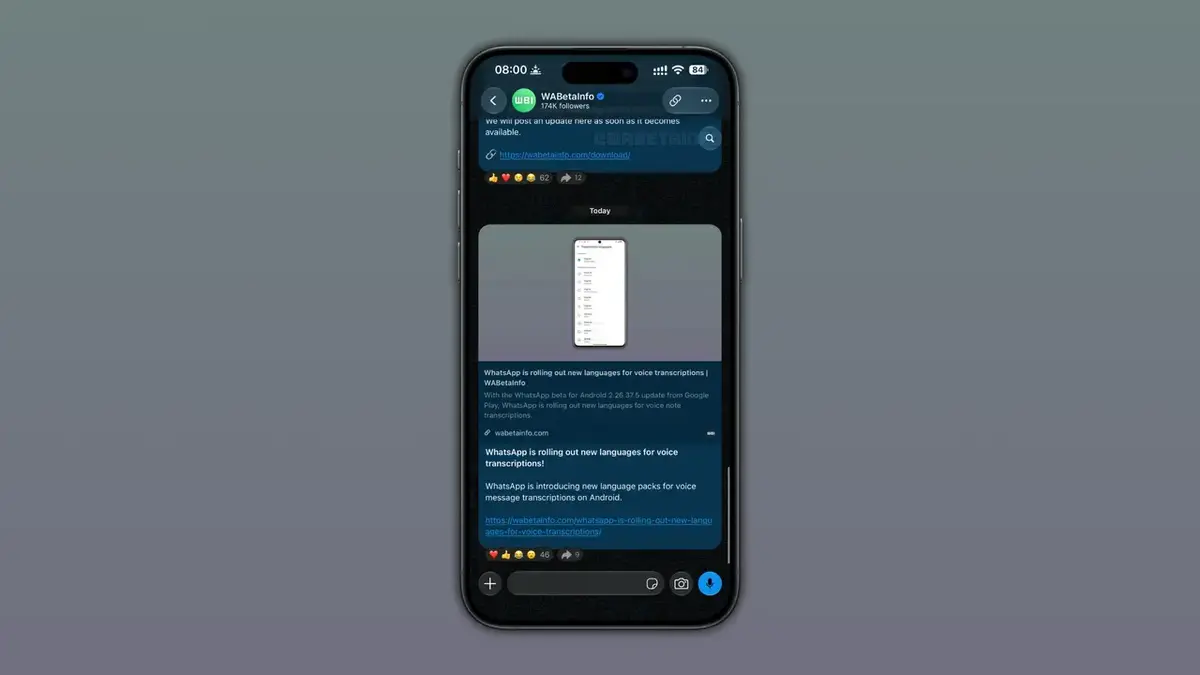
Design Decisions are Being Carefully Refined
During the development phase, engineers considered placing the search button at the bottom of the screen to match standard mobile thumb-reach patterns. However, the design team ultimately concluded that the top position offers a superior interaction flow. By avoiding potential conflicts with existing primary navigation buttons at the bottom of the app, this strategic placement ensures that the search functionality does not disrupt the core messaging experience. This refined architecture maintains a minimalist aesthetic while providing powerful utility.
Search Capabilities for Channels are Being Accelerated
The impact of this update extends beyond personal and group messaging, as it also significantly improves searchability within channels. In high-traffic channels where hundreds of updates are shared daily, locating specific past information was previously a daunting task. By integrating the search shortcut into the header area, users can now filter through channel history in mere seconds. This improvement is particularly beneficial for those who rely on WhatsApp as a primary source for real-time news and informational updates.
Global Rollout is Currently Being Executed
The update is currently reaching users who have installed version 26.36.74 from the Apple App Store. While the deployment is occurring in stages, the company has confirmed that the feature will be available to all global iOS users within the coming weeks. Users who do not yet see the shortcut are encouraged to check the App Store for any pending updates to ensure they are utilizing the latest version of the application. This phased approach allows the development team to monitor performance and ensure a stable experience as the feature becomes standard across the platform.
We would love to hear your thoughts on this latest update. Does the new search shortcut make navigating your busy chat history faster, or do you prefer the older menu-based system? Please share your user experience and feedback in the comments section below.
Your comment has been submitted,
it will be published after approval.